Last Updated: January 2026
When taking meeting minutes, using a transcription app allows you to save all spoken content as data without missing anything.
However, you might be wondering, “Can transcription apps really improve our business operations?”
Indeed, some transcription apps that don’t properly utilize the latest AI technology have low accuracy.
This article explains the overview of transcription apps and the features they need, then introduces recommended transcription apps.
If you’re thinking:
…please use this article as a reference.
—
What is a Transcription App?
A transcription app is a tool that uses AI voice recognition technology to automatically convert spoken words into text.
In business, transcription apps are widely used for meetings, consultations, interviews, seminars, and more. Many companies particularly want to keep meeting content as notes.
However, not all transcription apps meet business-level standards. Some apps have low transcription accuracy.
Naturally, using tools with insufficient features won’t improve business efficiency. Also, functionality and usability vary depending on the app you use.
—
Benefits of Recording Meeting Content with Transcription Apps
Meeting minutes are typically created using human resources—staff listening to audio data and compiling it, or outsourcing transcription work.
Below, we explain 4 benefits of using transcription apps compared to having people directly take meeting minutes.
1. Reduced Staff Burden

Using a transcription app dramatically reduces the effort needed to create meeting minutes.
Since the app converts voice information to text in real-time, staff only need to check and correct typos after the meeting ends. If small typos don’t bother you, even checking isn’t necessary.
The time required for staff to create minutes while listening to audio varies depending on the amount of discussion, but it’s not unusual for one meeting’s minutes to take several hours.
Transcription apps are basically available for a flat monthly fee.
2. Reduced Meeting Minutes Tracing Costs
When reviewing meeting content later, if it’s been converted to text by a transcription app, you can easily search for the information you need. Without text conversion, you have to listen to the audio to find the necessary sections.
Using a transcription app significantly reduces the time and cost of searching for information.
3. Real-time Capability

Transcription apps allow you to create meeting minutes in real-time.
Without a transcription app, there’s a time lag before minutes are completed.
The benefit of real-time text conversion is that members who join a meeting midway can immediately understand the meeting content.
This eliminates the need to explain content to late joiners, also helping shorten meeting times.
4. Recording Nuances
Transcription apps basically record everything word for word. As a result, nuances and feelings from the meeting are conveyed better.
Conversely, when company staff or external staff do transcription, unnecessary parts or hesitations are often cut. While this makes it easier to read, nuances may become harder to convey.
Being able to convey nuances is very important for accurately communicating meeting content.
—
Key Selection Points When Considering Transcription Apps
There are key selection points companies should keep in mind when implementing transcription apps.
Here are 7 essential points needed to improve productivity and prevent problems.
1. Is Transcription Accuracy High?
High transcription accuracy is essential for using apps for meeting minutes.
Low-accuracy transcription apps cause the following problems:
If these issues exist, the app fundamentally can’t function as meeting minutes.
High-accuracy transcription apps achieve high precision by applying AI technology.
As of 2022, no transcription tool offers 100% accuracy, but for example, the transcription tool “AIGIJIROKU” claims 99.8% accuracy.
Implement an app with accuracy that can improve business efficiency.
2. Can It Be Used with Web Conferencing?
In recent years, telework adoption has increased, and web conferencing opportunities have grown.
To transcribe web conference content, one of the following conditions is important:
Without these features, you’ll have to transcribe from recorded data after the meeting, creating extra work.
3. Ease of Use and Implementation
If using or implementing an app requires too much effort, or if recording fails, it won’t improve business efficiency.
When choosing an app with ease of use and implementation in mind, the following points are important:
Consider ease of use for all team members.
4. Security

When using transcription tools, you must also consider information handling. If you implement a transcription tool with low security, meeting data could leak externally or be tampered with via the internet.
Meetings sometimes discuss confidential information, trade secrets, and personal information, so leaks could become serious incidents.
Security and safety aren’t visible, so many people don’t know how to evaluate them.
One solution when security concerns remain is to confirm with the provider what measures they’re taking. Furthermore, by checking and comparing security measures across multiple apps, you can deepen your understanding of app security.
5. Multi-language Support and Translation Features
If a transcription app tool supports multiple languages and translation features, you can smoothly handle transcription in foreign languages, not just Japanese.
Support: Can transcribe directly in supported languages
Translation: Can translate foreign languages to Japanese and transcribe in Japanese
Conversely, some tools don’t support Japanese transcription, so be careful. For example, the Zoom web conferencing tool’s transcription feature only supports English as of February 2022—Japanese is not supported.
When using transcription apps, choose tools that support the languages your company uses.
6. Speaker Identification
In meeting minutes with multiple members, recording who made each statement is also important. Minutes without speaker identification confuse readers.
Speaker identification can be done in two ways: online identification by ID, or AI voice recognition.
When selecting a transcription app, confirm whether it has speaker identification features and whether speakers are recorded in the minutes.
7. Supported Devices
Transcription apps include PC software for Windows/Mac, cloud software that runs in browsers, and smartphone apps for Android/iPhone.
Confirm that the transcription app or software supports the devices you’re using.
—
Top 3 Recommended Transcription Software [High Accuracy, Web Conferencing, Translation Support]
Common business themes today include telework, IT adoption, and global support.
Using transcription software that’s high-accuracy plus has web conferencing and translation features can improve business efficiency.
We’ll explain each tool’s features and functions clearly, so please use this as reference.
1. VoicePing
*Source: https://voice-ping.com/*
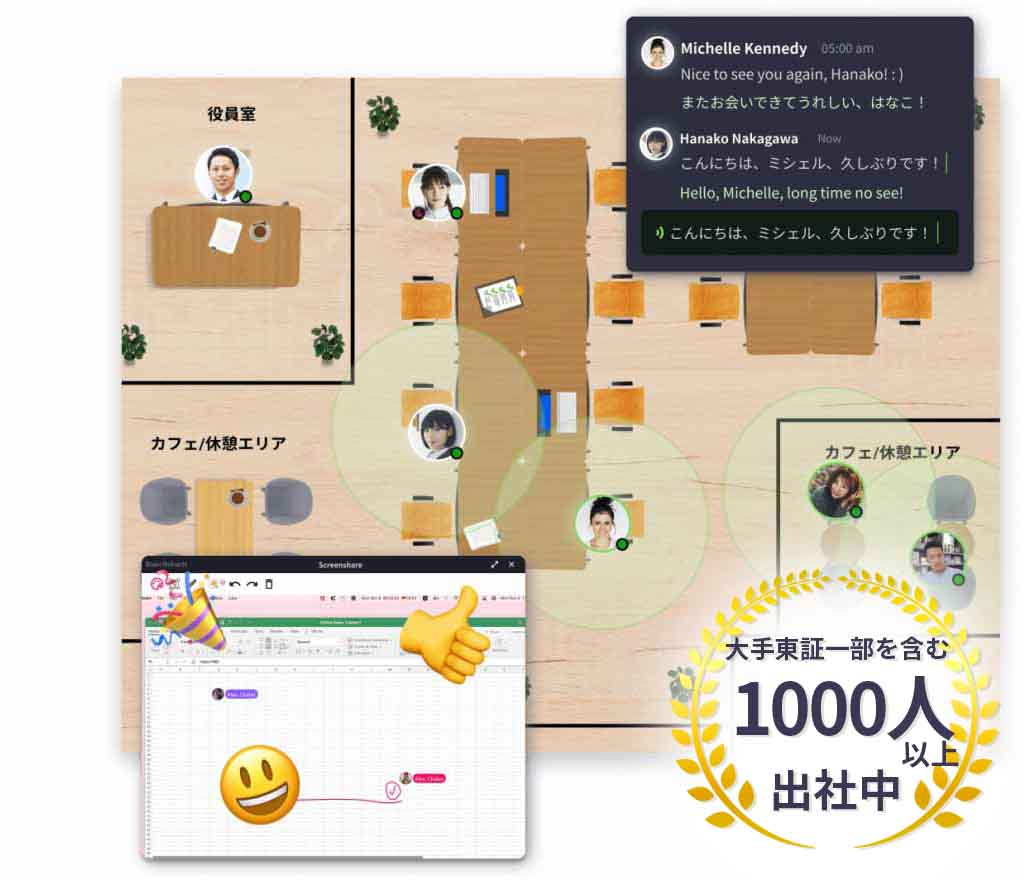
VoicePing is a virtual office tool with high-accuracy transcription features.
A virtual office tool places employee avatars (illustrations) in a virtual office to enhance online productivity.
It includes web conferencing, chat, document sharing, and other features needed for telework. Also, because it supports Vietnamese translation, it’s particularly beneficial for companies doing Vietnam offshore development.
Offshore development refers to having web systems and information systems developed by local partners or subsidiaries.
As a domestic product with implementation support available, even those unfamiliar with app implementation can adopt it without problems.
Overall, VoicePing is highly recommended for those who need voice translation in company meetings.
Pricing (Example):
| Plan | Price | Transcription | Users |
|---|---|---|---|
| Premium | ¥20,000/month | 3,000 min/month | Up to 50 |
| Enterprise | Contact us | Contact us | Contact us |
—
2. AIGIJIROKU
*Source: https://gijiroku.ai/*
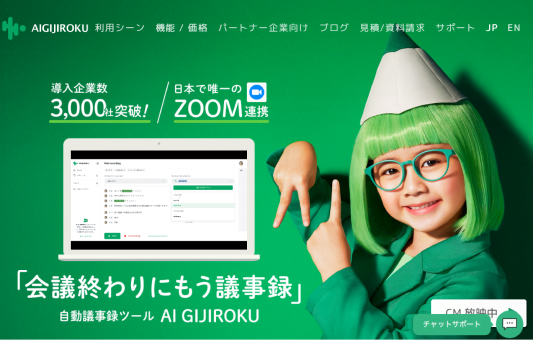
AIGIJIROKU is an “automatic meeting minutes tool.”
It’s equipped with AI and achieves high-accuracy text conversion through industry-specific customization for finance, IT, law, etc., and by reflecting individual members’ speaking habits.
AIGIJIROKU’s features include:
Transcription data can be downloaded in text format and shared via email or SNS.
With built-in help support, you shouldn’t have trouble with implementation.
Pricing:
| Plan | Price | Transcription | Users |
|---|---|---|---|
| Business | ¥29,800/month | 6,000 min/month | 10 |
| Premium | ¥200,000/month | 60,000 min/month | 100 |
—
3. Notta
*Source: https://www.notta.ai/*
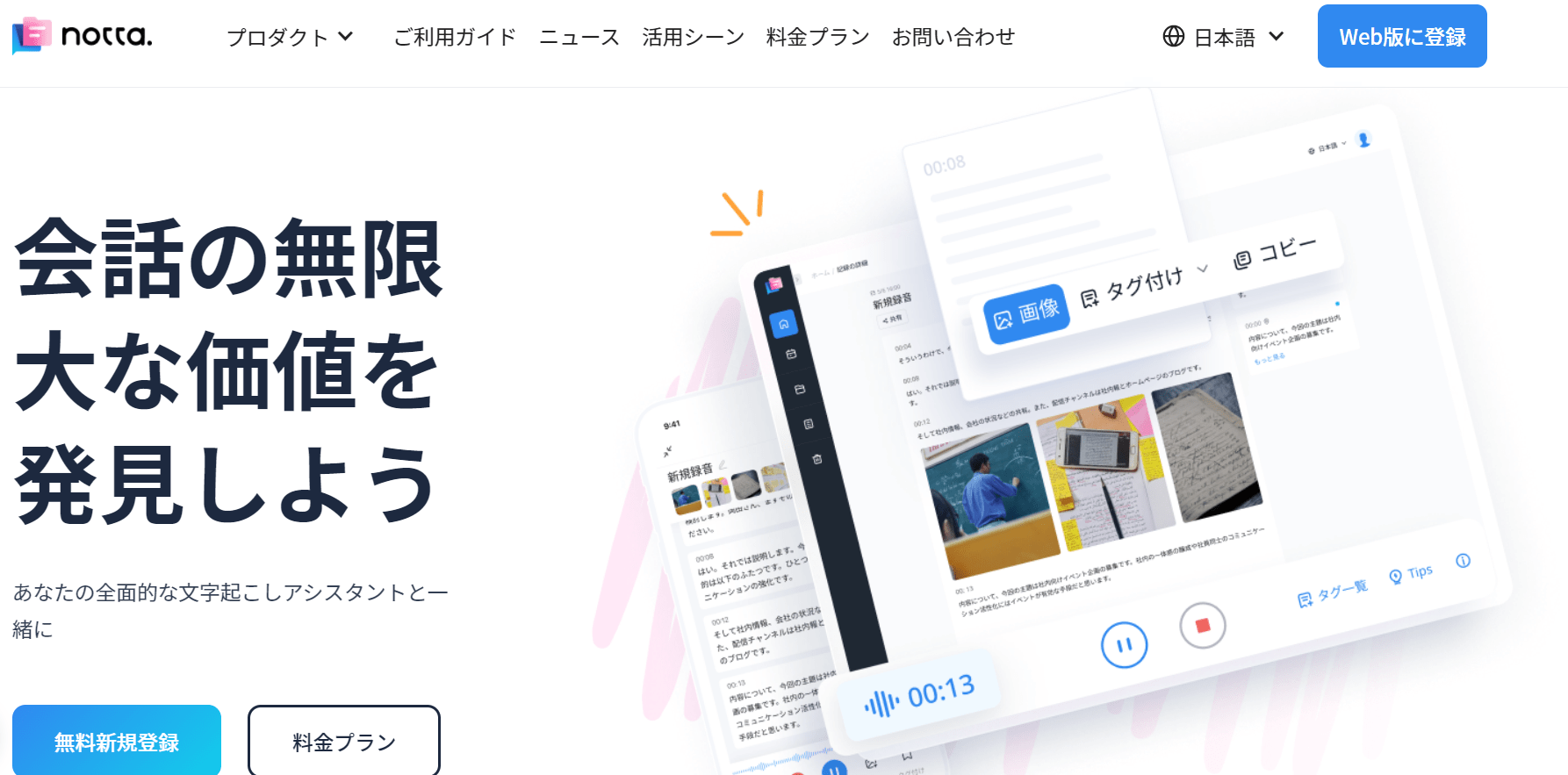
Notta is a transcription tool provided by MIND CRUISER LIMITED. Notta has several features, starting with its many supported languages.
There’s a free plan and a paid plan at $8.25/month (~¥883), with minutes creation available on the paid plan (free plan is real-time transcription only).
Corporate plans haven’t been officially released, but individual support is available by contacting the support desk.
Pricing:
| Plan | Price | Transcription | Users |
|---|---|---|---|
| Premium (Individual) | $8.25/month (1-year contract) | 1,800 min/month | 1 |
| Corporate | Contact us | Contact us | Contact us |
—
Free Video/Audio Transcription Software [Windows/Mac PC Support]
Some transcription software is completely free. This section introduces software that’s completely free for Windows/Mac PC (as of February 2022).
1. Sloos
*Source: https://sloos.qcore.co.jp/*
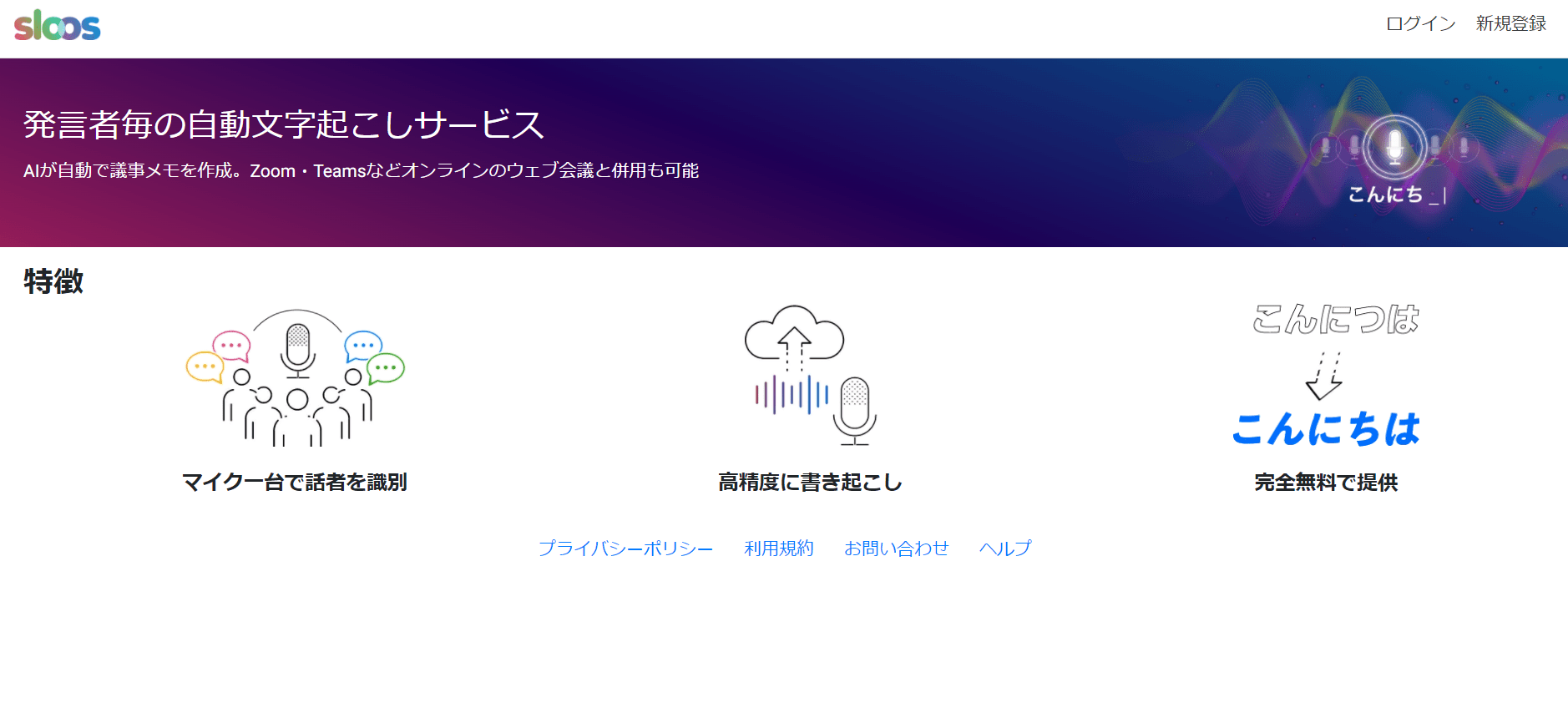
Sloos is an automatic transcription software developed by QuantumCore Inc., a company with strengths in product development applying AI and data analysis technologies.
As of February 2022, Sloos is being offered free for awareness-building purposes.
There are 2 cautions when using Sloos.
First, it requires disabling firewalls and other security to use. Therefore, there are some safety concerns.
Second, it doesn’t support foreign language recognition or translation. Understand that it can only transcribe Japanese.
—
2. User Local Voice Minutes System
*Source: https://voice-dashboard.userlocal.jp/*
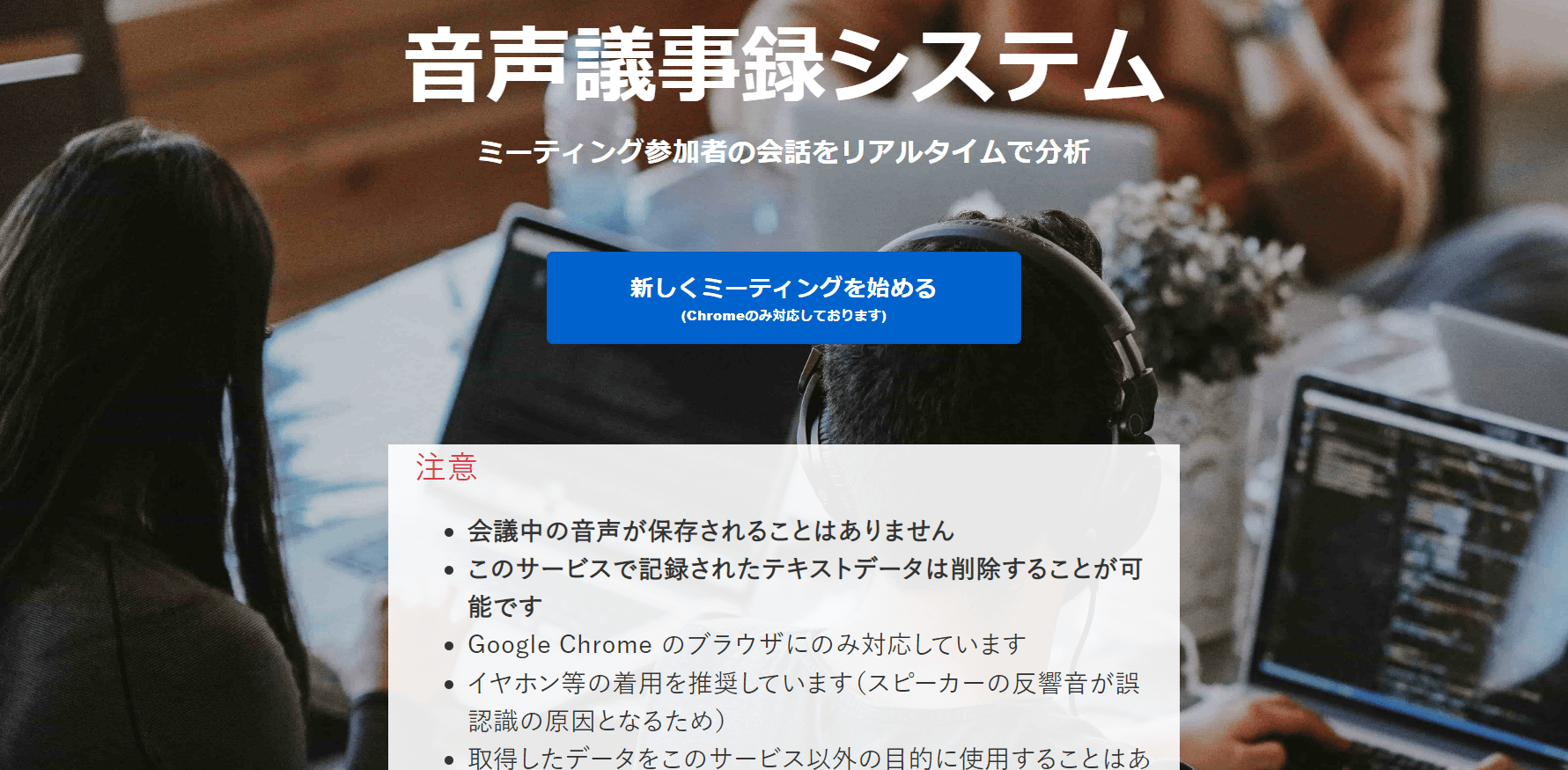
User Local Voice Minutes System is an automatic transcription system provided by User Local, Inc., a company listed on the Tokyo Stock Exchange First Section. It’s web browser-based software that currently only supports Chrome as of February 2022.
User Local’s features include:
Beyond minutes creation, it can analyze text to determine positive/negative emotions.
—
3. Google Docs
*Source: https://www.google.com/intl/ja/docs/about/*
Google’s Google Docs also has transcription features.
Google Docs features:
Google Docs requires manual correction due to voice recognition accuracy and feature limitations (no punctuation, no line breaks, no speaker recognition, etc.).
Still, being able to easily convert voice to text without special tools means low implementation resistance.
It also supports English, Chinese, and other language transcription, so with some line break adjustments and clever use of translation tools, it can help reduce staff burden.
—
Free Voice Transcription Apps [Android Support]
Free Android-compatible voice transcription apps include:
Download these apps if you want to do voice transcription on Android smartphones.
1. Speechnotes
Speechnotes is an Android voice transcription app that lets you input voice just by clicking the microphone and speaking.
Google Play: Speechnotes
—
2. Edivoice
Edivoice is an Android voice transcription app that makes it easy to create high-accuracy reports and meeting minutes.
All features are free, but ads are displayed.
Google Play: Edivoice
—
3. Voice Transcription & Sound Detection
Voice Transcription & Sound Detection is an Android voice transcription app that supports people who are deaf or hard of hearing.
Google Play: Voice Transcription & Sound Detection
—
Free Voice Transcription Apps [iPhone Support]
Free iPhone-compatible voice transcription apps include:
Download these apps if you want to do voice transcription on iPhone.
1. Texter
Texter is a voice transcription app for iPhone/iPad. It can transcribe not only voice but also video and images.
The free plan includes:
Three paid plans are also available:
| Plan | Price | Real-time Transcription | Recorded Audio/Video |
|---|---|---|---|
| Premium M | ¥1,200/month | 3 hours | 3 hours/month |
| Premium M+ | ¥3,000/month | 10 hours | 10 hours/month |
| Premium Y | ¥7,400/year | 10 hours | 5 hours/month |
App Store: Texter
—
2. Group Transcribe
Group Transcribe is a voice transcription app for iPhone/iPad provided by Microsoft. All features are completely free with no paid plans.
App Store: Group Transcribe
—
3. Speechy Lite
Speechy Lite is a real-time voice transcription app for iPhone/Android.
The free version allows up to 10 recordings, but upgrading to the Pro version at ¥800/month removes limits.
App Store: Speechy Lite
—
Recommended Transcription Apps/Tools [Convenient for In-Person Meetings with Recorder Devices]
Portable dedicated recorder devices can be used to improve efficiency of in-person meeting minutes and memo creation.
This section explains transcription apps/tools with recorders useful for in-person memo creation.
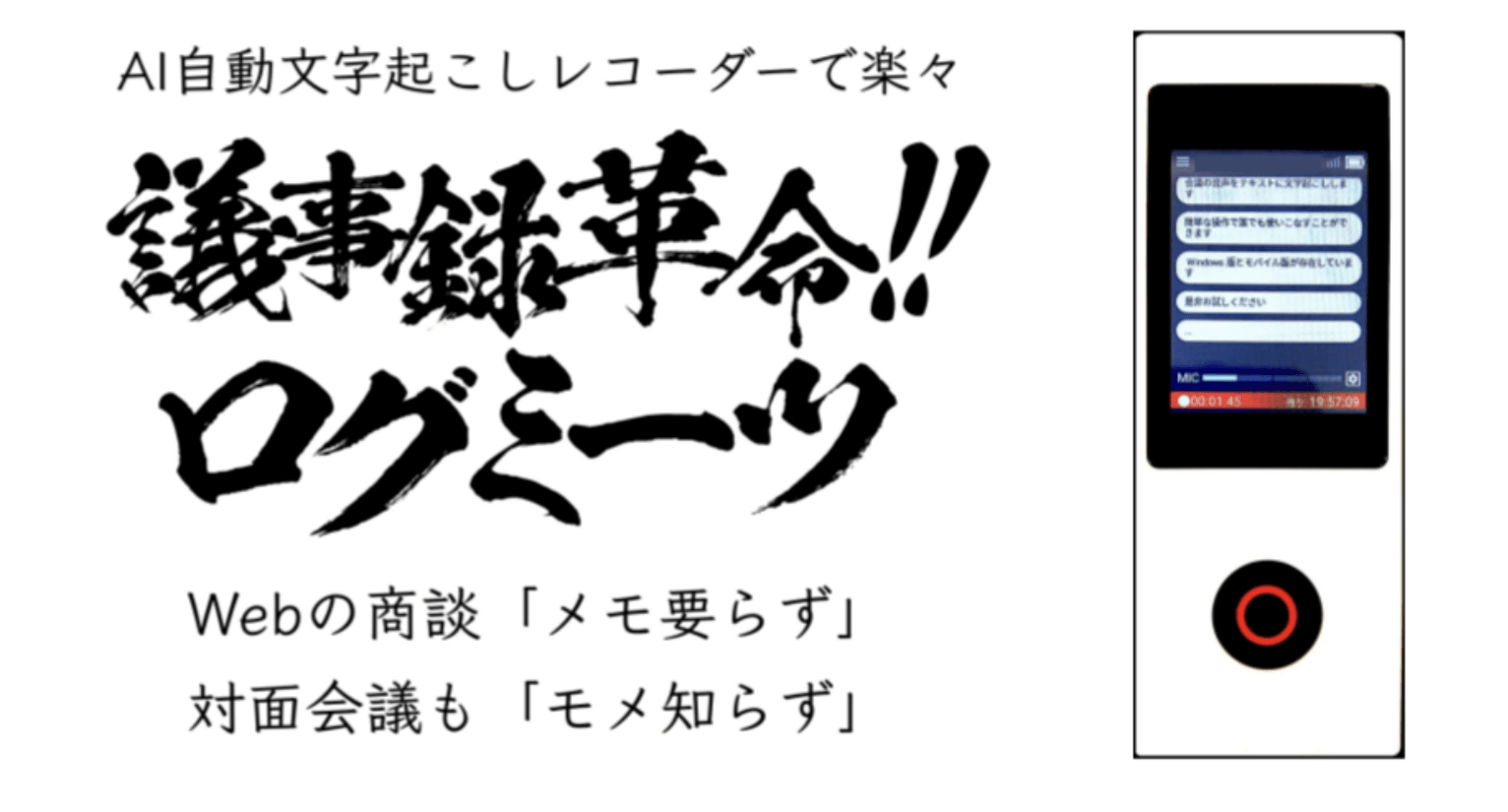
1. Logmeets
*Source: https://www.ziku-tech.com/*
Logmeets is a transcription app provided by Jiku Technologies Inc. The dedicated device is palm-sized and suitable for carrying.
Logmeets features:
Available from ¥10,000/month.
The appeal is “no more note-taking, whether inside or outside the company.”
—
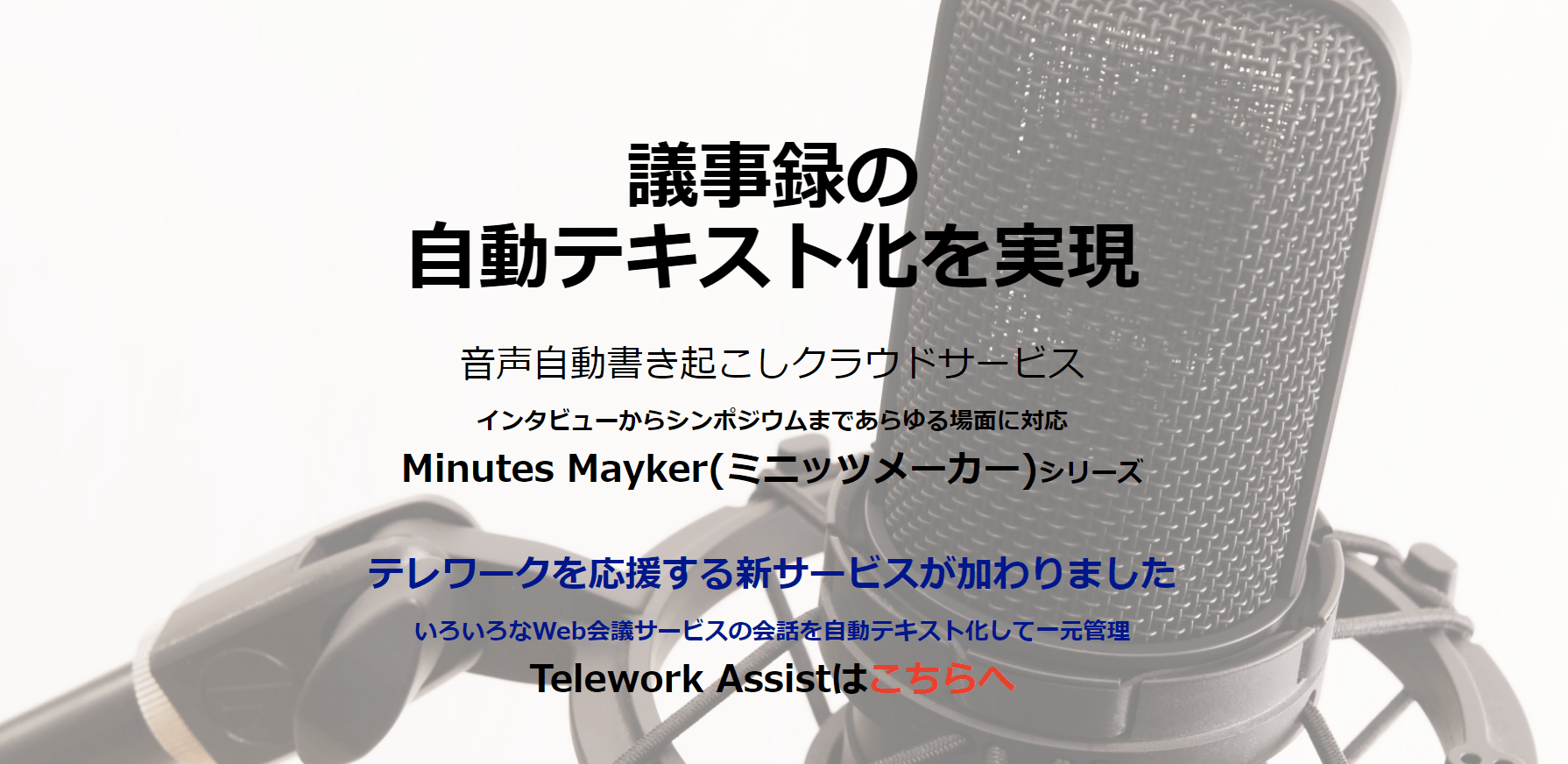
2. Minutes Mayker
*Source: https://mmayker.projectmay.co.jp/*
Minutes Mayker is a transcription app provided by Project May, Inc.
As of February 2022, it’s offered at ¥60,000/month with no initial fee, for 60 hours and up to 30 accounts.
—
Conclusion
Creating meeting minutes is originally a time-consuming and labor-intensive task.
Outsourcing is possible, but that requires cost and time.
Using a transcription app enables real-time text conversion of meeting voice information. Using high-accuracy tools with AI technology dramatically improves meeting minutes work efficiency.
Also, if you’re considering implementing a transcription app for meeting minutes, it’s important to think comprehensively about telework working styles and productivity.
To achieve productivity improvement and business efficiency, implement a transcription app that matches your objectives.
—
Tags: Transcription Apps, Speech to Text, Meeting Transcription, Audio Transcription, VoicePing, AIGIJIROKU, Notta