
Last Updated: January 2026
In remote work, issues often arise where project progress becomes hard to see or work becomes unevenly distributed among certain members. Many of these problems stem from not being able to accurately grasp each member’s work time and productivity.
That’s why it’s important to “visualize” each member’s work time and task content, and manage appropriately. If fair evaluations and work distribution can be achieved, a workplace environment where everyone can perform with confidence will be established.
This time, we’ll introduce in detail “time management apps (time tracking tools)” that are essential for telework and remote work. By utilizing time tracking tools, you can gain better visibility over entire projects, and each member’s productivity will naturally improve.
If you want to prevent uneven workloads and aim for an environment where everyone can work in their own way, implementing a time tracking app should be your first step.
—
What is “Time Management (Time Tracking)” Essential for Efficiency?

A time management (time tracking) app is a tool for accurately measuring and recording team or individual work time. By visualizing who is spending how much time on which tasks, you can “make visible” daily operations and utilize this for management.
If you can accurately grasp work time, project planning becomes easier. Additionally, you can objectively evaluate each member’s productivity, leading to fair work distribution and appropriate feedback.
Also, by being conscious of how time is spent, members’ concentration improves. Visualizing how much time is spent on which tasks is the first step to eliminating waste and improving overall performance.
—
3 Benefits of Time Management (Time Tracking) Apps
The main benefits of implementing a time tracking app are the following three:
1. Remote Work Tasks Become “Visible”

With time tracking tools, you can clearly see each team member’s work status. By visualizing who is working on what and how much progress has been made, managers can grasp the overall situation with peace of mind, and members themselves gain a sense of accomplishment.
2. Project Planning Becomes Easier

By accumulating past work time data, you can accurately estimate the time needed for similar projects. You can plan with the actual time it took last time as a baseline, enabling more realistic scheduling.
3. You Can Concentrate on Work

Recording time creates positive tension and naturally focuses consciousness on the task at hand. Many people find that when “tracking is running,” they unconsciously reduce checking social media or taking breaks.
—
Disadvantages of Time Management (Time Tracking) Apps

1. Consciousness Becomes Too Focused on Time
Because records remain as numbers, some people worry excessively about “time spent.” In creative work and thinking work, the correlation between time and results doesn’t always match, so balance is necessary.
2. Recording Effort Can Become a Burden
If switching tasks and recording operations increase, “recording for the sake of recording” can become a burden. It’s important to choose apps with simple operations and automatic recording features.
3. Difficulty Progressing Multiple Tasks Simultaneously
Generally, time tracking assumes tracking one task at a time. Those who multitask frequently may feel uncomfortable. Choose tools that support multi-tracking or project grouping features.
4. Three Tips for Effective Time Management
—
How to Choose Time Management (Time Tracking) Apps

1. Usage Purpose

Clarify whether it’s for team management or individual use. Choose apps with features suited to your purpose.
2. Cost

There are free apps and paid apps with enhanced features. Judge based on the scale and features needed.
3. Supported Devices

Check compatibility with the platforms you use (PC/smartphone/tablet).
4. Ease of Use

Even apps with good features become unused if operation is complicated. Consider UI/UX.
5. Integration

Check integration with calendars, project management tools, and accounting software for centralized management.
—
10 Time Management (Time Tracking) Apps for Teams

1. VoicePing
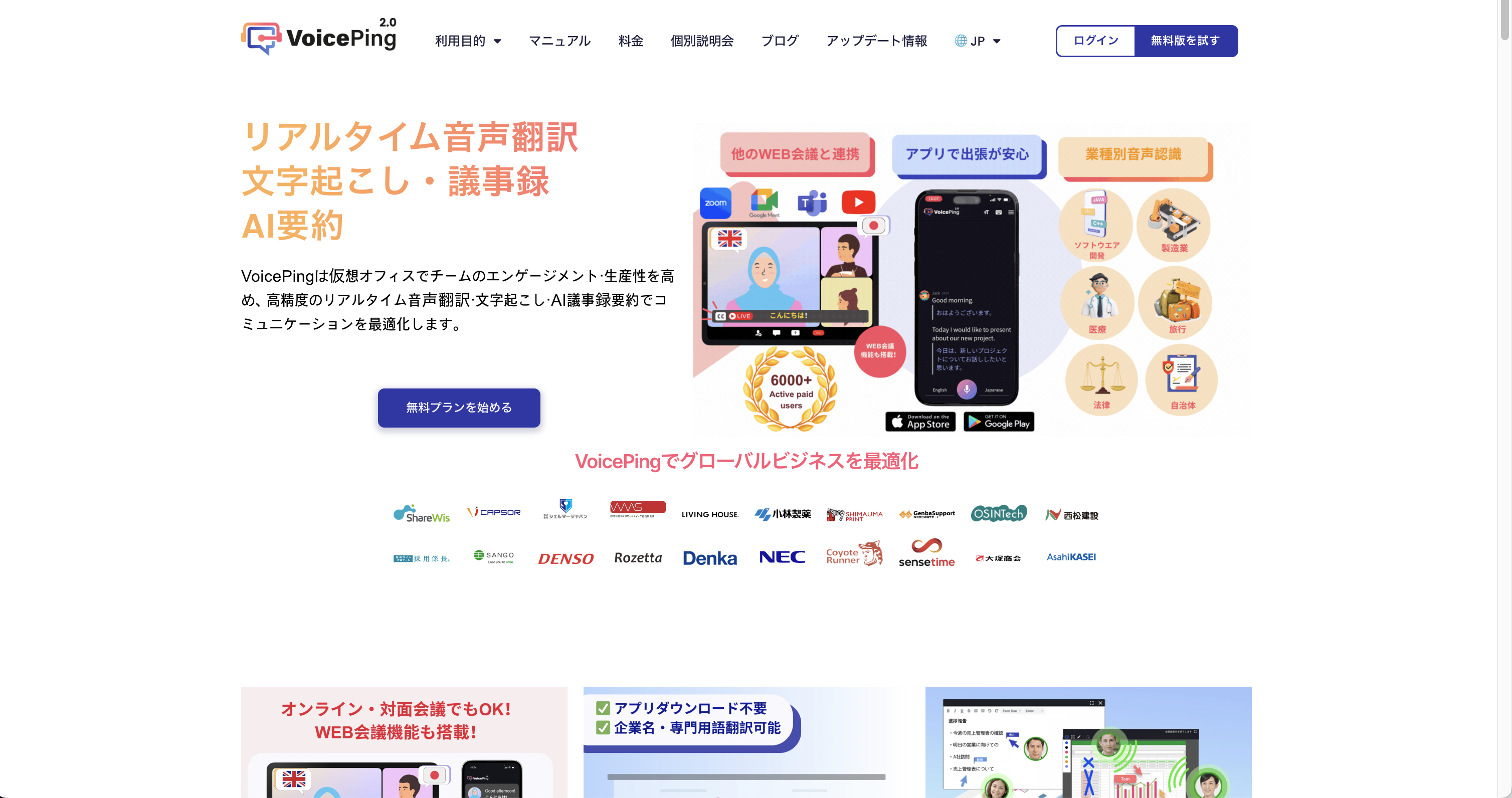
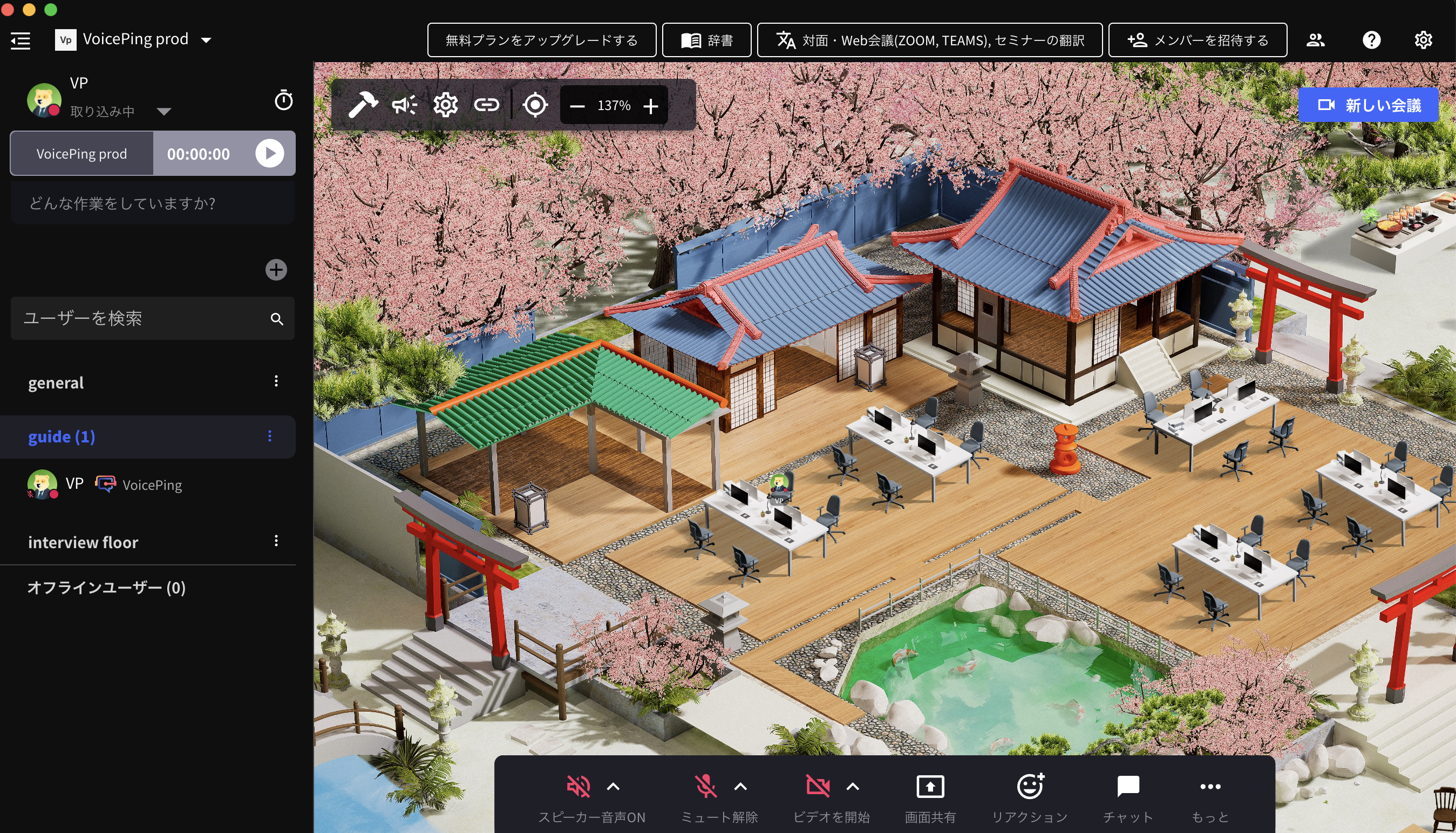
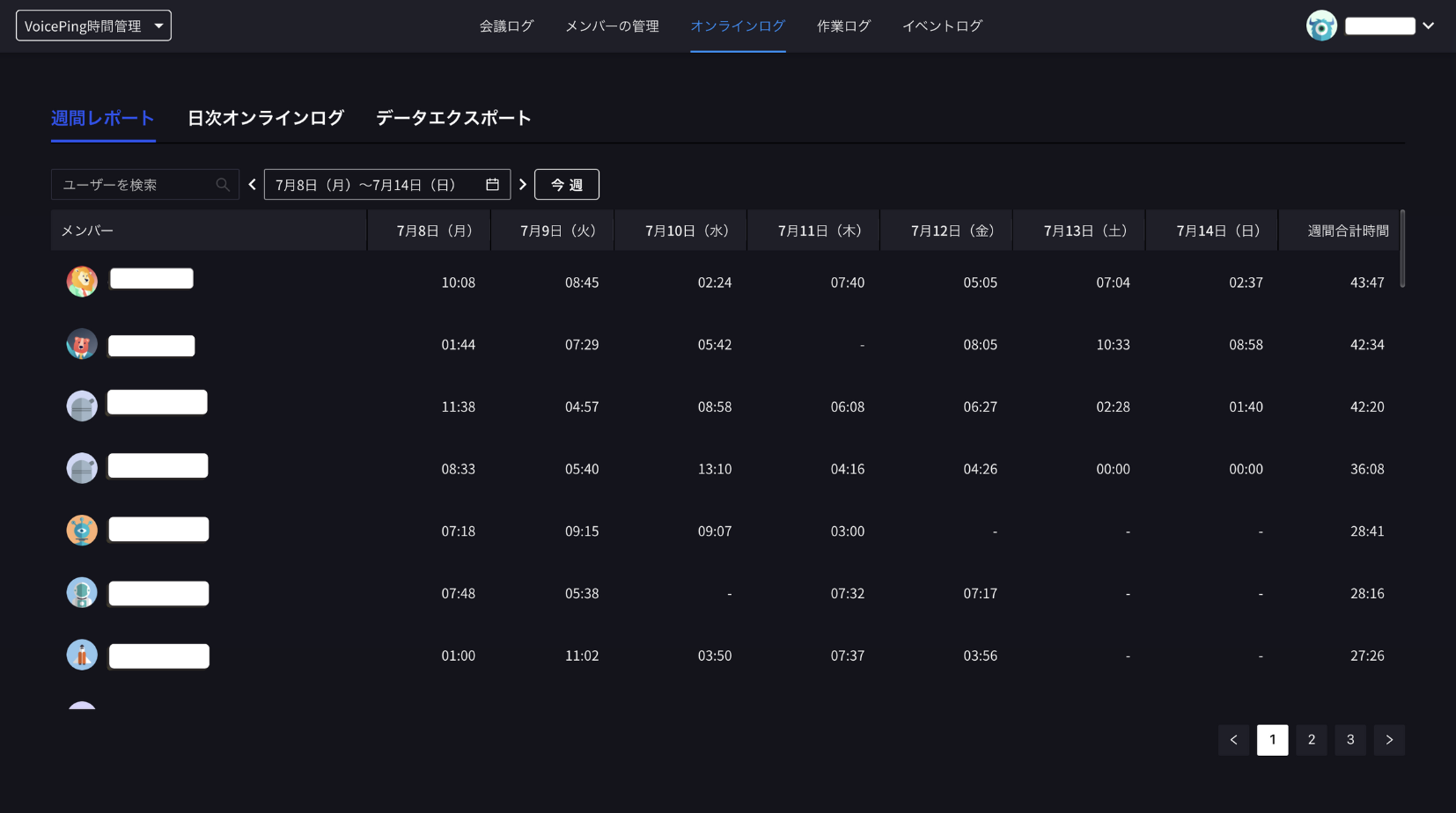
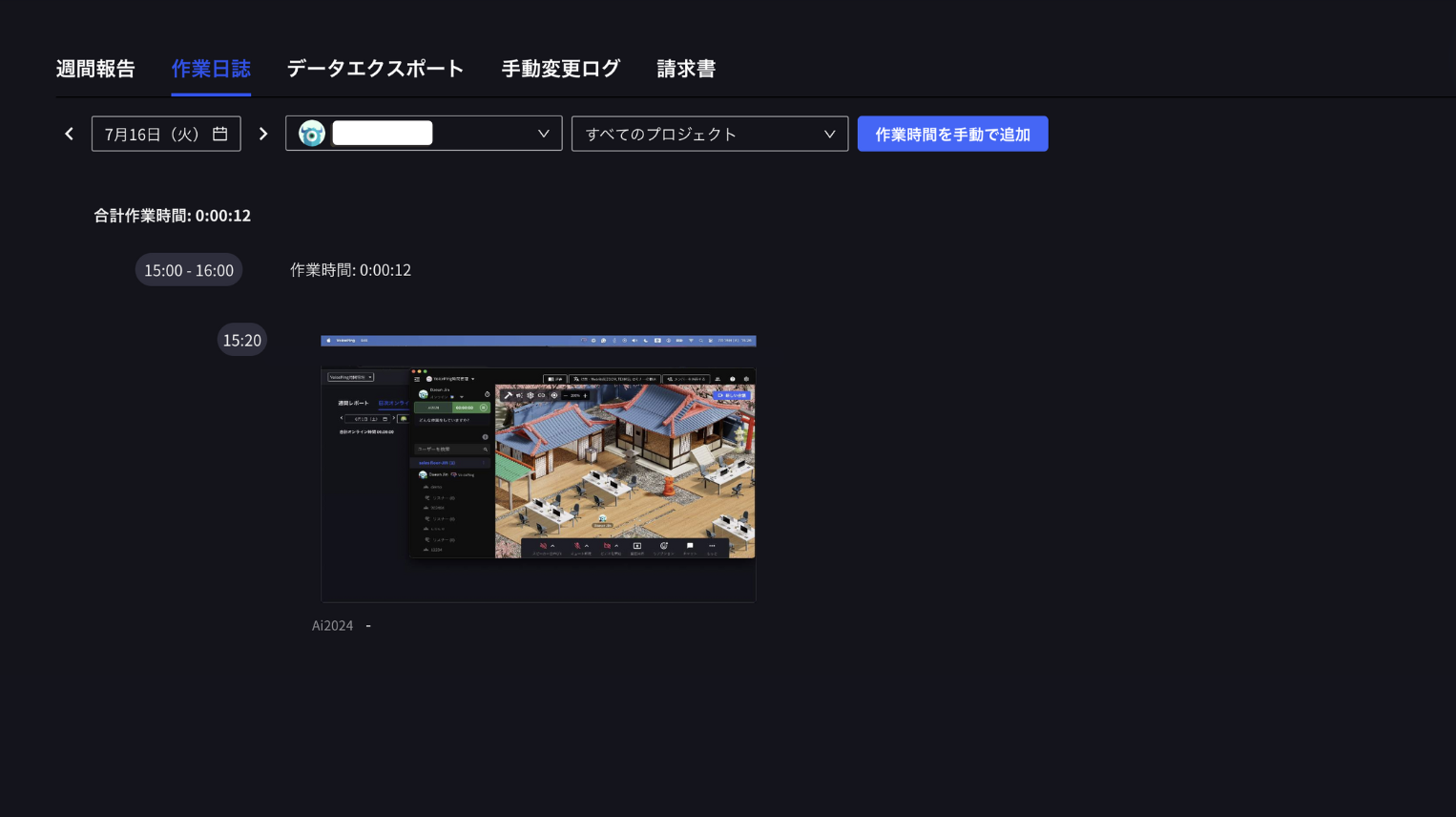
VoicePing is a virtual office tool that integrates work time management. By placing avatars in a virtual space, you can naturally communicate with team members while accurately tracking time.
Features:
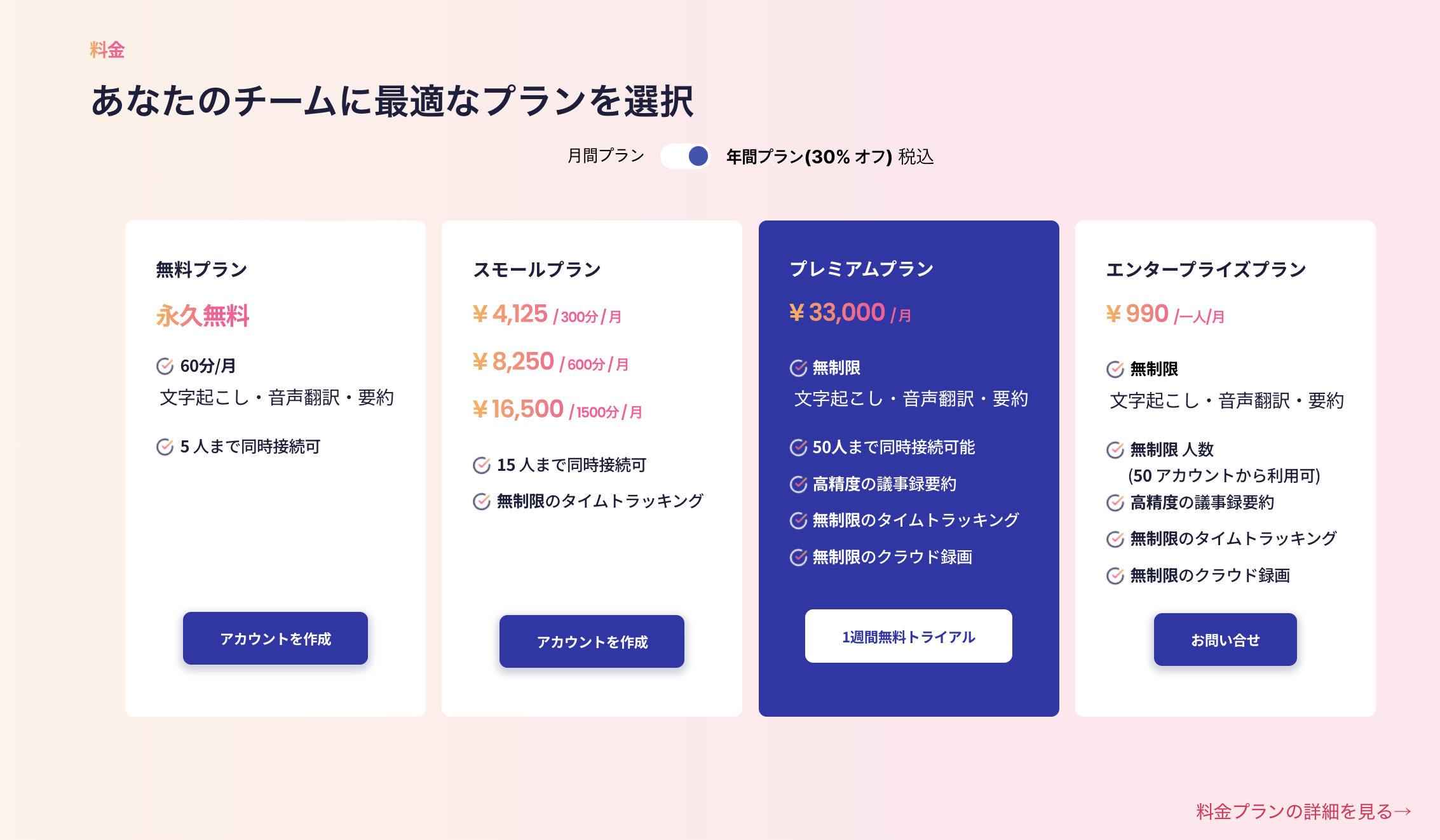
Pricing:
| Plan | Price | Features |
|---|---|---|
| Free | ¥0 | Basic features |
| Premium | ¥20,000/month | Full features for up to 50 users |
—
2. Toggl Track
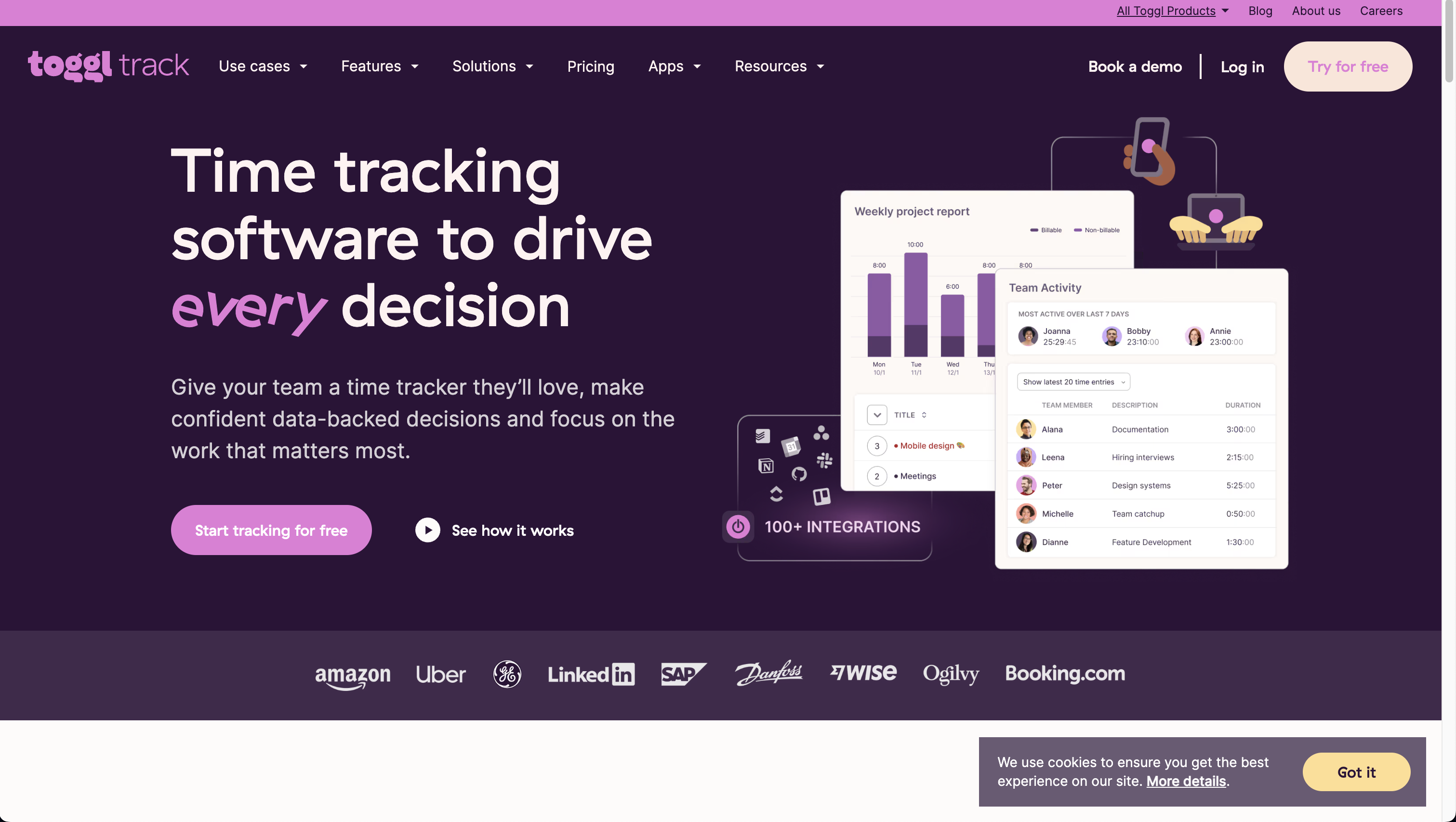
Toggl Track is a leading time tracking tool worldwide. Its intuitive operation and simple UI make it easy for beginners. With one-click time recording, you can start tracking immediately without stress.
Features:
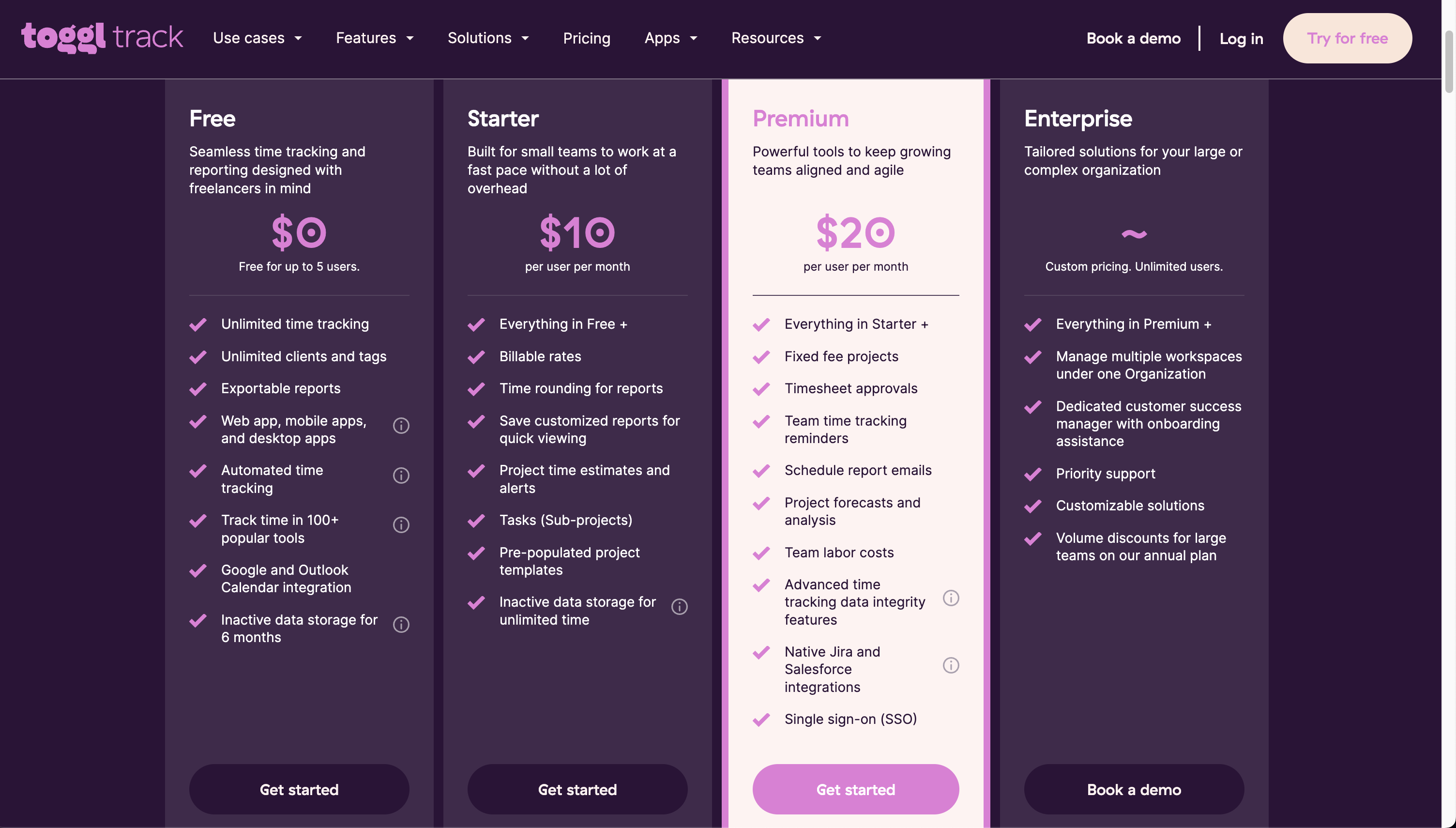
Pricing:
—
3. TimeCrowd
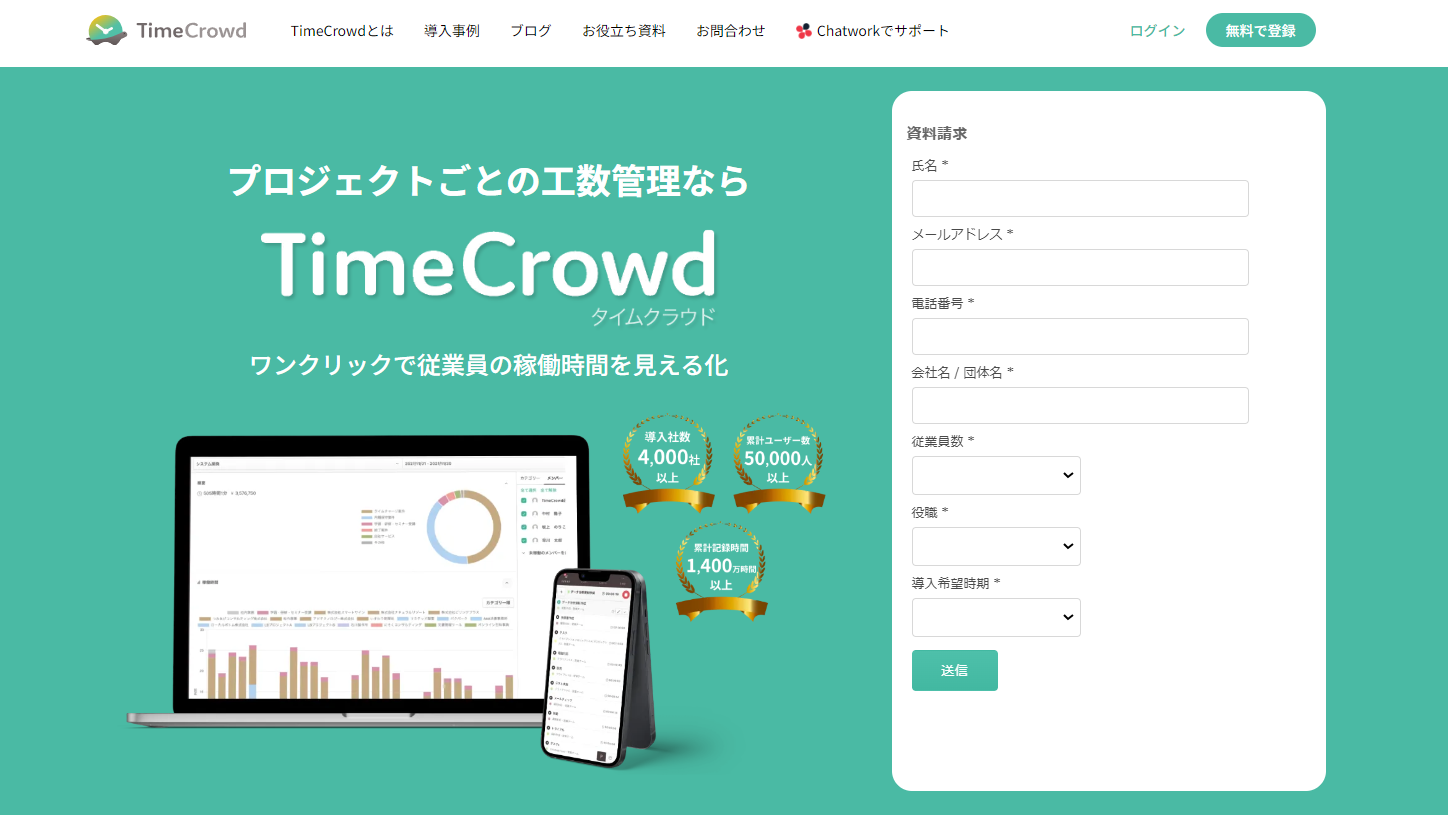
TimeCrowd is a domestic tool with many users among Japanese companies. Simple operation and team management features are attractive.
Features:
Pricing:
—
4. TeamHack
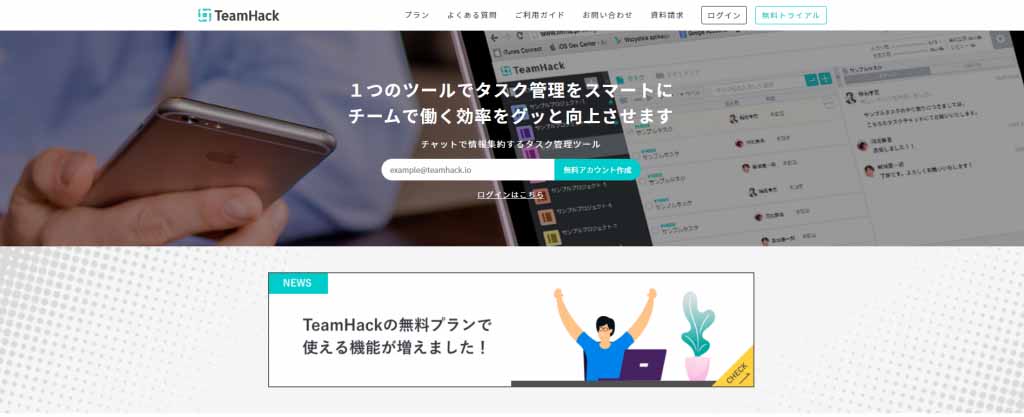
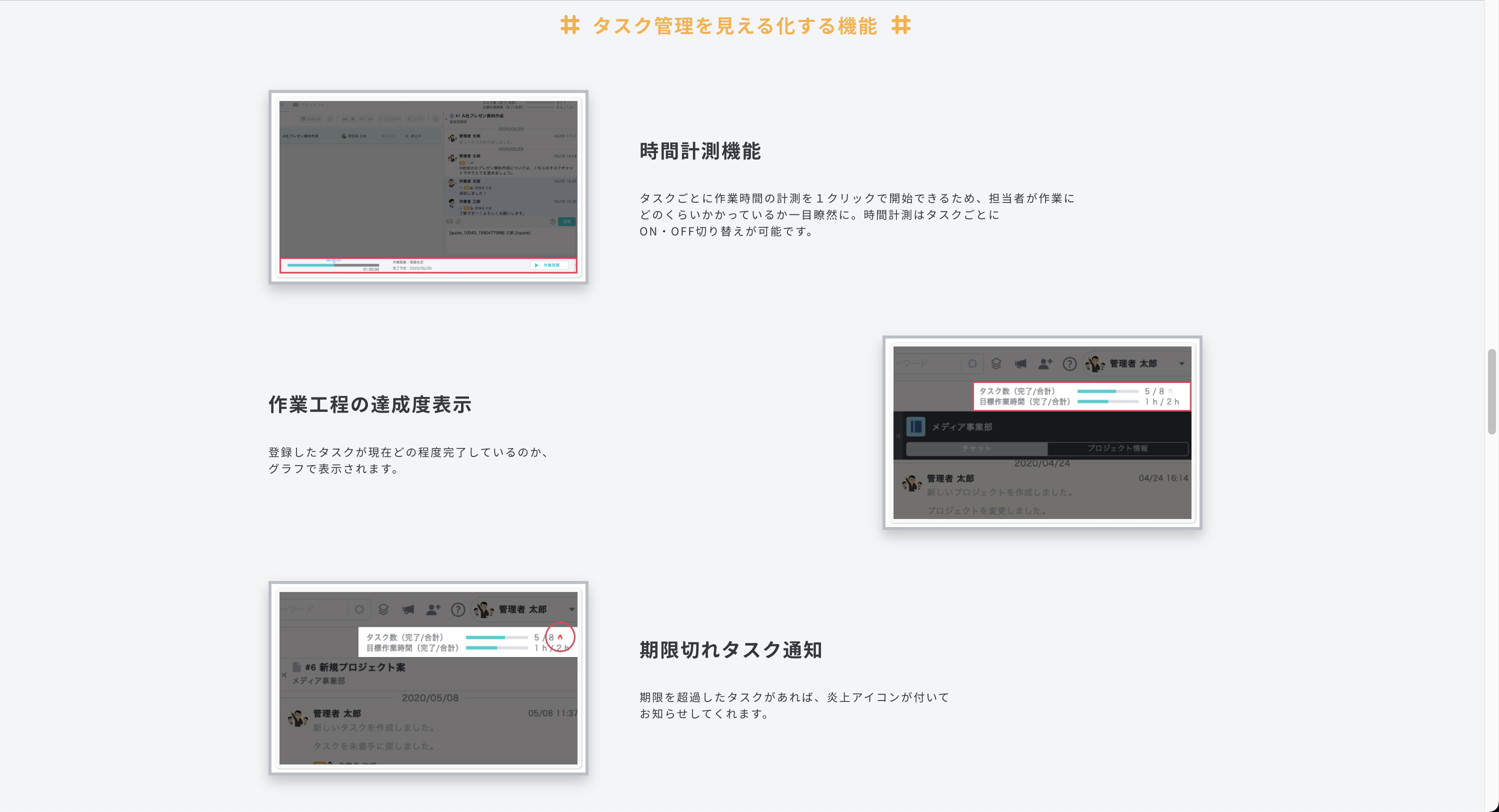
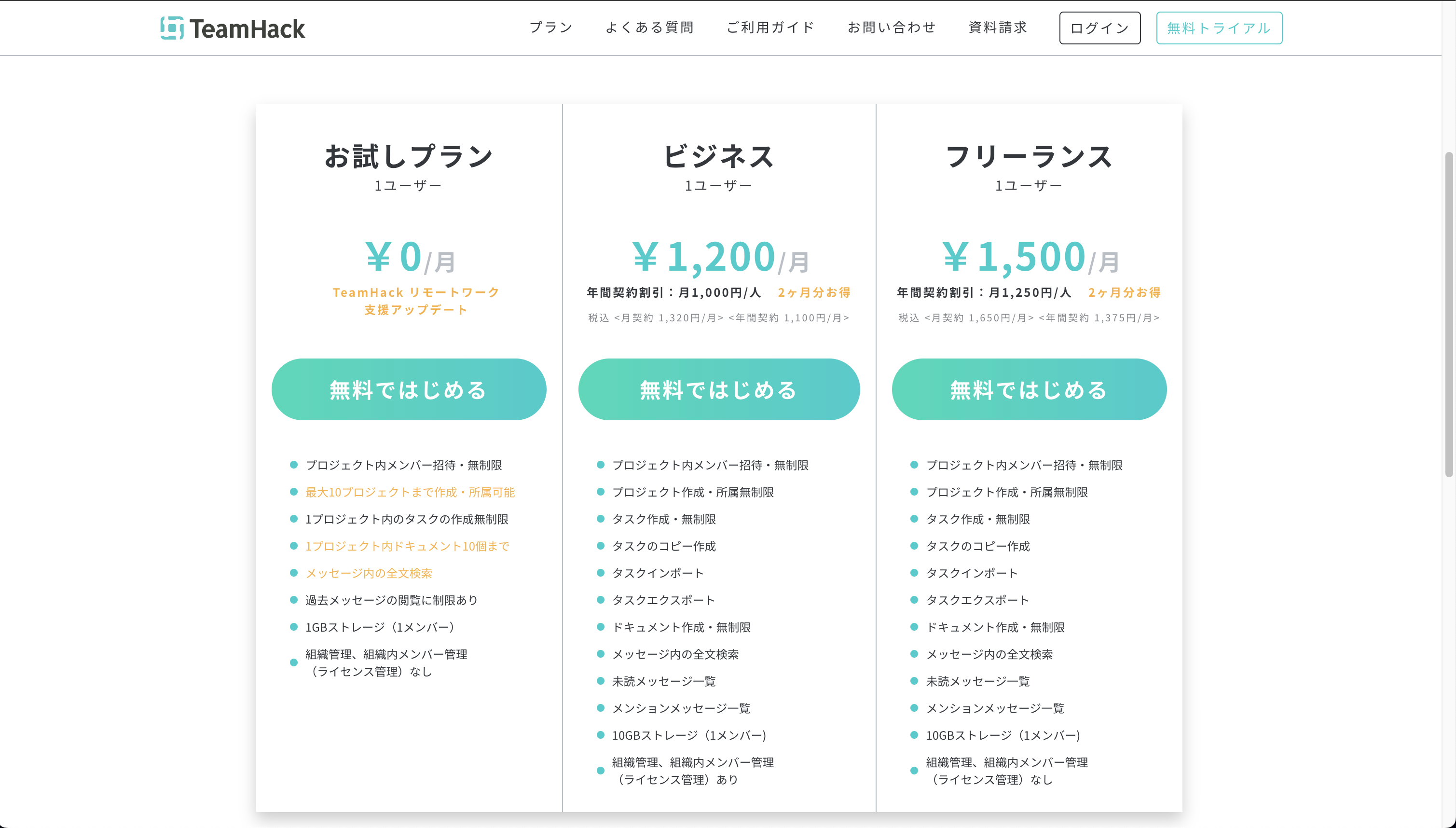
TeamHack is a project management tool that integrates task management and time tracking. It’s optimal for teams who want to centralize task management and time measurement.
Features:
Pricing:
—
5. Hours TimeLord
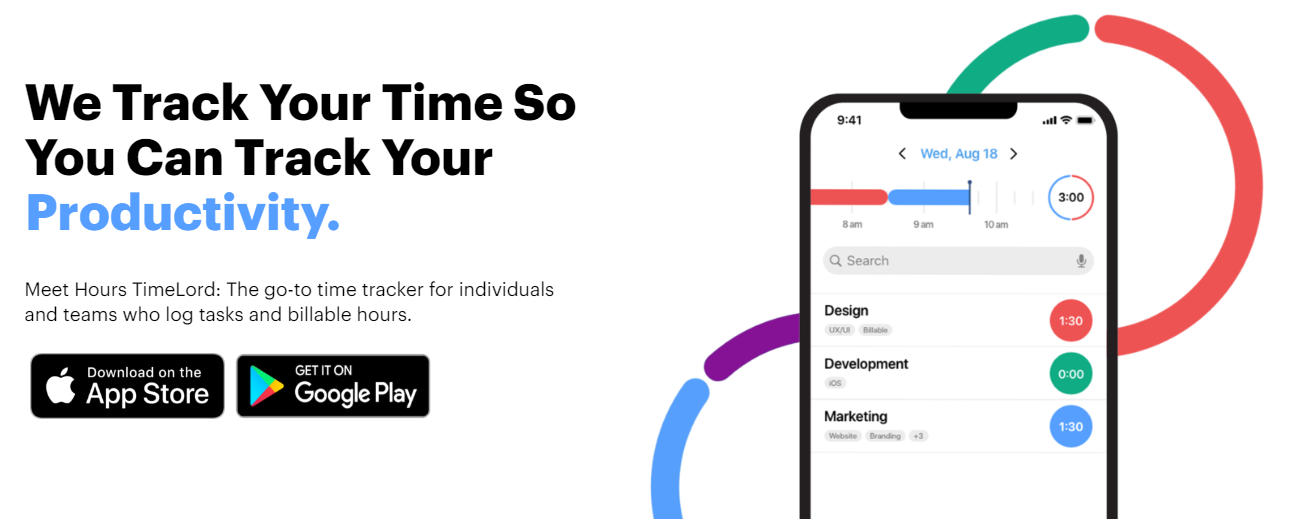
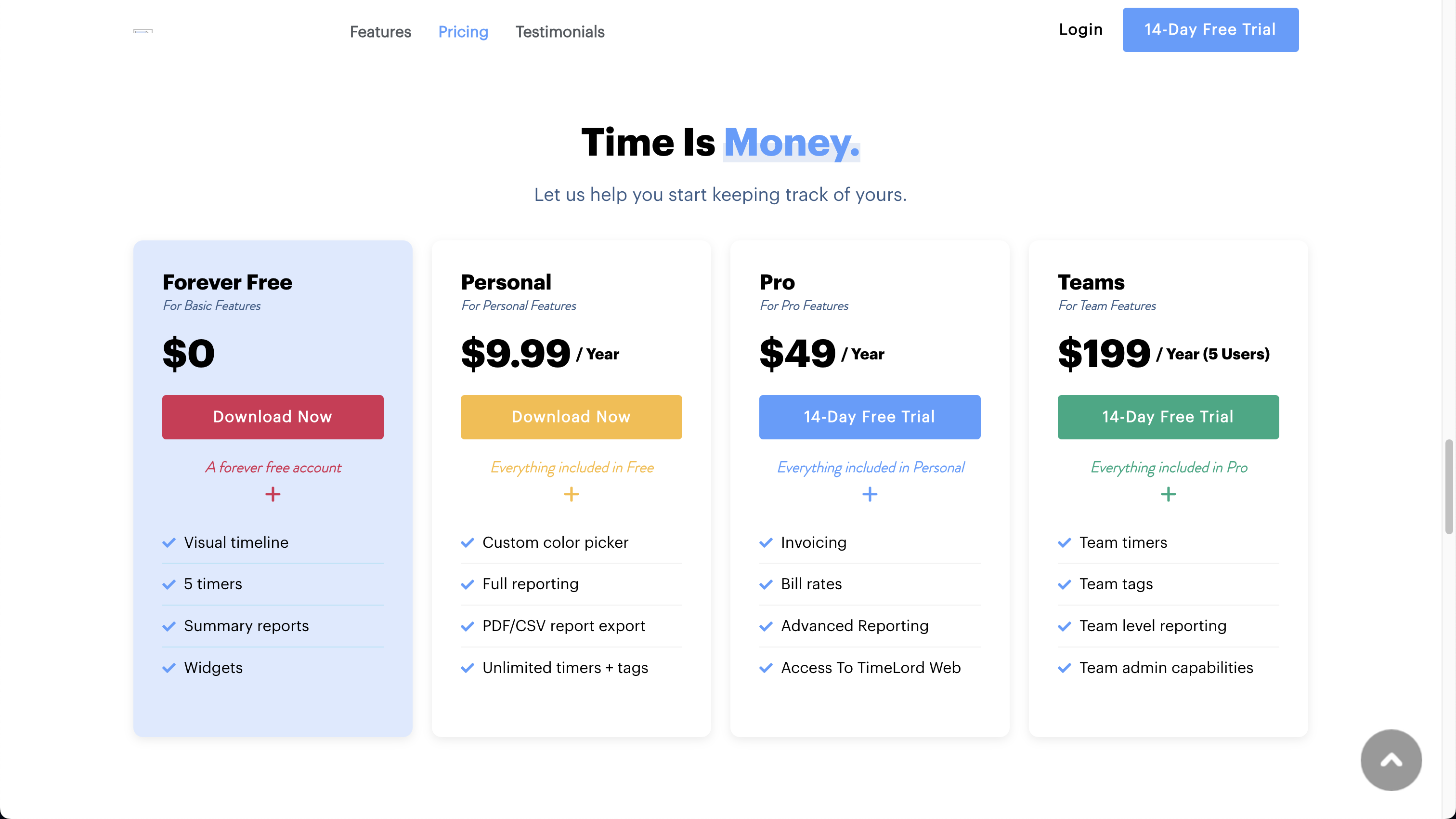
Hours TimeLord is a visual time tracking app. Its intuitive interface using timelines makes it easy to understand time allocation.
Features:
Pricing:
—
6. Clockify
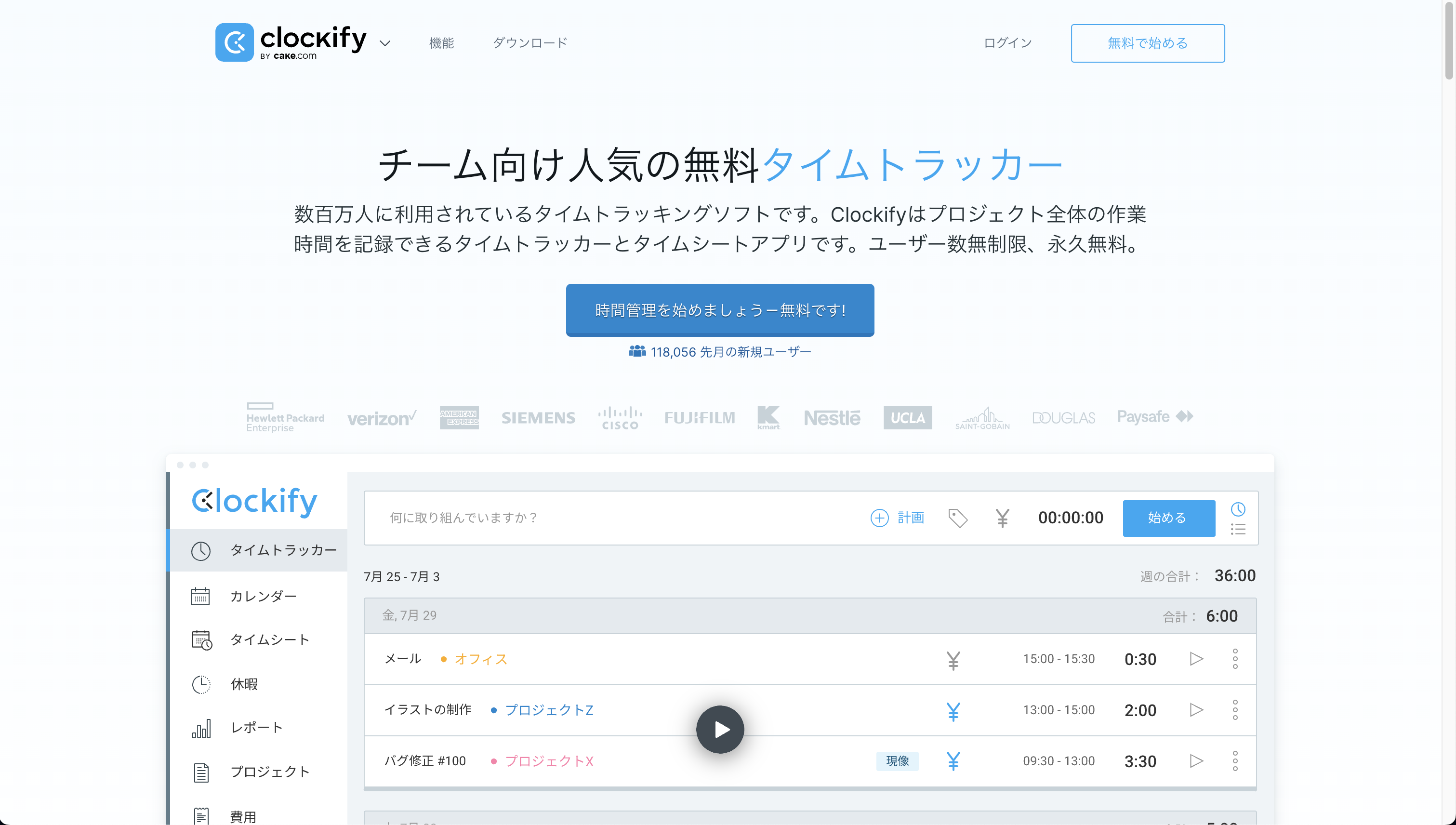
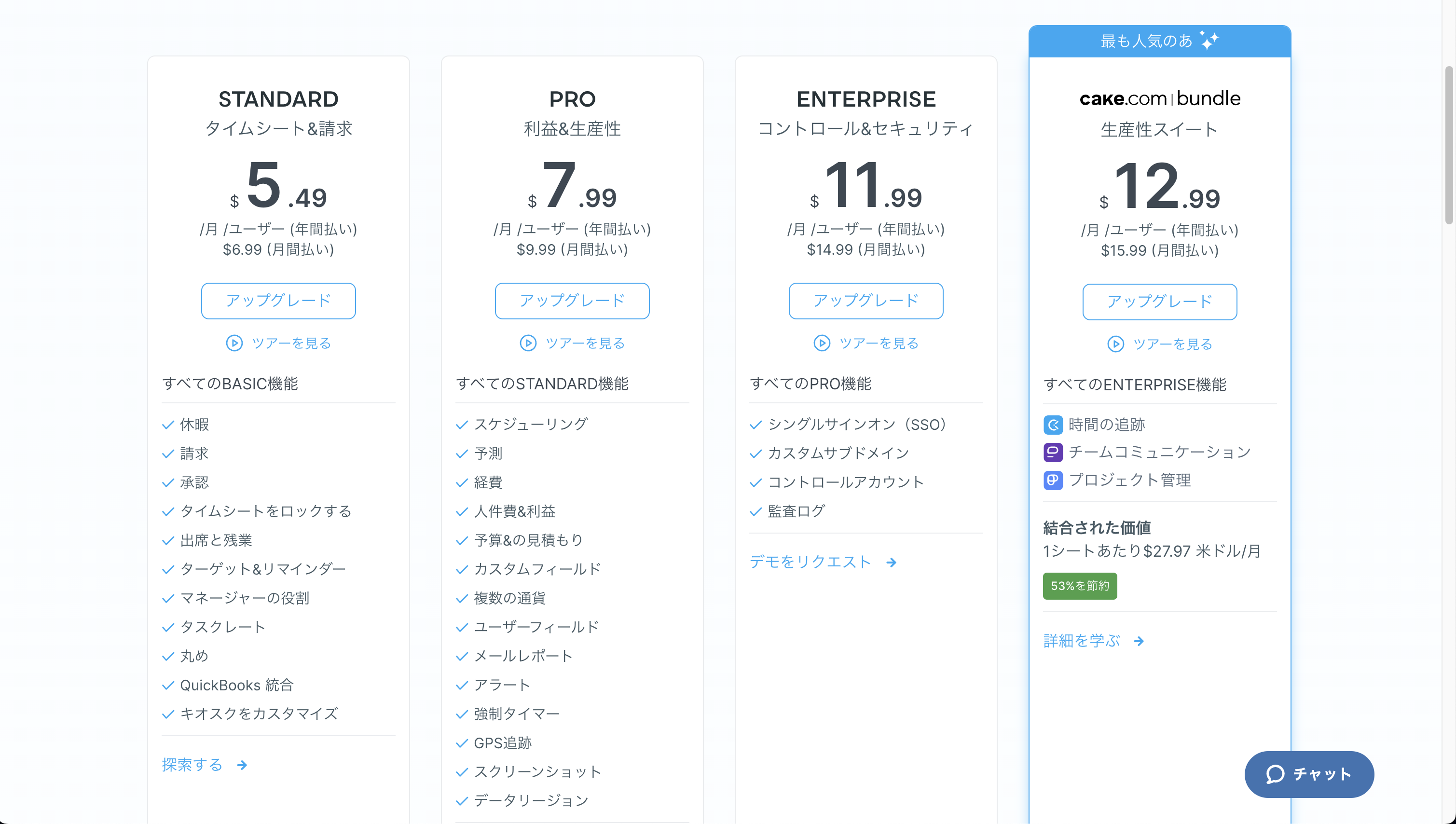
Clockify is a free time tracking tool for unlimited users. Equipped with team features even in the free version, it’s ideal for startups and small teams.
Features:
Pricing:
—
7. Hubstaff
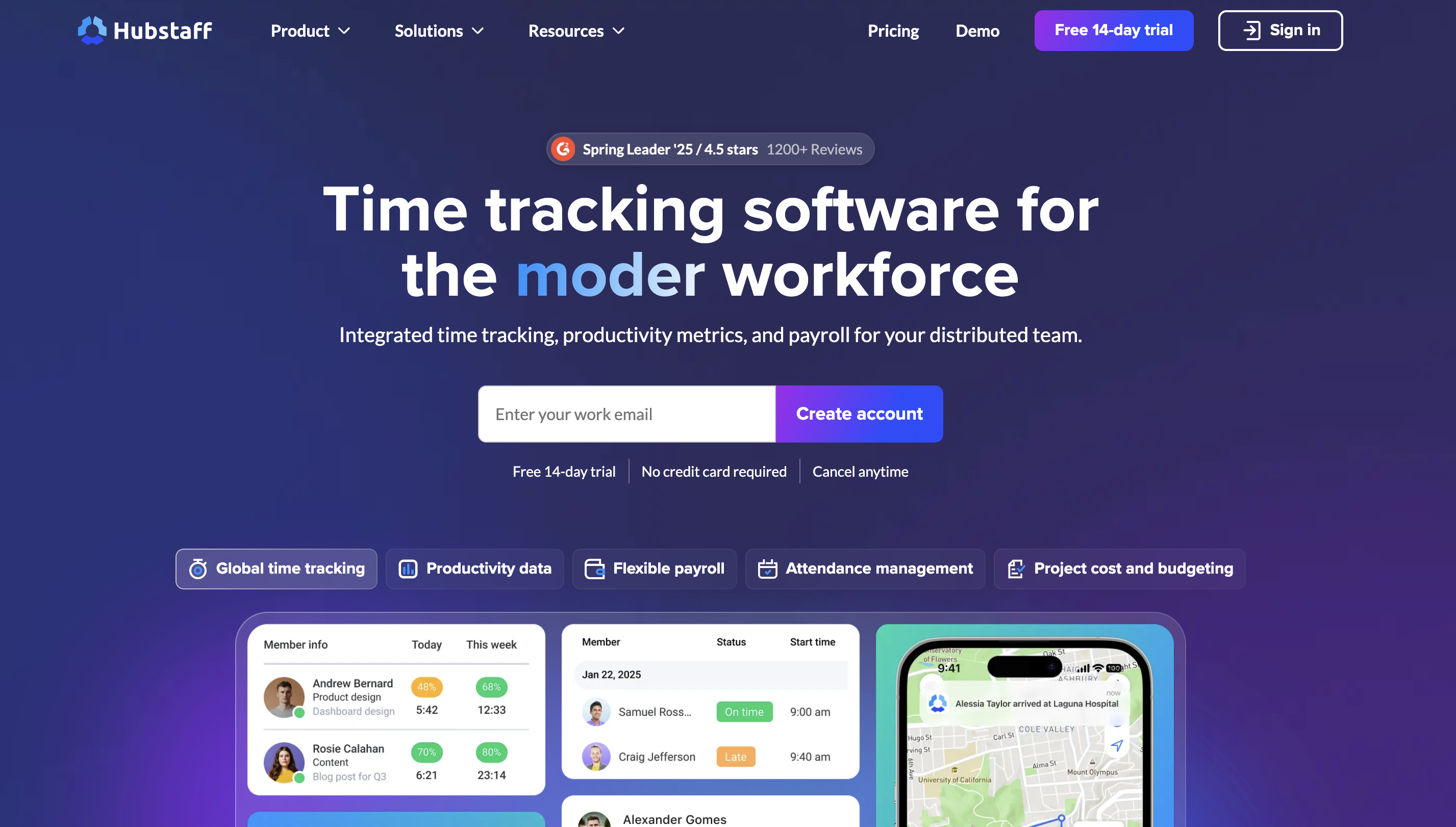
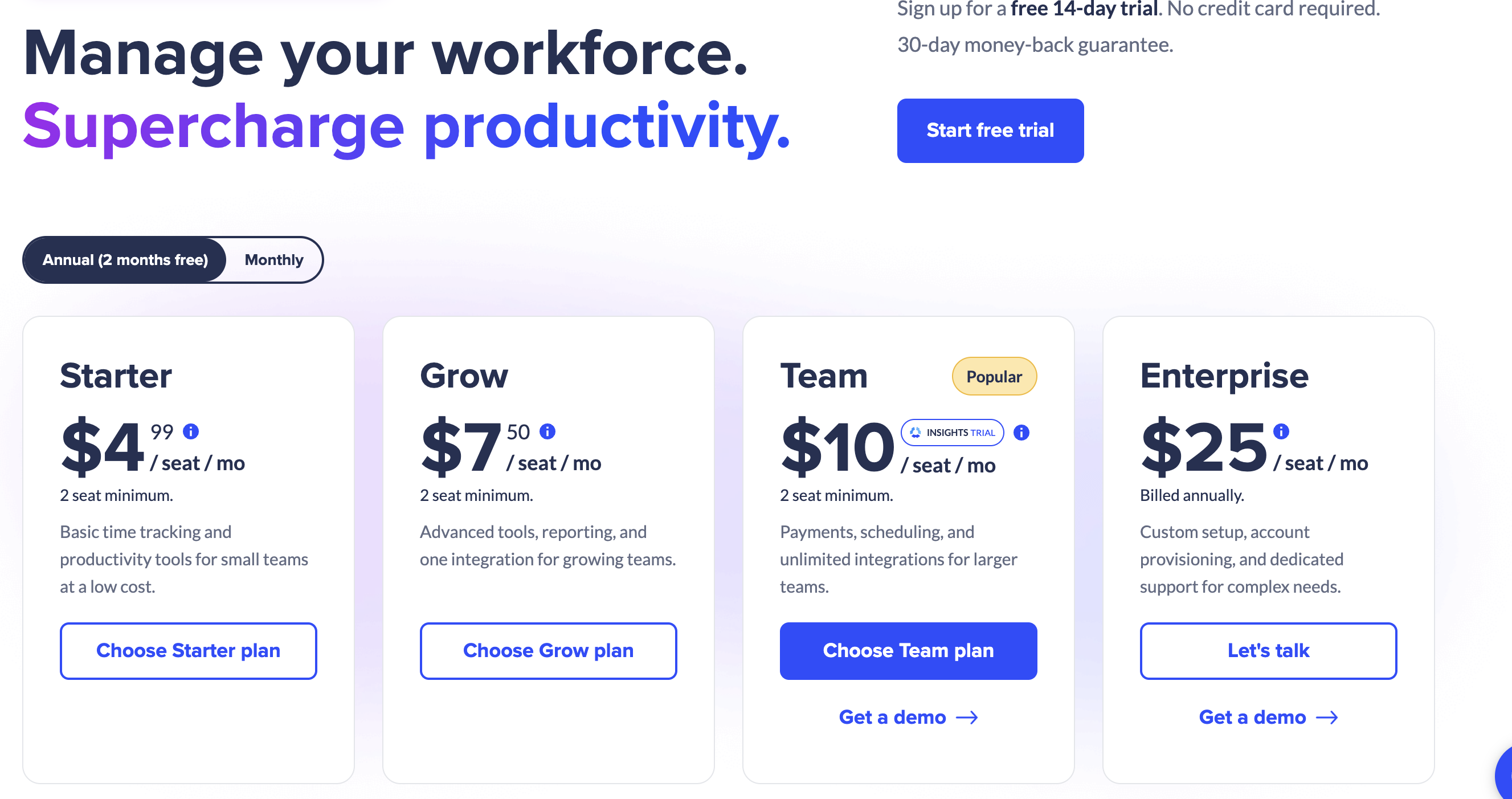
Hubstaff is a time tracking tool with screenshot capture and activity monitoring features. Suitable for companies that want to monitor remote work in detail.
Features:
Pricing:
—
8. Time Doctor
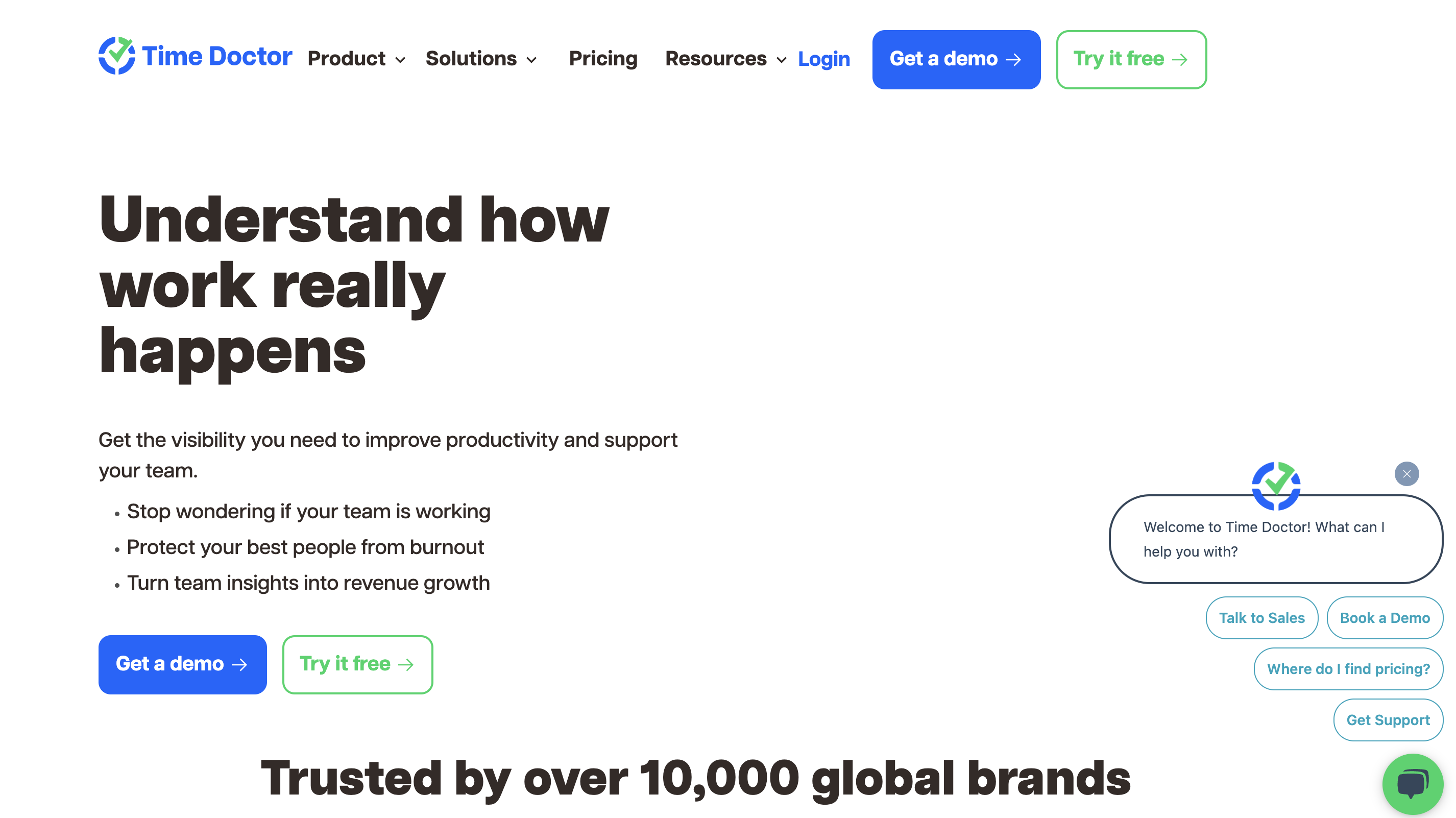
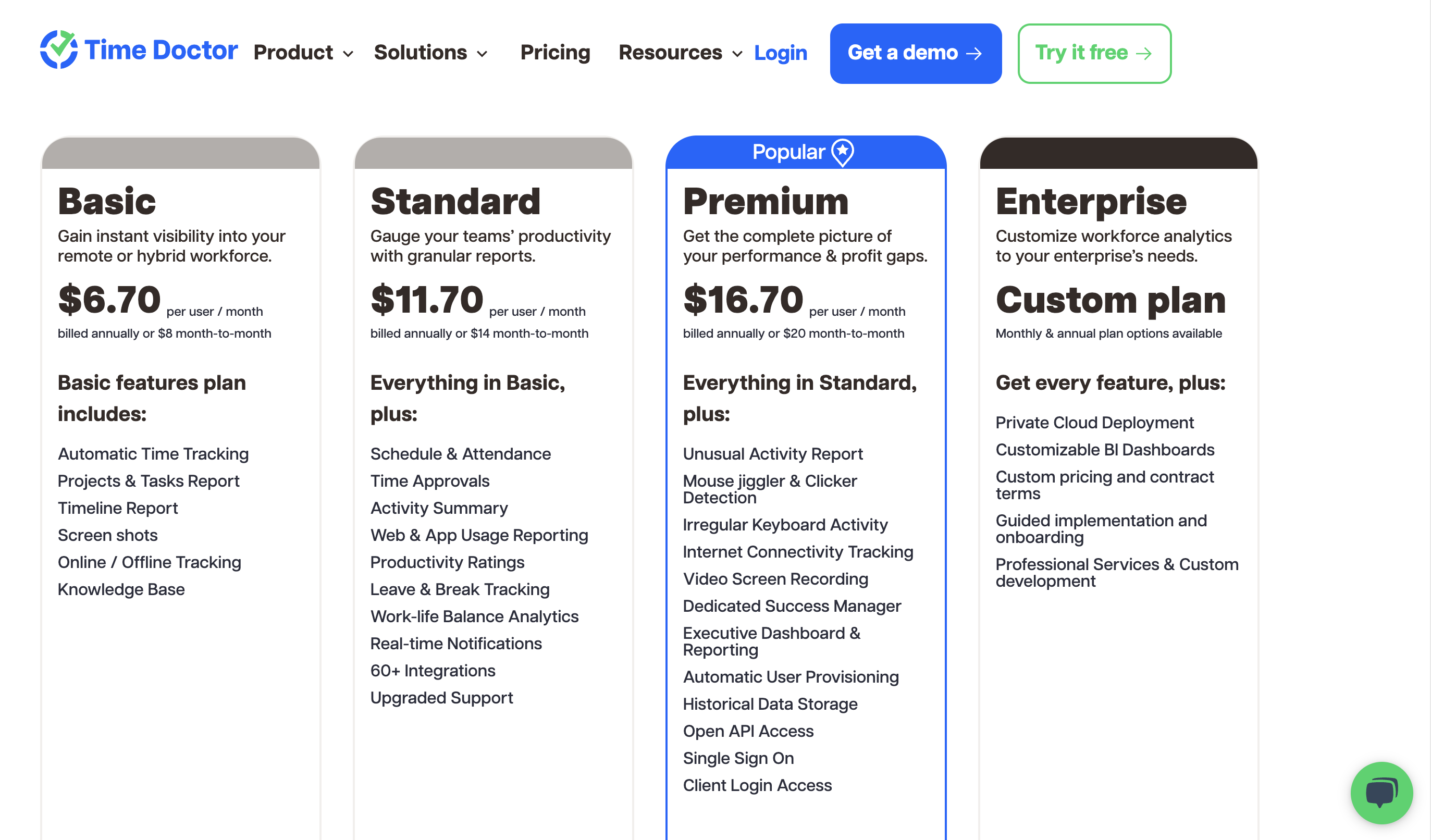
Time Doctor is a productivity measurement tool. In addition to time tracking, it analyzes website and app usage to identify productivity improvement points.
Features:
Pricing:
—
9. RescueTime Teams
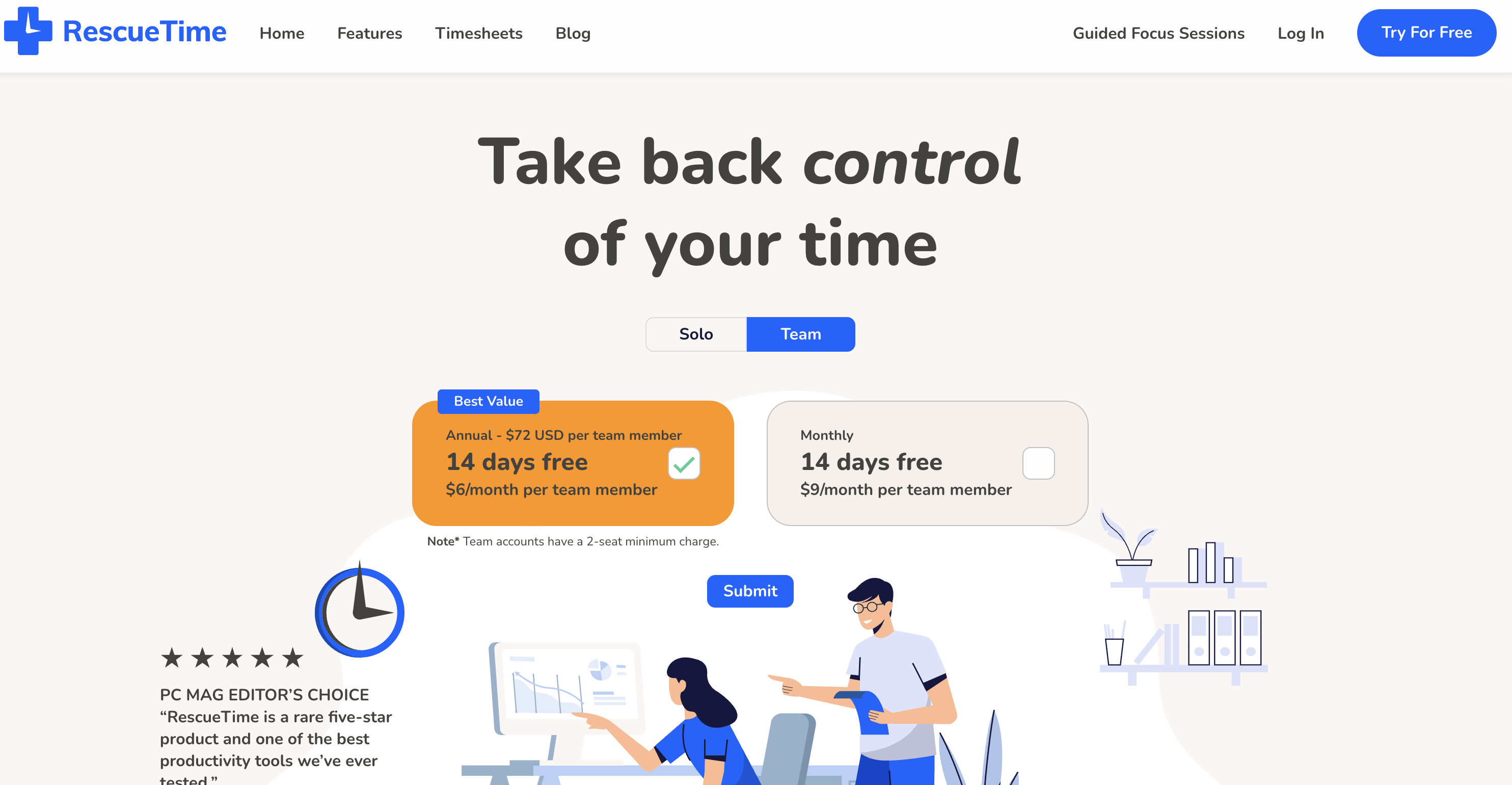
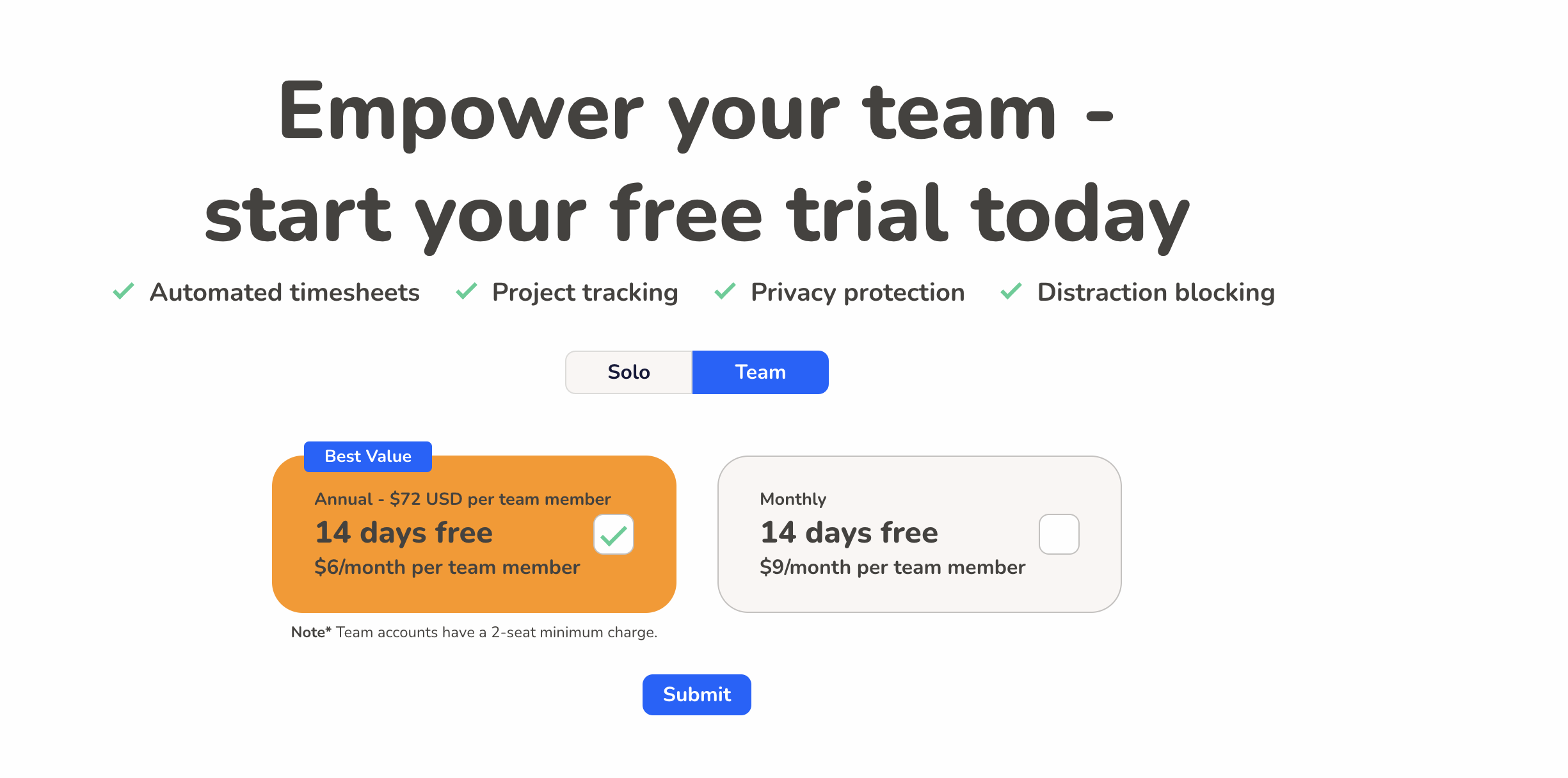
RescueTime is a tool that automatically tracks time in the background. Since manual operation is unnecessary, it can track without hindering work.
Features:
Pricing:
—
10. Everhour
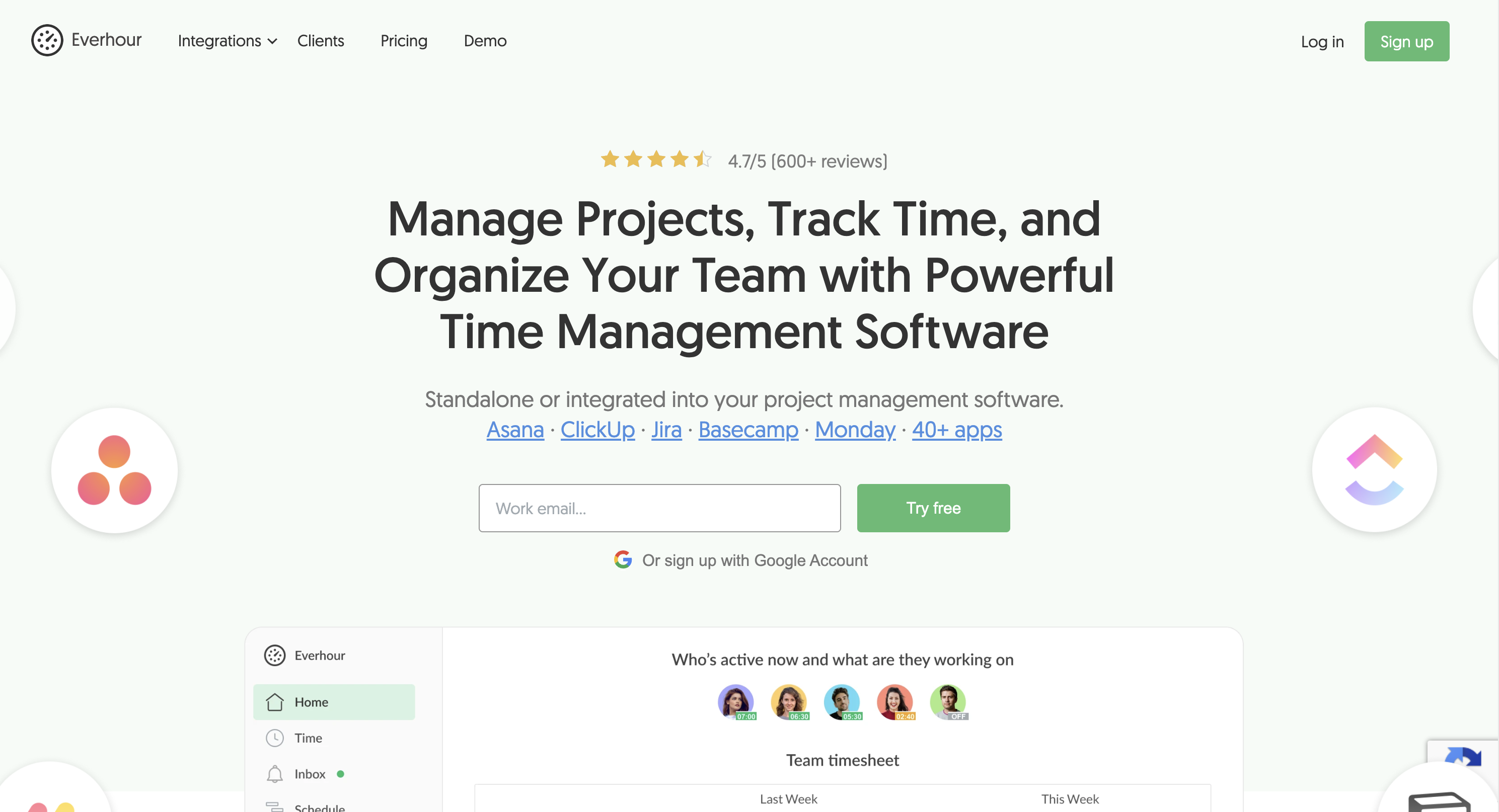
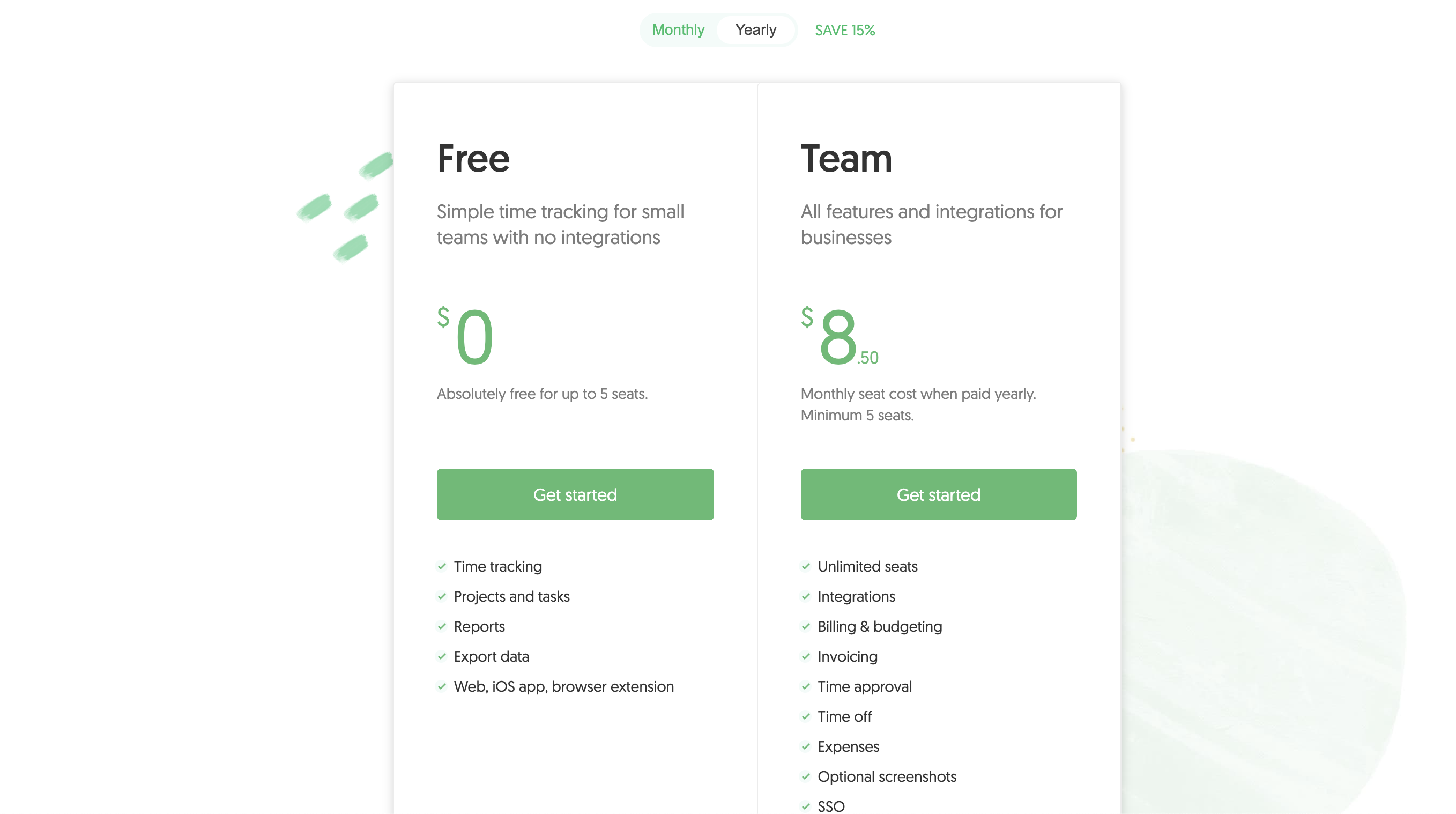
Everhour specializes in integration with project management tools. Seamlessly integrates with Asana, Trello, Jira, etc.
Features:
Pricing:
—
[Completely Free] 3 Individual Time Management (Time Tracking) Apps

1. CotoGoto

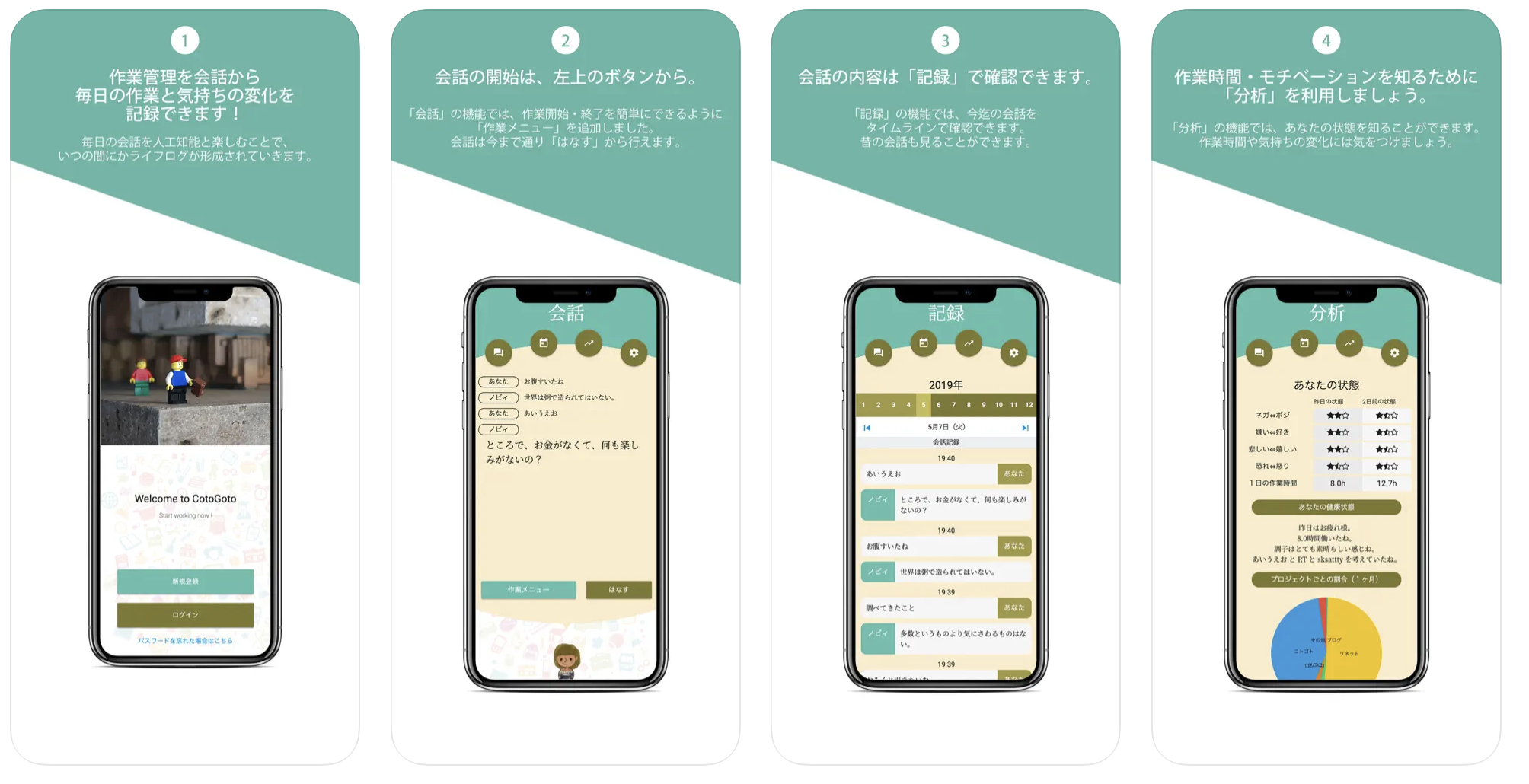
CotoGoto is a lifestyle recording app that records daily events and emotions as data.
Features:
Pricing: Free
—
2. Time Hacker
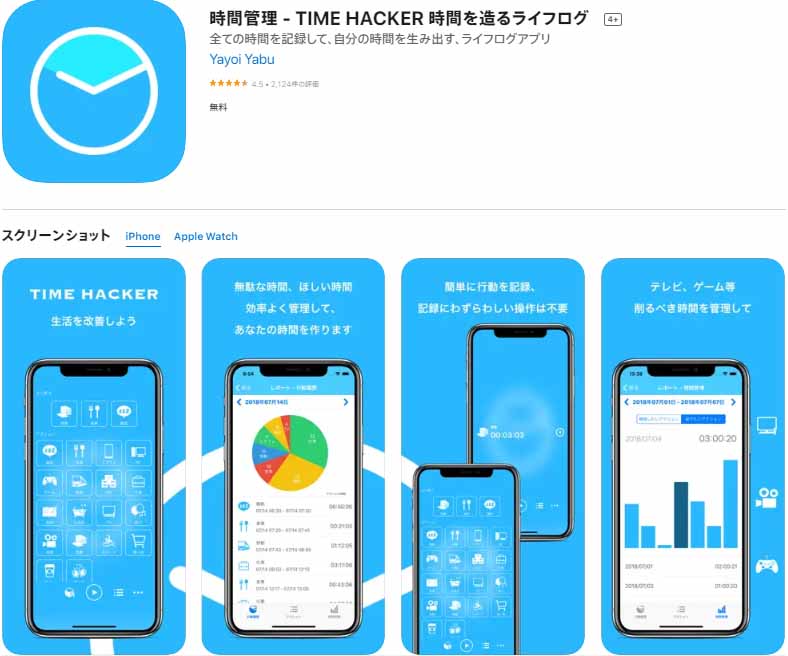
Time Hacker is a simple time management app. With minimal features, anyone can easily track time.
Features:
Pricing: Free
—
3. Simple Time Tracker
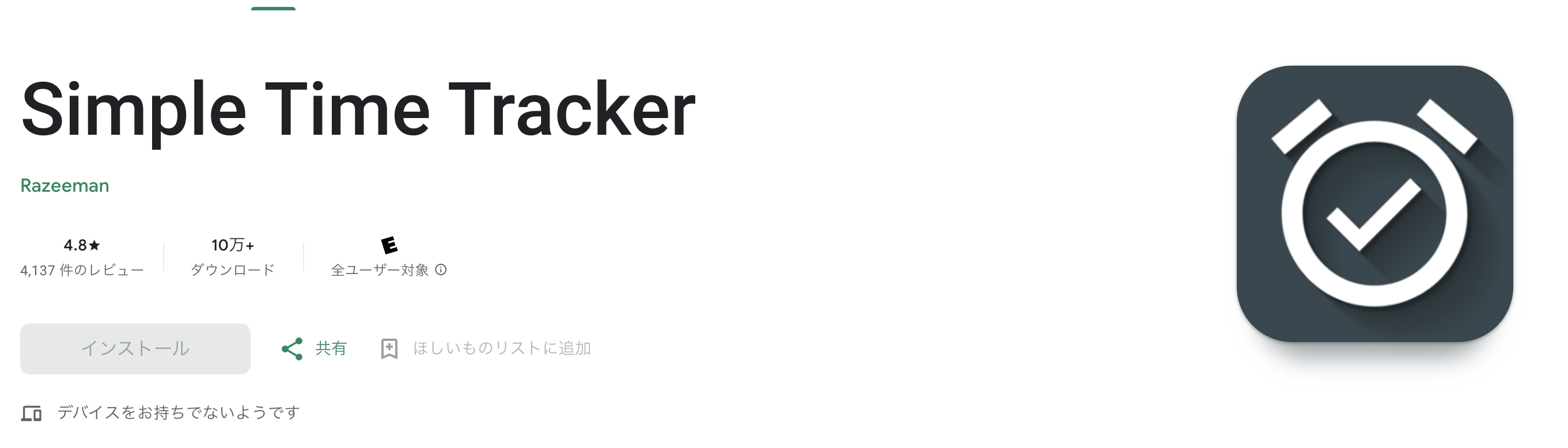
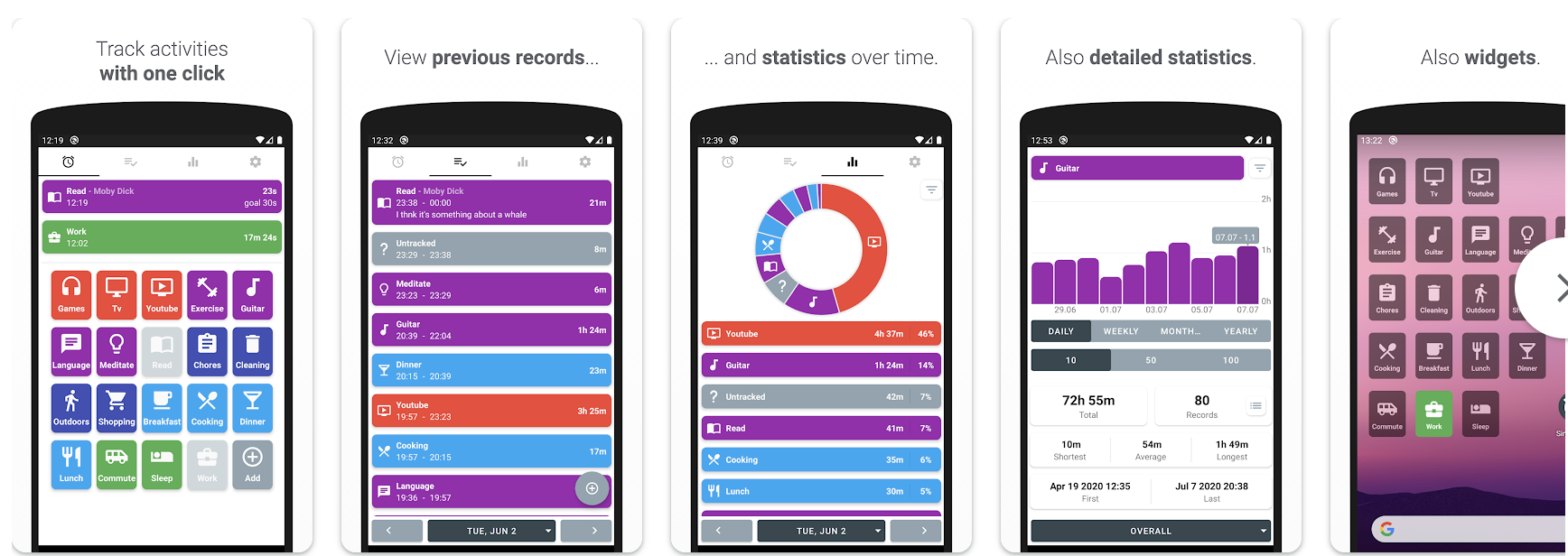
As the name suggests, a simple time tracker. Easy operation with no complex settings.
Features:
Pricing: Free
—
[Partially Free] 12 Individual Time Management (Time Tracking) Apps

1. ATracker
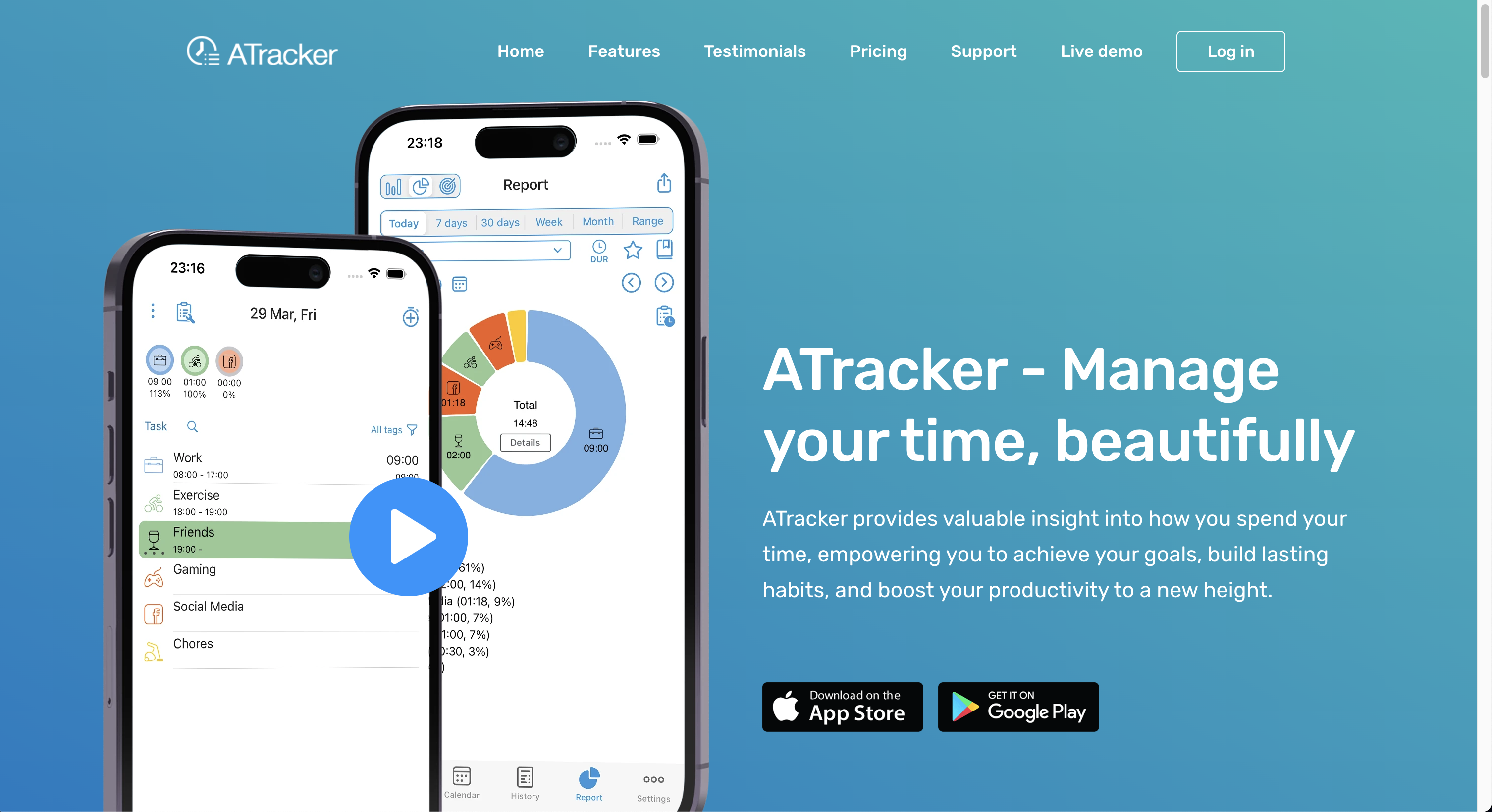
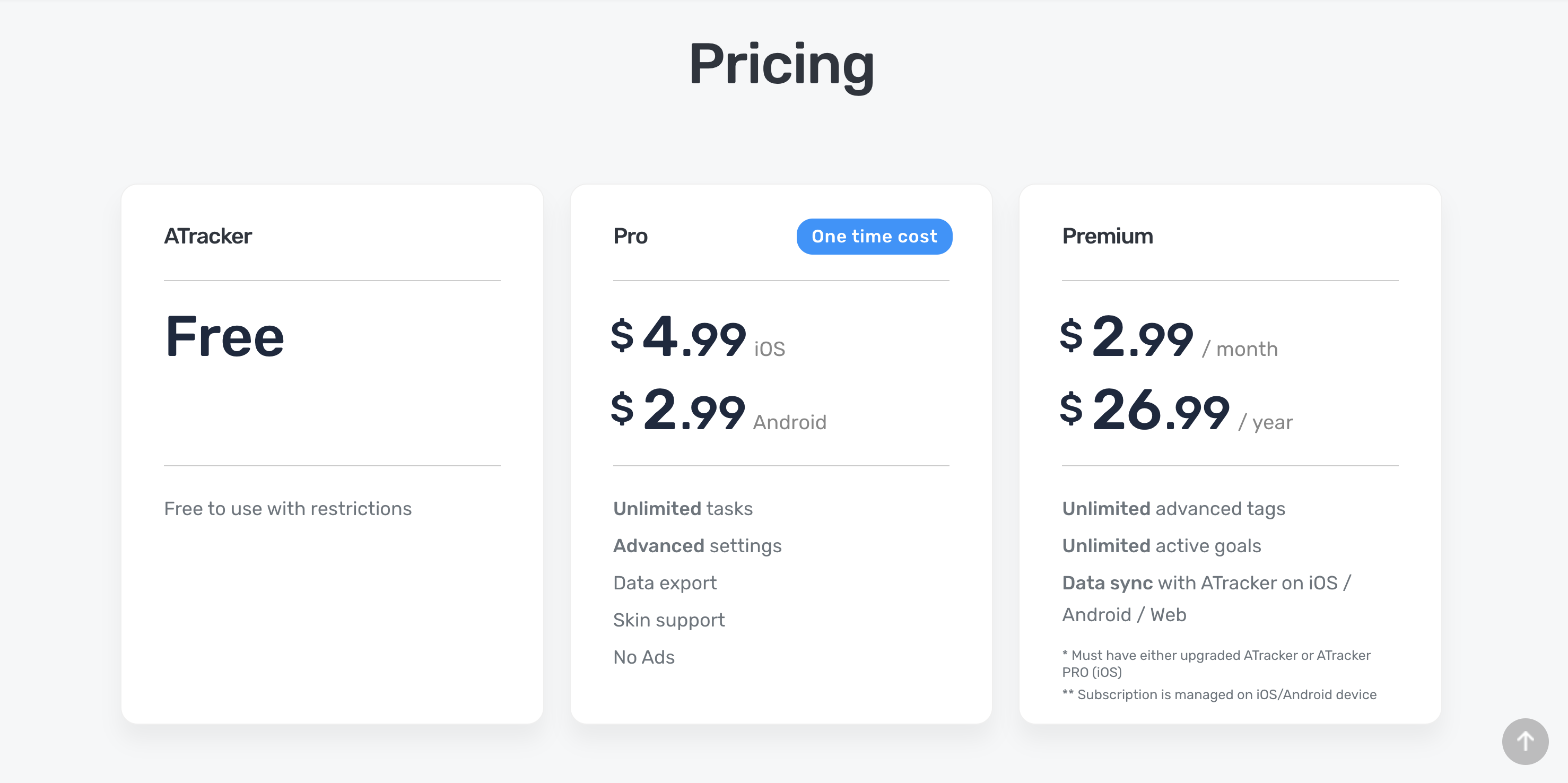
ATracker is a highly customizable time tracking app. Free setup of icons and colors is attractive.
Features:
Pricing:
—
2. Focus – Concentration
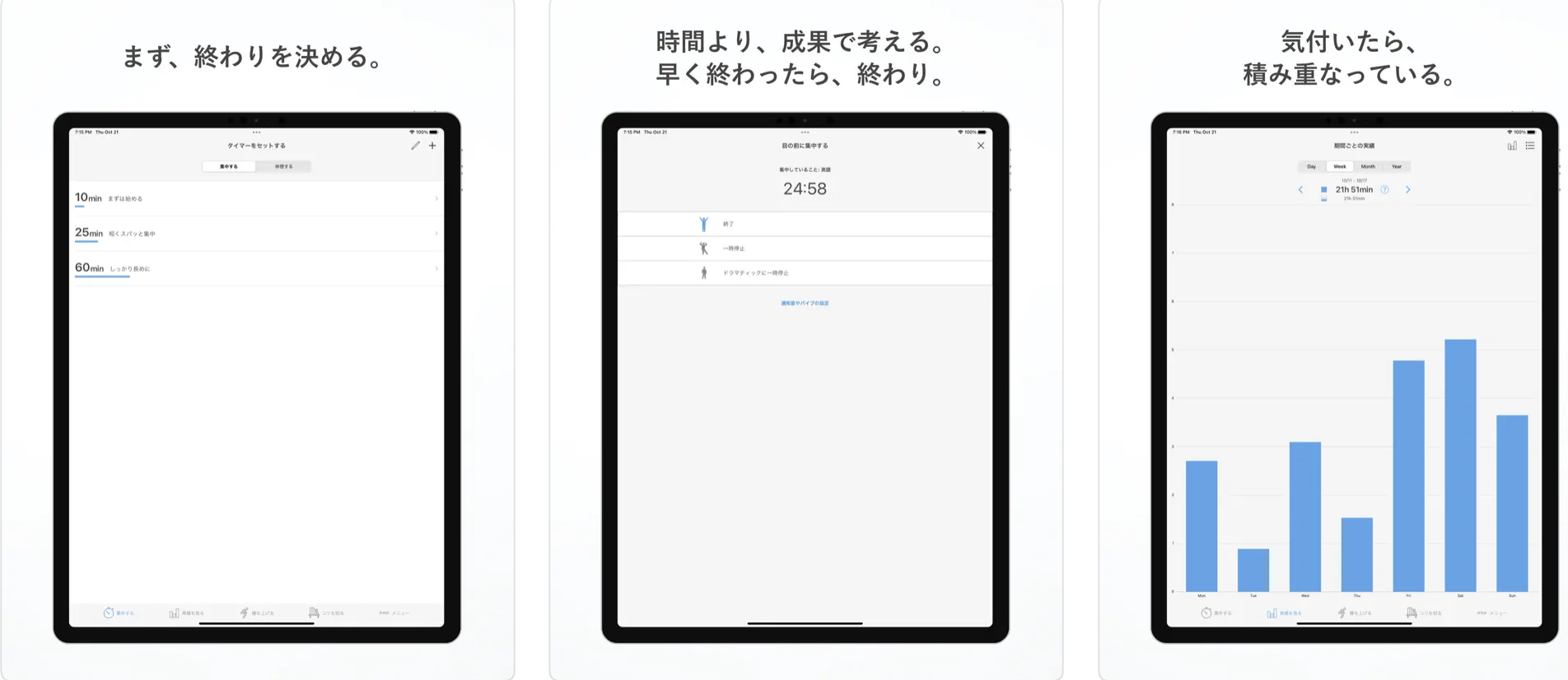
Concentration is an app for studying using the Pomodoro Technique. Repeat cycles of 25 minutes concentration + 5 minutes break.
Features:
Pricing:
—
3. Daily Schedule – Calendar/ToDo List/Diary
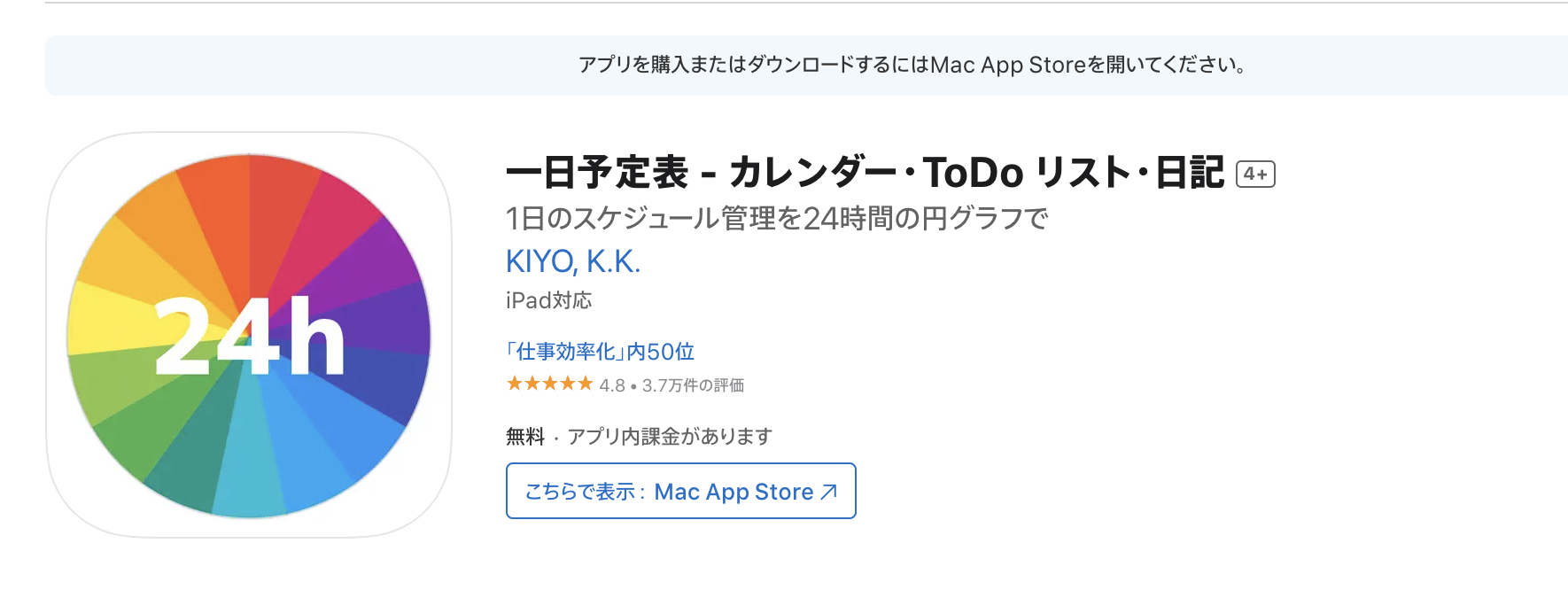
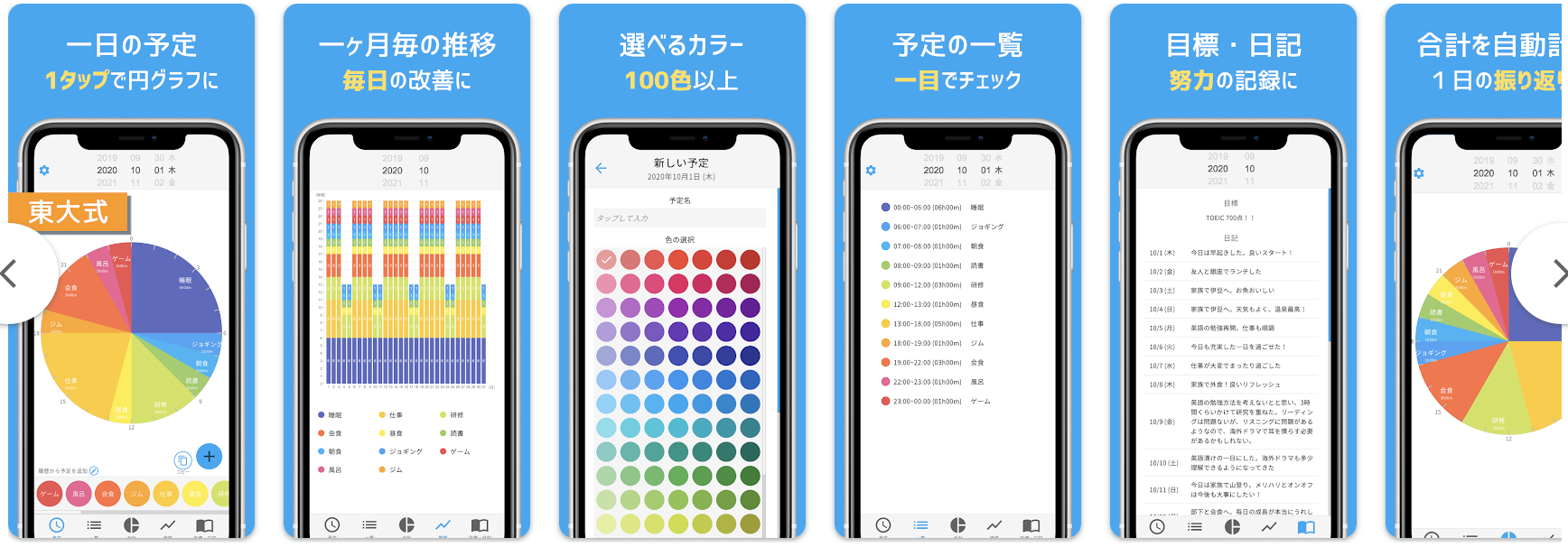
An app integrating calendar, task management, and diary. Manage your whole day in one place.
Features:
Pricing:
—
4. Focus To-Do
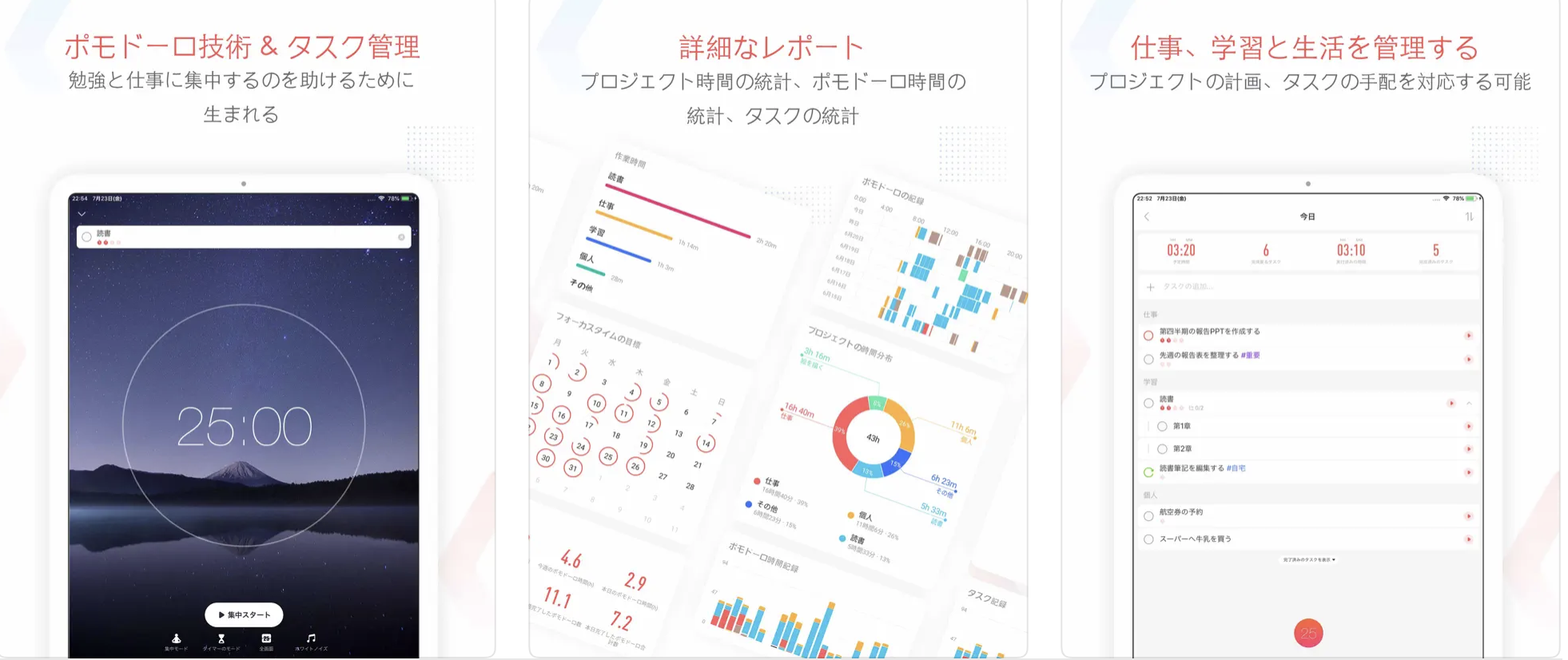
Focus To-Do is an app combining Pomodoro Technique and task management. You can manage tasks while maintaining concentration.
Features:
Pricing:
—
5. aTimeLogger Pro
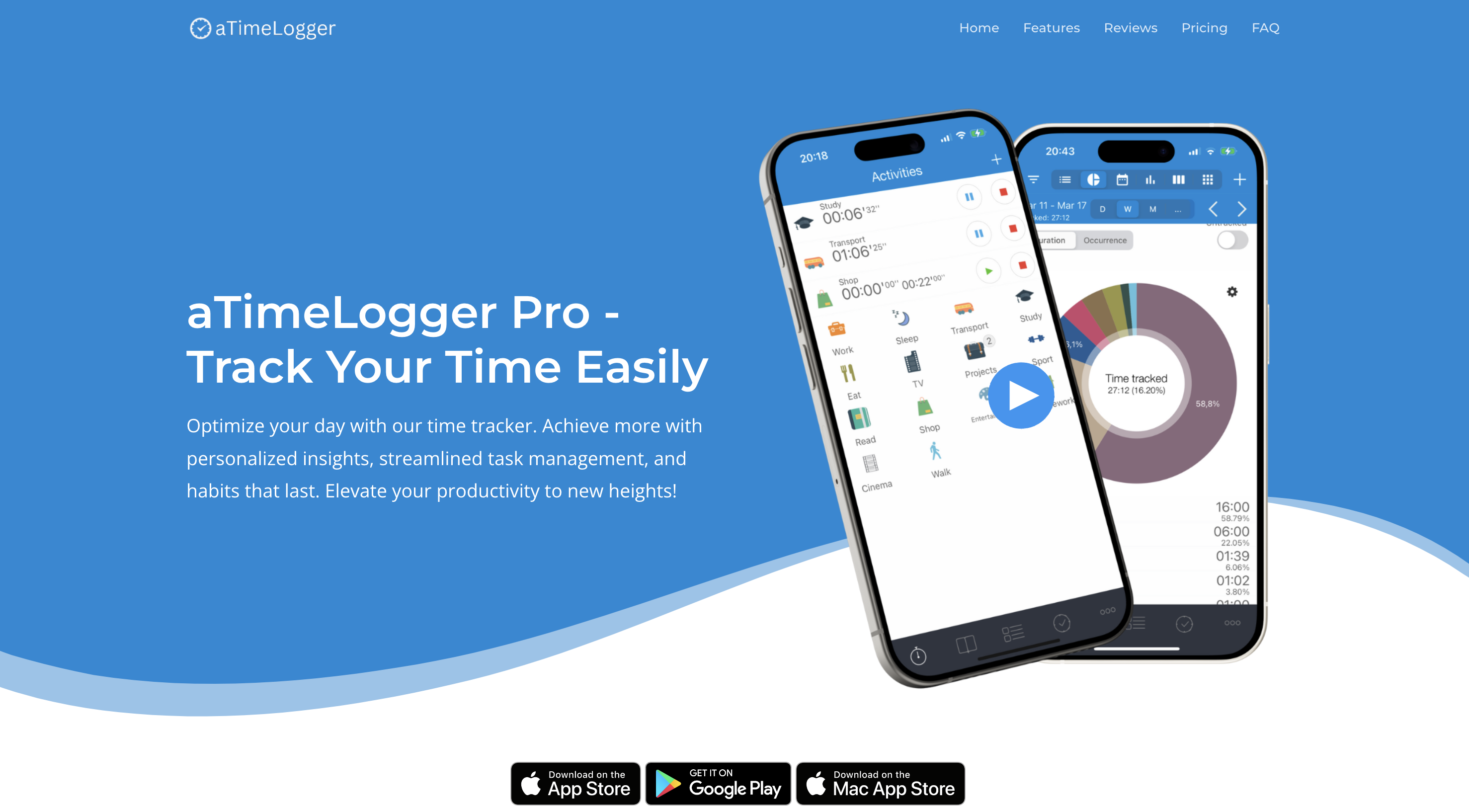
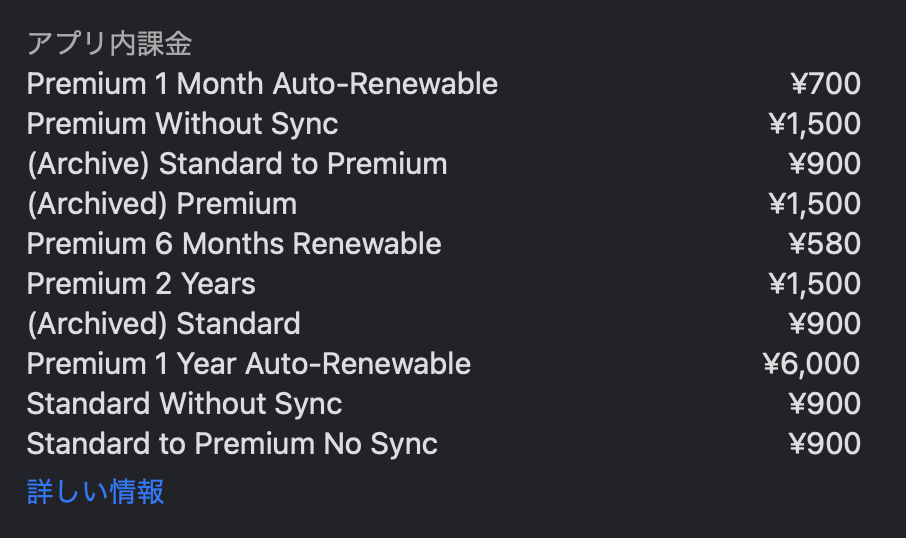
aTimeLogger is an app for detailed life logging. Track not just work but all activities.
Features:
Pricing:
—
6. Timesheet

Timesheet is a simple time recording app. Optimal for freelancers’ work time management.
Features:
Pricing:
—
7. TickTick: Todo List, Task Management & Calendar
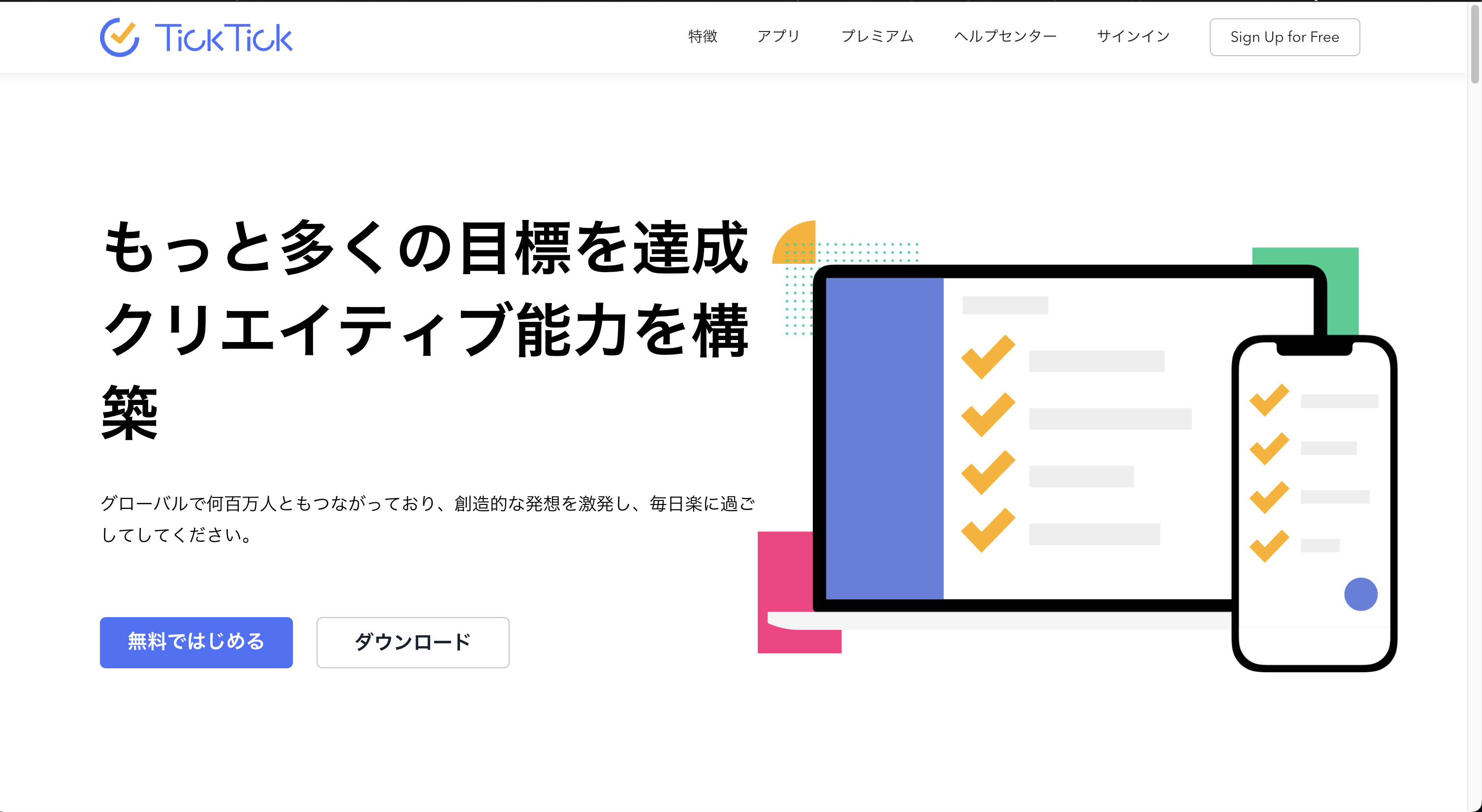
TickTick is a multi-functional task management app. Time tracking with Pomodoro feature is possible.
Features:
Pricing:
—
8. Hours Time Tracking
Hours is a visual time tracking app. Timeline display makes time allocation easy to understand.
Features:
Pricing:
—
9. TimePod – Time Recording
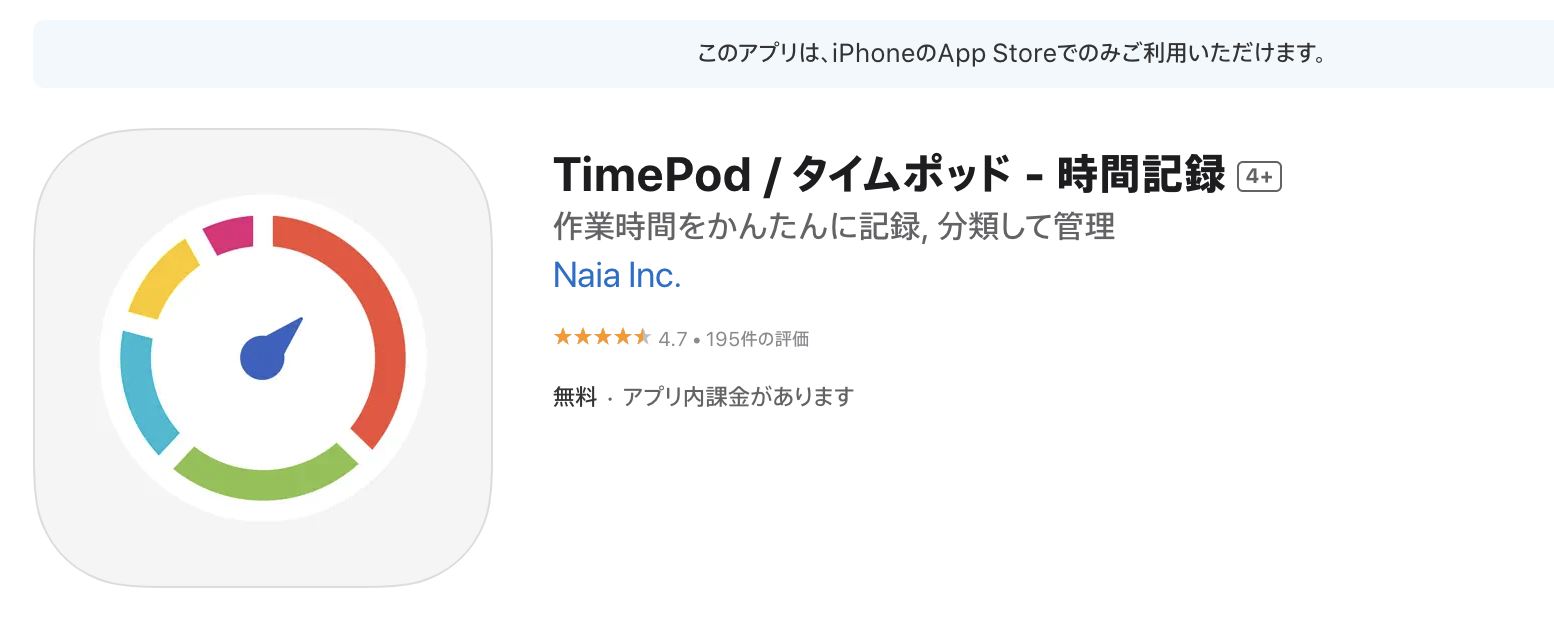
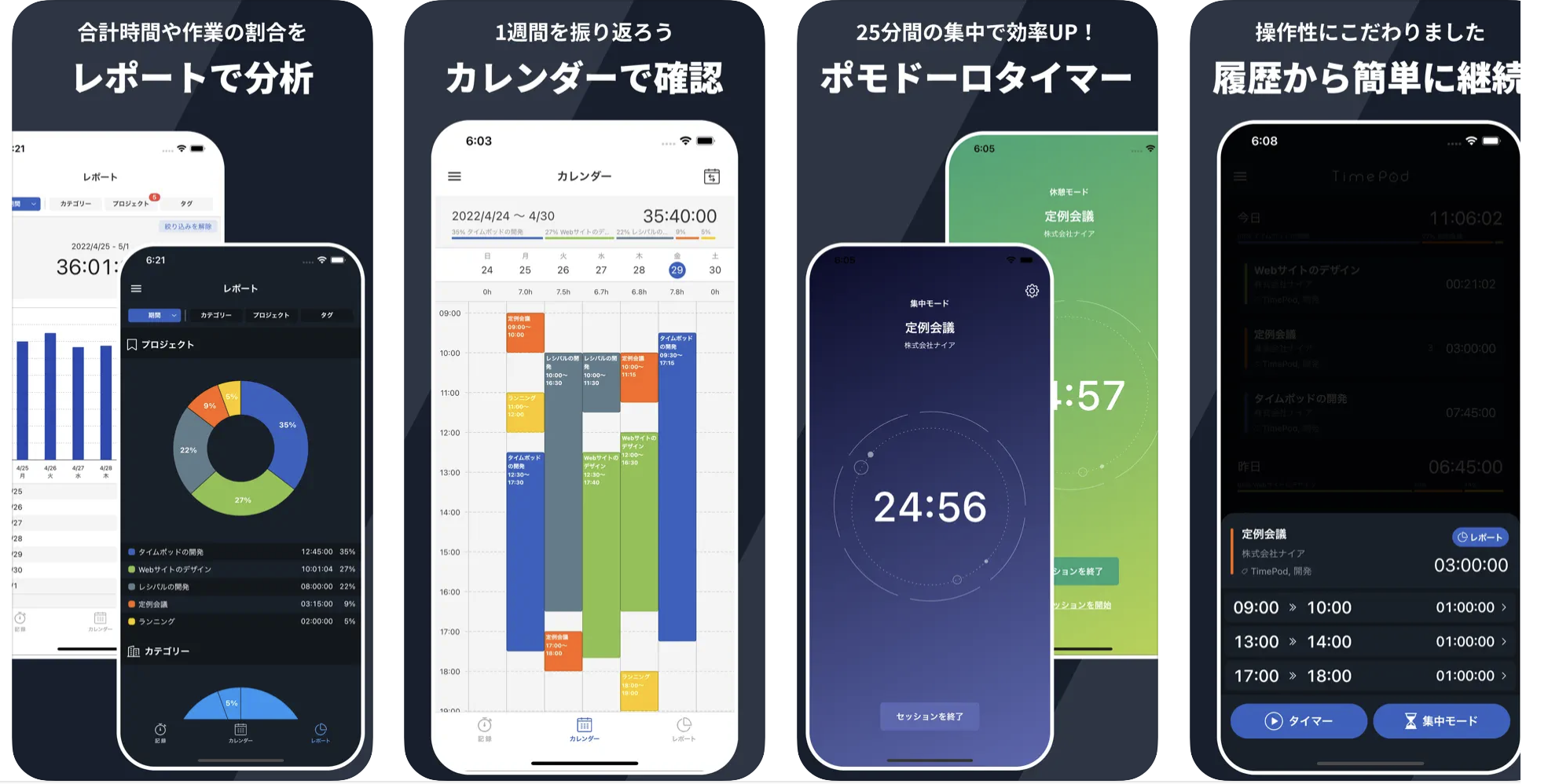
TimePod is an intuitive time recording app. Simple operation makes daily recording easy to continue.
Features:
Pricing:
—
10. Boosted Time Tracker
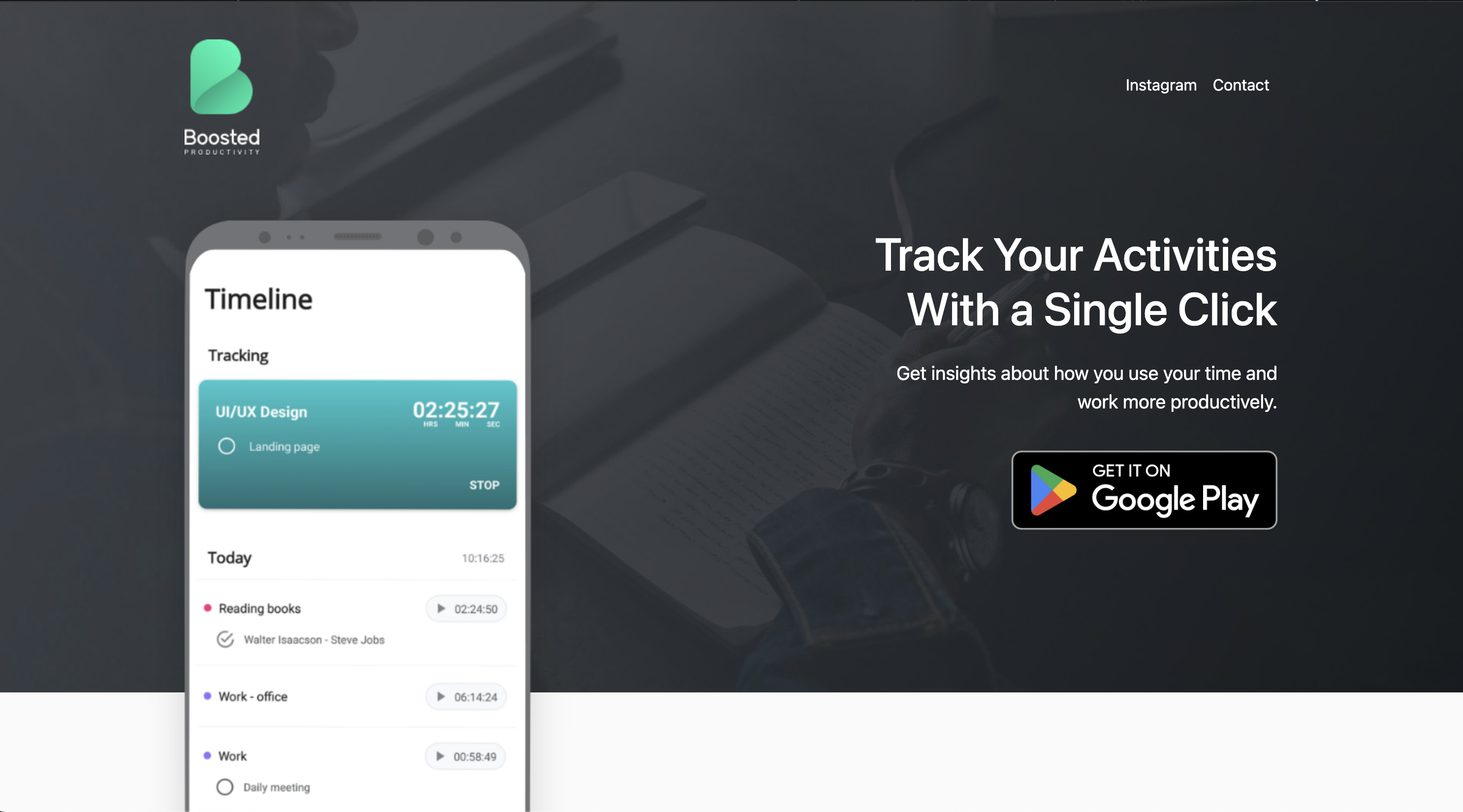
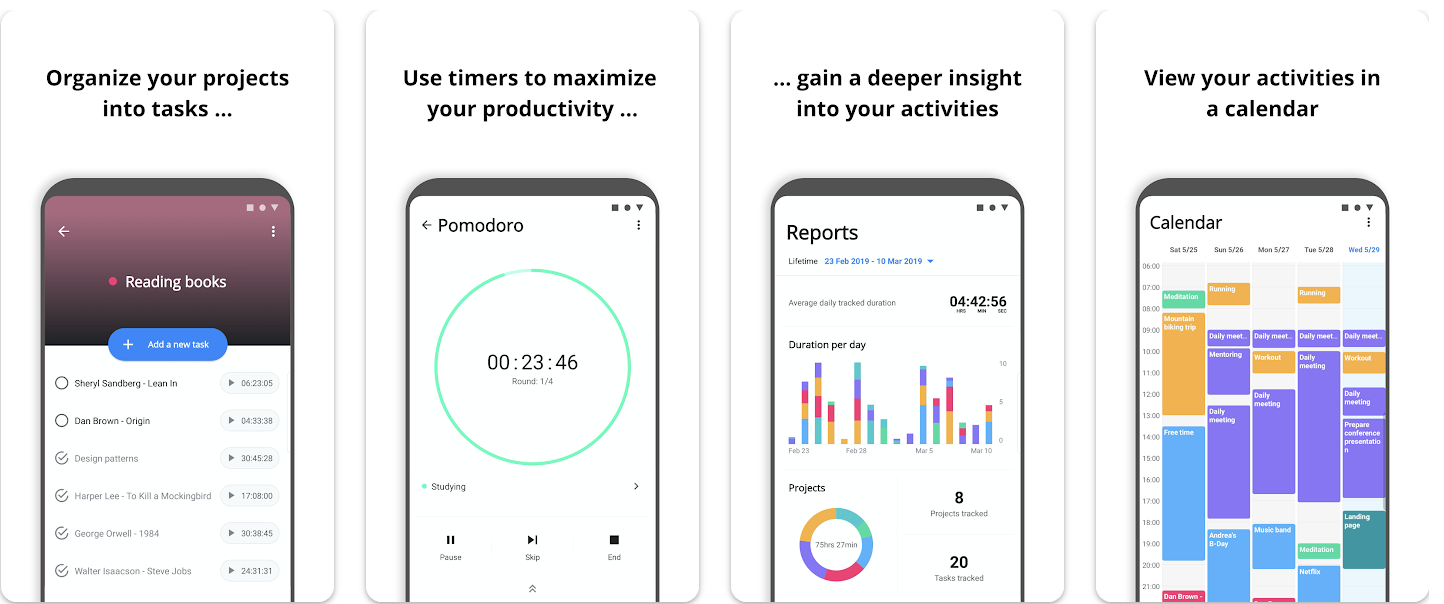
Boosted is a simple time tracker. The minimalist design is attractive.
Features:
Pricing:
—
11. Harvest
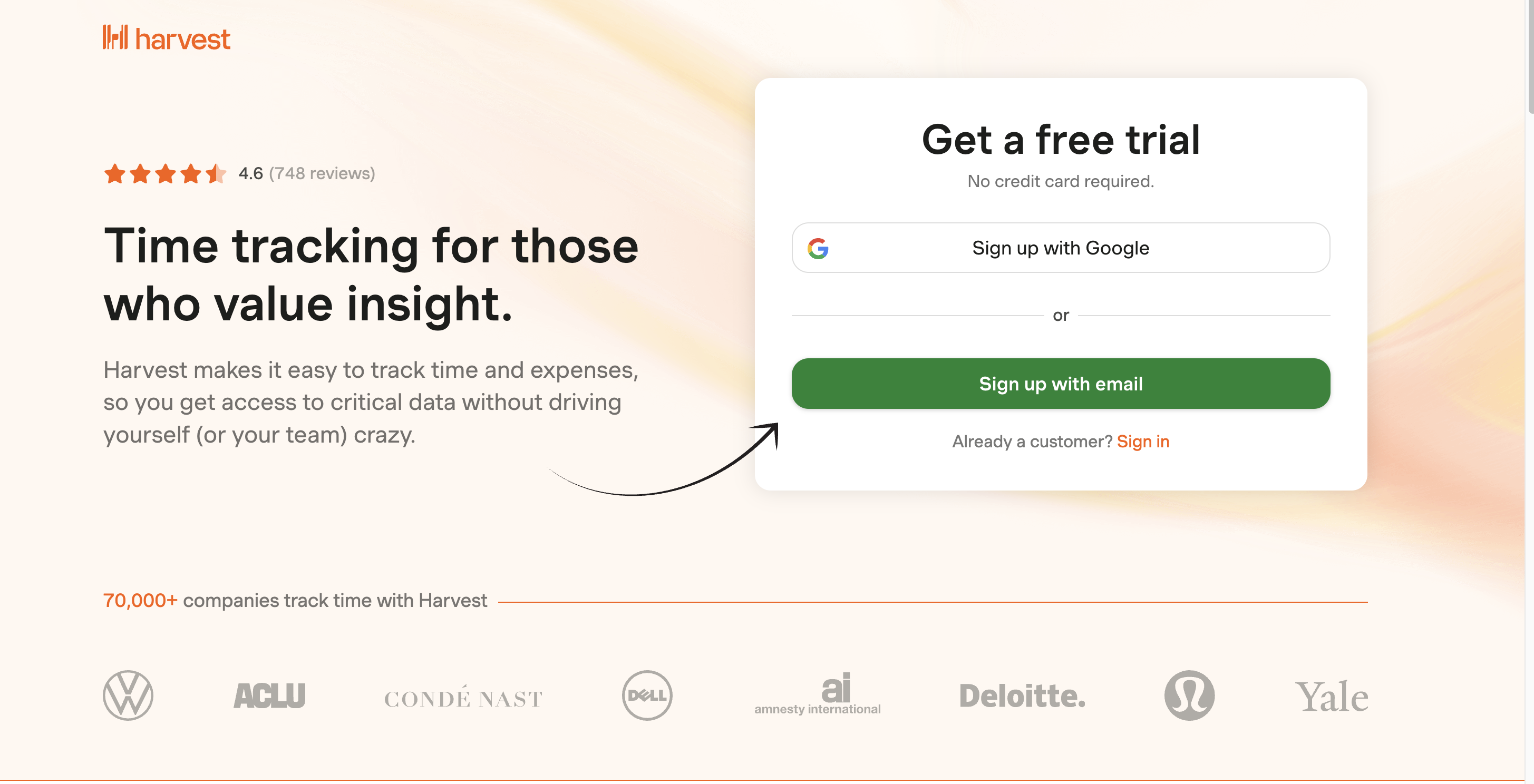
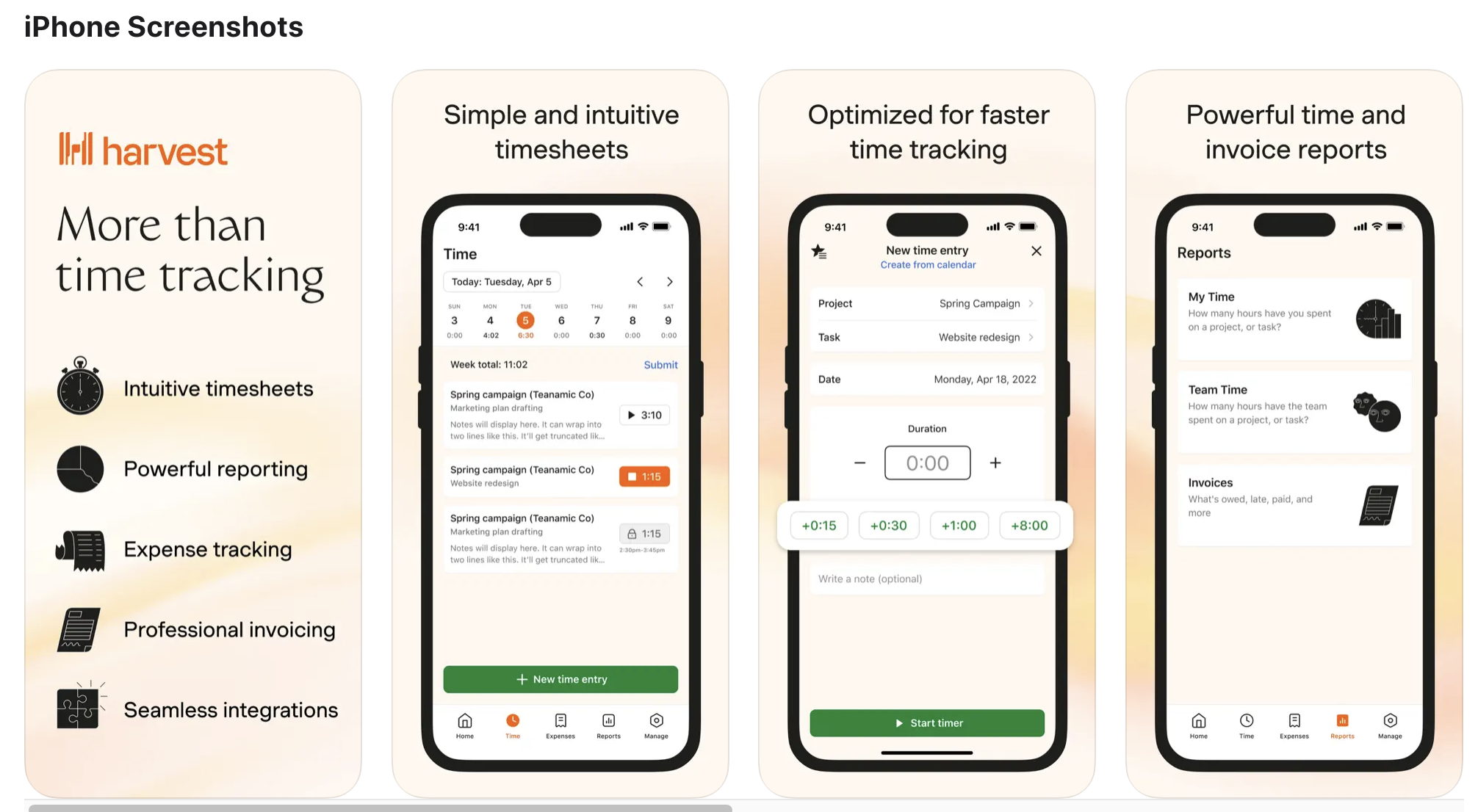
Harvest is a time tracking tool with invoicing features. Ideal for freelancers and small teams.
Features:
Pricing:
—
12. Paymo
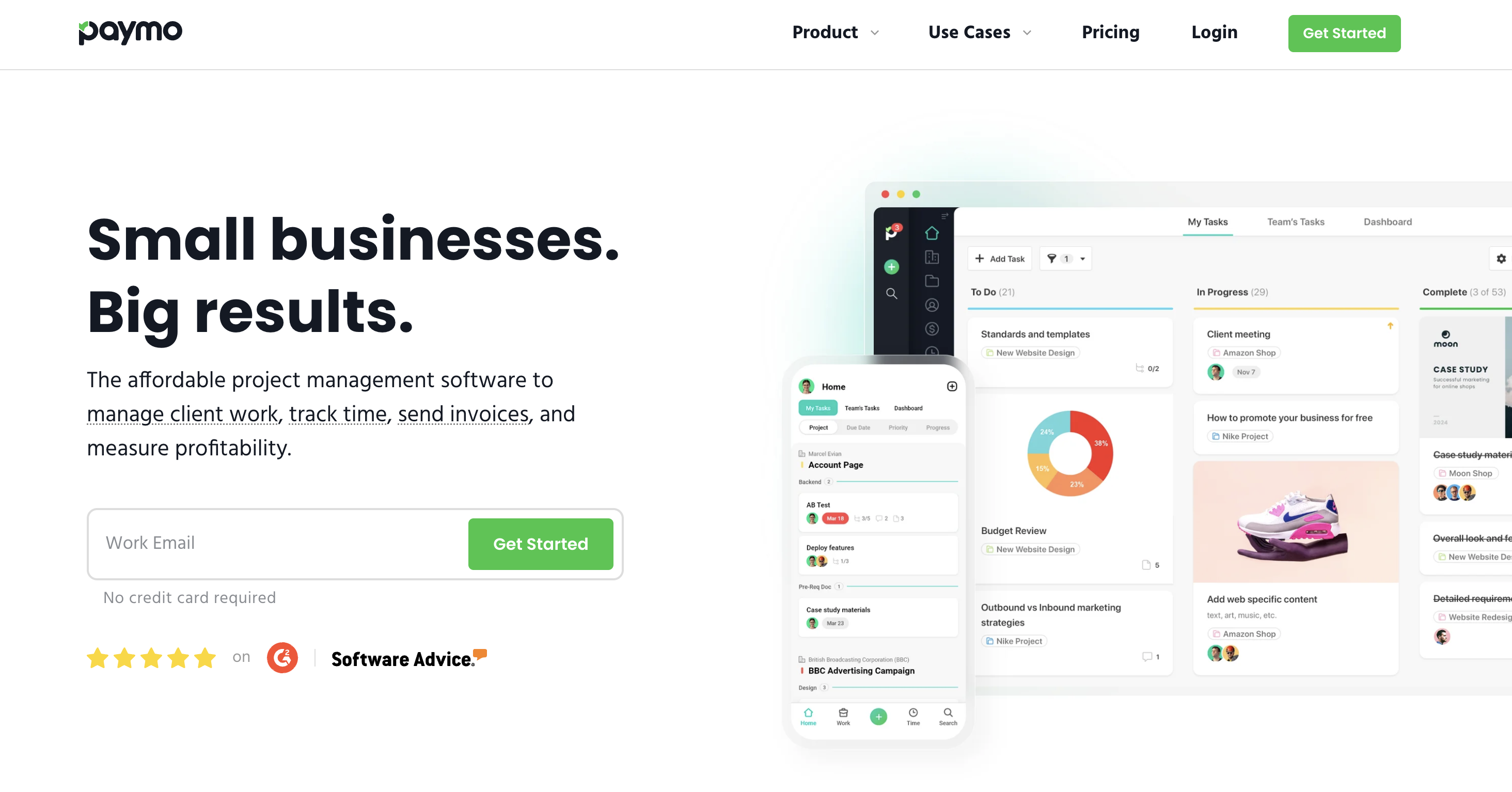
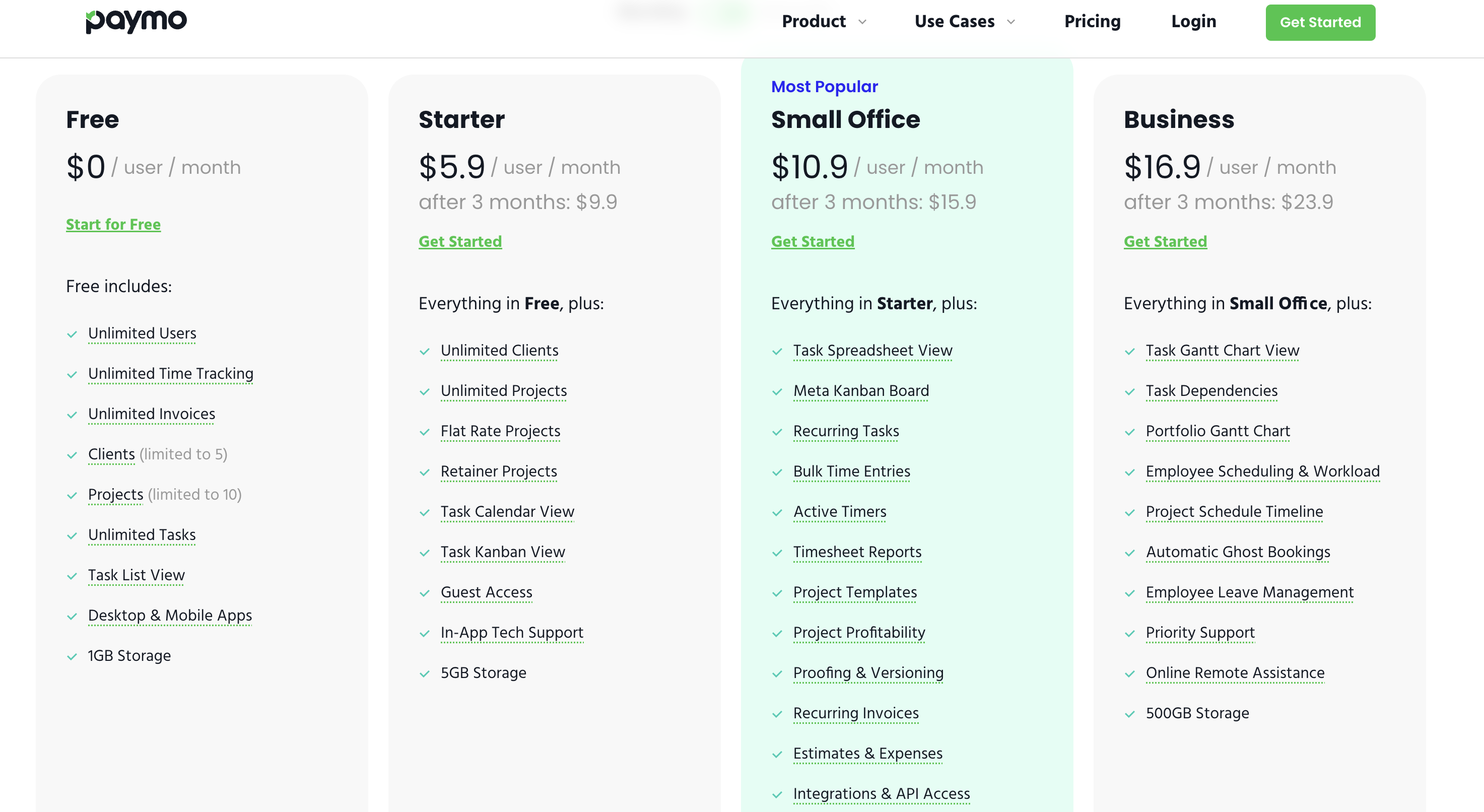
Paymo is a tool integrating project management and time tracking. Ideal for small businesses and agencies.
Features:
Pricing:
—
Find the Best Time Tracking App and Improve Your Time Management

We’ve introduced various time management apps from team use to individual use.
When choosing, it’s important to clearly define your purpose of use and select an app that matches it.
Try using free trials and free plans to find the tool that suits you best.
—
Virtual Office + Time Management: Two Birds with One Stone. Choose VoicePing to Boost Productivity
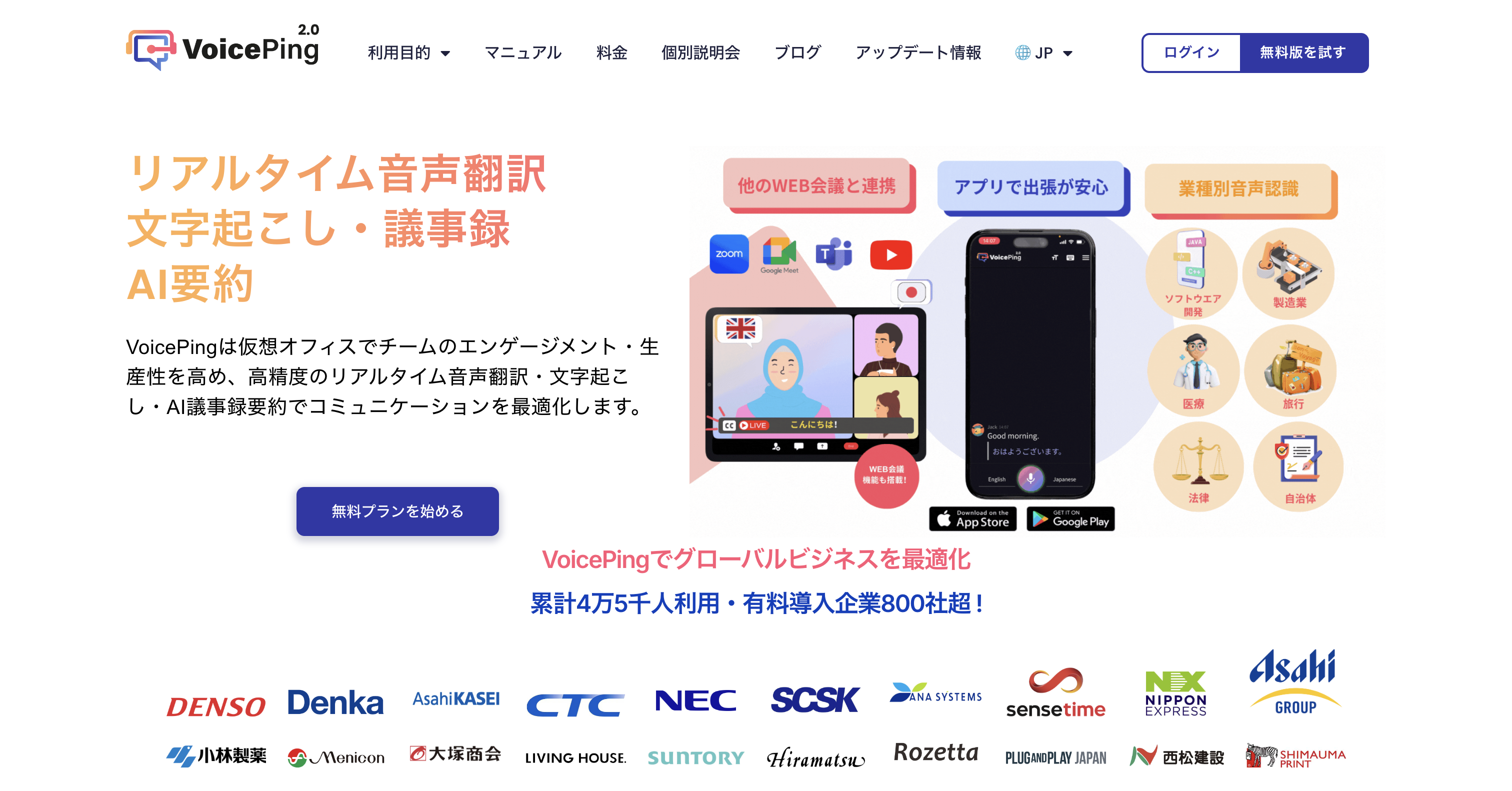
VoicePing is a virtual office tool that integrates time management features.
In addition to visualizing team members’ work status in real-time, you can also utilize meeting transcription and AI translation features. Time tracking records can be automatically aggregated into reports.
If you want to centrally manage remote work communication and time management, please consider VoicePing.
—
Tags: Time Management Apps, Time Tracking, Productivity, Remote Work, VoicePing, Toggl, Team Management