
Last Updated: January 2026
—
Introduction
Meeting minutes take time and effort, so many people want to automate the process. This article introduces 10 recommended automatic meeting minutes creation services.
We’ll also cover how to choose a service that matches your goals and how to improve work efficiency with automatic meeting minutes creation services.
—
What Are Automatic Meeting Minutes Tools?
Meeting minutes refer to documents that record the content of meetings. By clearly recording conversation content, decisions, and responsibilities, they make it easier to review and effectively promote task execution.
Traditionally, tasks such as recording meeting content with a voice recorder, transcription, summarizing key points, and sharing materials were done manually. Automatic meeting minutes tools powered by AI were developed to simplify this process.
Taking notes and transcription during meetings was a burdensome task, but AI automatically reads and converts speech to text, enabling efficient meeting minutes creation.
—
Functions and Applications of Automatic Meeting Minutes Tools
AI-powered automatic meeting minutes tools have four main functions. It’s important to understand these four functions and applications to maximize the use of these tools.
1. Meeting Content Transcription
Some tools can distinguish between different speakers’ voices, and recording who said what helps prevent “he said/she said” disputes. While some minor corrections may be needed for the transcribed materials, many tools automatically add necessary punctuation, significantly reducing the effort required for editing meeting minutes. Compared to transcribing everything from scratch, this saves considerable time.
2. Translation
Many automatic meeting minutes services support not only Japanese but multiple languages. Real-time translation makes these tools suitable for companies with frequent multilingual meetings. Since spoken content is recorded in the meeting minutes, reviewing discussions is easy.
3. Task Extraction and Execution Promotion
Some tools automatically extract tasks based on spoken content. For example, if someone says “I’ll summarize this month’s sales report by a certain date,” important content or decisions can be immediately bookmarked for easy extraction later. Automatic task extraction from meeting minutes content helps reduce the time and effort required for creation.
4. Web Meeting Subtitle Display
Some automatic meeting minutes tools can integrate with web conferencing tools like Google Meet and Zoom, displaying spoken content in real-time on screen. Even if meeting content is hard to hear, text displays allow understanding of conversation content, preventing misunderstandings and enabling smooth meeting progress.
—
5 Benefits of Automatic Meeting Minutes Creation
Using automatic meeting minutes tools provides five benefits:
1. Prevent Missing Meeting Content
The first benefit is preventing missed meeting content. Recording meeting content manually requires concentration. When there are many opinions, keeping up with notes can be challenging. People speak faster than they can type on a computer, so taking notes while listening is burdensome. However, using AI automatic meeting minutes tools that convert spoken content to text in real-time eliminates the need for note-taking, making it easier to concentrate on meetings.
2. Reduce Editing and Correction Effort
The accuracy has reached a level where spoken content can be directly converted to text, helping reduce employee stress from transcription and reducing overtime. Even with voice recorder recordings, understanding difficult content requires repeatedly stopping and playing, which is tiring and mentally stressful. However, automatic meeting minutes tools complete materials overwhelmingly faster and easier. With AI voice recognition accuracy improving daily through technologies like Siri and smart speakers, even higher-quality document creation will be possible in the future.
3. Enables Paperless Operations
Automatic meeting minutes tools can digitize meeting content, effectively reducing paper and printing costs. The cost of printing A4 documents in black and white is generally 3-5 yen per sheet. If 100 employees each print 20 pages per day, that’s approximately 6,000-10,000 yen per day, or about 1,470,000-2,450,000 yen annually. By digitizing documents, you not only reduce printing costs but also eliminate the need for storage space, reducing office furniture and rent costs.
4. Easier Meeting Content Sharing
When sharing paper-recorded meeting minutes manually, you need to search through cabinets or storage rooms and flip through documents to find what you need. However, meeting minutes tools that can digitize documents on servers or the internet allow easy searching to quickly find needed materials, reducing time costs and enabling smooth information sharing.
5. Supports Global Meetings
Automatic meeting minutes tools that support multiple languages can handle global meetings. AI translates speaker content in real-time and displays it as subtitles on screen, allowing meetings to proceed while viewing translated subtitles. Smooth communication can open great opportunities to expand business possibilities.
—
3 Disadvantages of Automatic Meeting Minutes Creation
While automatic meeting minutes tools have many benefits, understanding the disadvantages is important to ensure successful tool implementation and operation.
1. Attention to Background Noise Required
Conducting web meetings in environments prone to background noise can interrupt speech and prevent accurate transcription. Prepare an environment free from surrounding noise to create high-precision meeting minutes.
2. Conversations May Not Be Perfectly Recognized
Although AI-powered automatic voice recognition has improved in accuracy over the years, it cannot perfectly recognize all conversation content. Voice volume or multiple employees speaking simultaneously can reduce accuracy. Additionally, specialized terminology may not be recognized, requiring pre-registration of technical terms.
3. Final Visual Check Required
While automatic meeting minutes tools excel at easy meeting minutes creation, the final document content requires human visual checking. Since automatic voice recognition isn’t perfect, incorrect content may be recorded. Filler words like “um” and “uh” are also recognized and require correction, making manual work essential. However, compared to creating meeting minutes from scratch, the effort is much less, so the benefits of using these tools are significant.
—
5 Criteria for Selecting Automatic Meeting Minutes Tools
Automatic meeting minutes tools vary in features and characteristics. Understanding how to select tools is important to avoid implementation failures.
Voice Recognition Accuracy
Voice recognition accuracy varies by automatic meeting minutes tool. Some services accurately convert spoken content to text, while others cannot input at all when speaking speed is fast. Rather than simply choosing a service with AI recognition, research user reviews and ratings, or use trial periods to understand actual accuracy.
Ease of Use
Tools with many features can handle a wider range of tasks, but may be difficult to operate. The key to smooth meeting facilitation is using tools that don’t require much effort, ideally selecting services that any employee can operate intuitively. Some tools offer trial periods or free services, so compare screen and feature usability.
Security System
Meetings sometimes involve personal or confidential information. If recordings or meeting minutes data leak externally, companies risk losing social credibility and suffering significant losses. Especially when outsourcing meeting minutes creation, consider safety measures and take precautions against multiple data access on servers. Confirm the security system’s precision before selection.
Multilingual Translation Support
When conducting meetings or negotiations in different languages, it’s important to understand what languages are supported for translation. Note that supporting multiple languages doesn’t necessarily mean translation is included.
For example, Google Docs supports multiple languages but doesn’t have translation features. Companies with frequent global meetings should select types with real-time translation features to promote communication.
Cost Considerations
Monthly fees and usage hours vary by service. While free types exist, they have limitations on features and usage time compared to paid versions, which may feel inconvenient. On the other hand, paid services remove feature and time restrictions but incur higher costs.
To avoid unnecessary costs, clarify “how many hours of meetings are held monthly” and “what precision of meeting minutes is required.”
—
Top 10 Automatic Meeting Minutes Tools Comparison
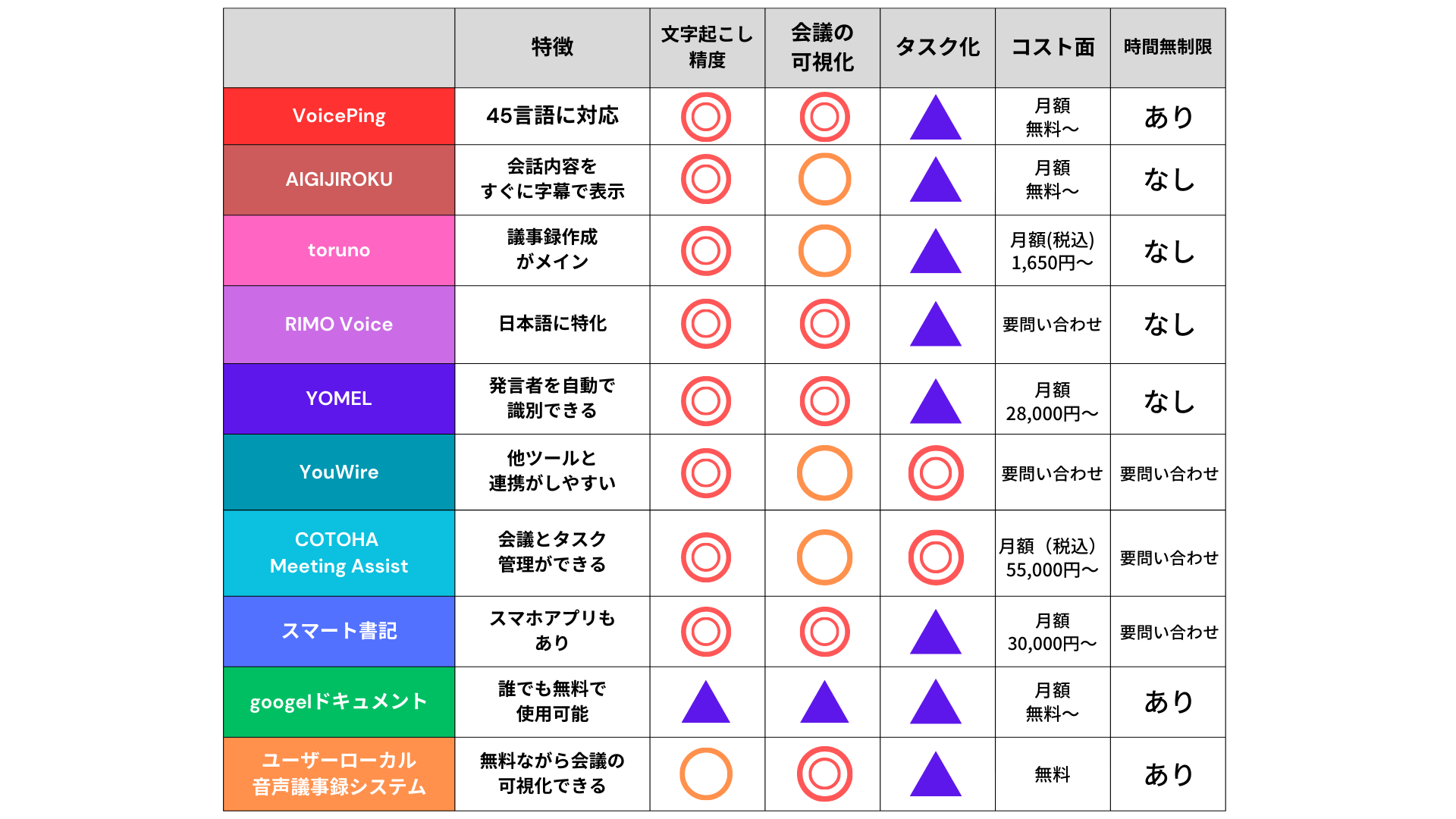
We’ve compiled a comparison table of 10 recommended services based on automatic meeting minutes tool features, cost, transcription accuracy, and automatic translation.
First, use the table to understand the outline of services. For detailed service information, please see the following sections.
—
Services Supporting Multiple Languages
VoicePing: Equipped with ChatGPT, Supporting 45 Languages
*Source: https://voice-ping.com/*
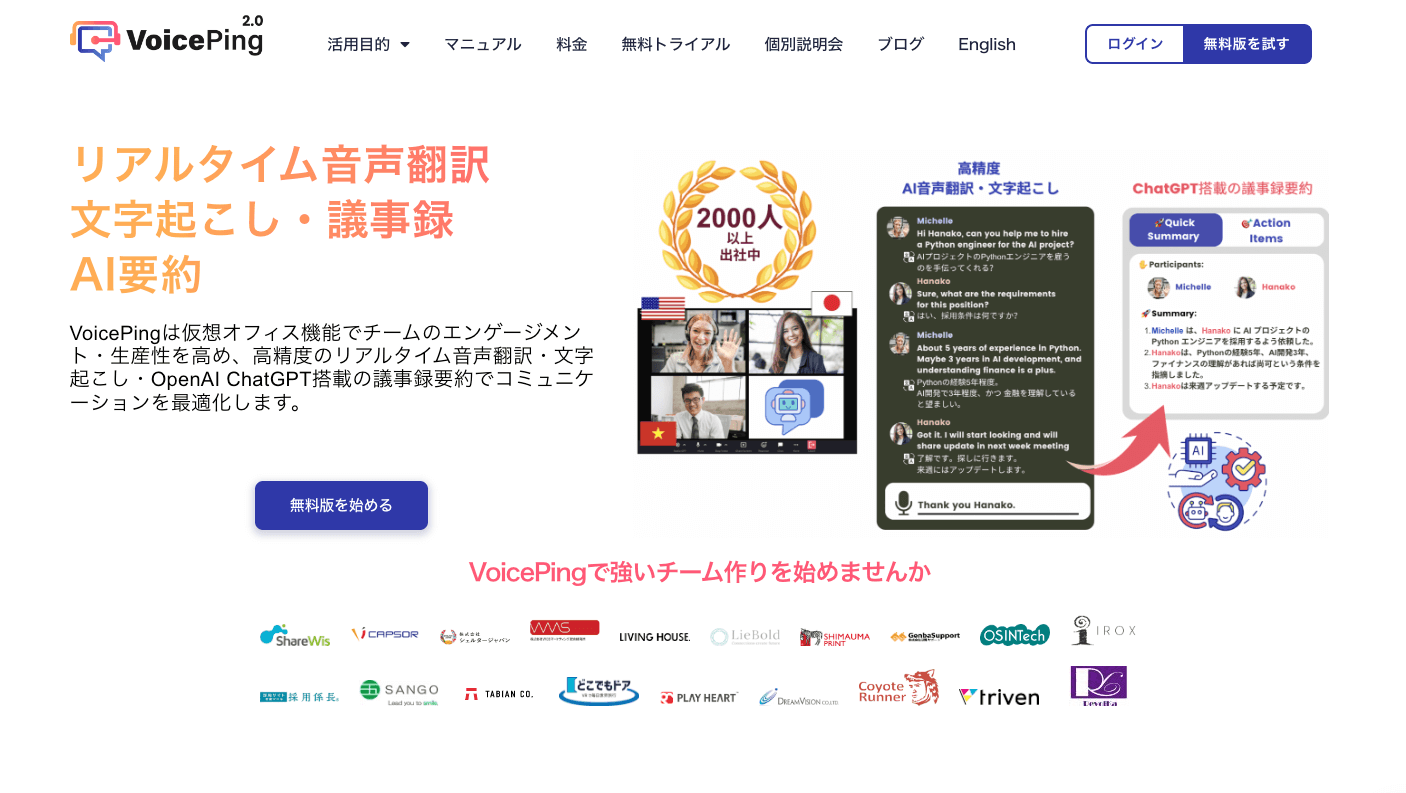
VoicePing is a virtual office equipped with ChatGPT functionality that can be used for automatic web meeting minutes creation.
Content spoken on VoicePing can be “recorded,” “transcribed,” “real-time translated,” and “summarized,” with many convenient features for smooth web meetings. Supporting 45 languages with accurate voice translation, meeting participants can conduct web meetings that transcend language barriers.
It also includes convenient features for meeting minutes creation, such as report creation and logging when and who logged into the system. If you’re interested in VoicePing, please try the free trial.
AIGIJIROKU: Instantly Display 30 Languages as Subtitles
*Source: AIGIJIROKU*
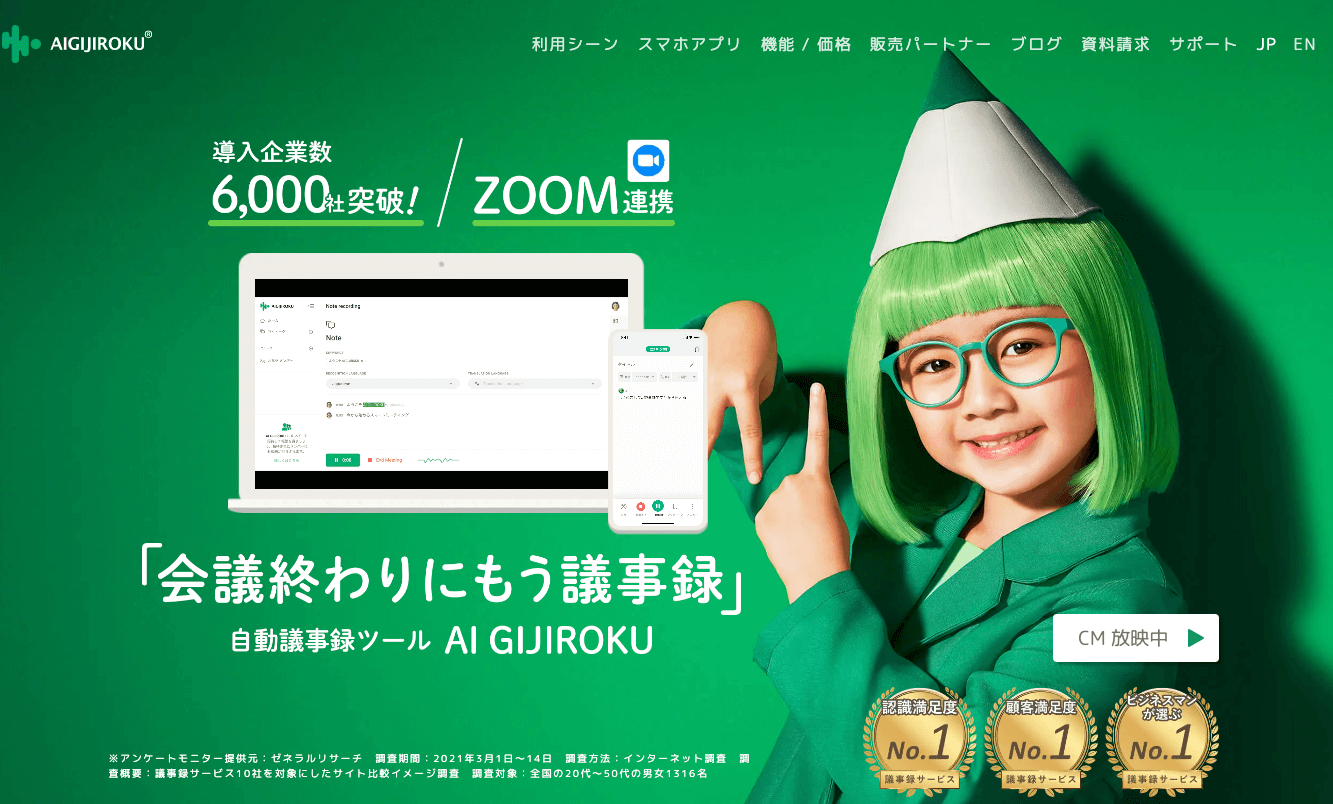
AIGIJIROKU is a tool suitable for Zoom meetings and webinars.
Conversation content is converted to text in real-time on screen, deepening understanding of agenda items and promoting communication. Meeting minutes are automatically saved after calls end, enabling smooth material sharing.
Real-time translation supports not only Japanese but 30 languages, making it excellent for global meetings. Additionally, using the clean-up feature to make detailed corrections to transcribed meeting minutes enables high-precision document creation.
—
Services for Those Who Only Need Meeting Minutes Functions
If you want to automate meeting minutes creation to improve work efficiency, it’s recommended to choose services with only the necessary features. Selecting services with needed features helps reduce unnecessary costs.
toruno: For Meeting Minutes Creation Focused Users
*Source: toruno*
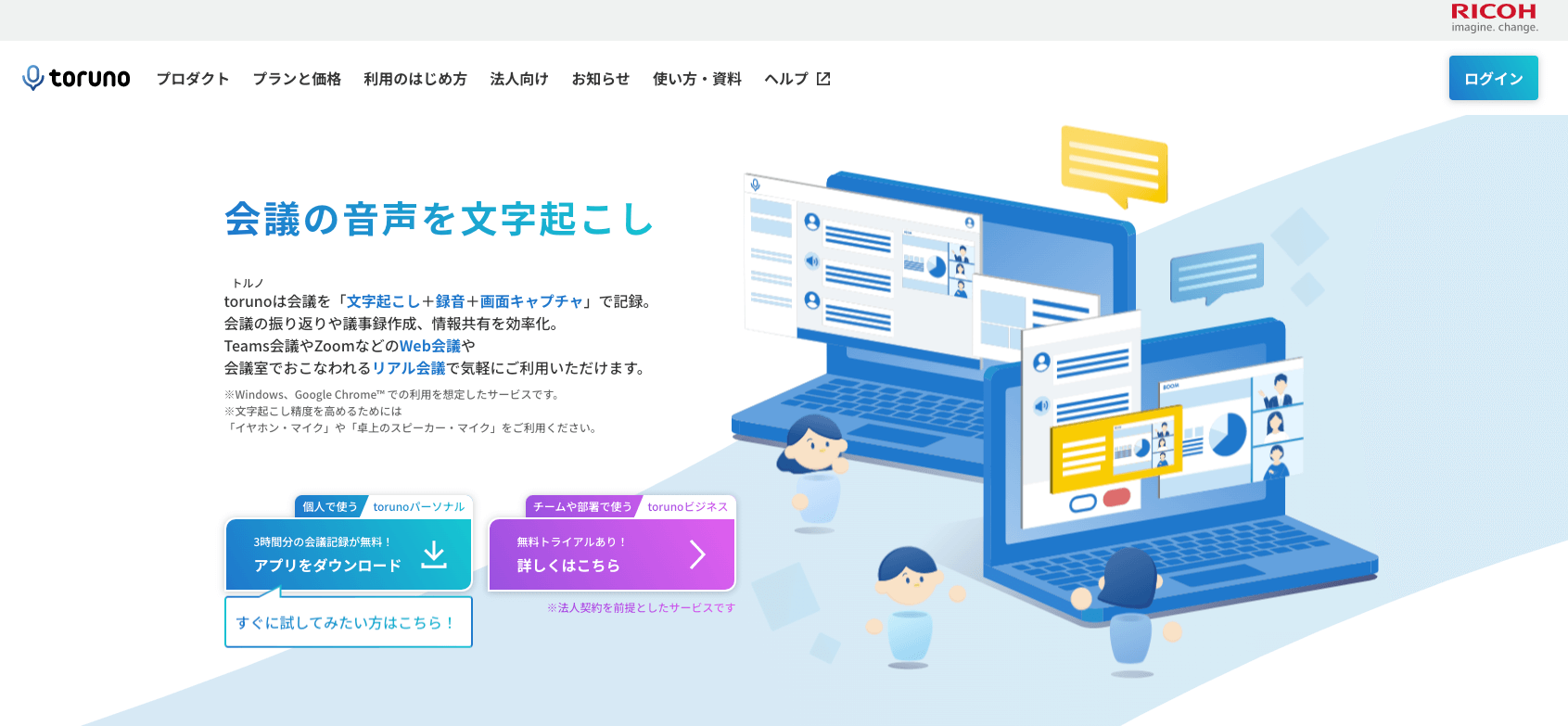
toruno is attractive because it not only converts transcription to text but also records audio and screen captures together.
Having both transcribed text and screen captures makes it easier to recall meeting content and eliminates the need for material note-taking, allowing concentration on meetings.
It also supports integration with web conferencing systems like Zoom, Teams meetings, and Google Meet, and connecting is as simple as pressing a button in the app to create meeting minutes, making it a service anyone in the company can easily operate.
RIMO Voice: Service Specialized for Japanese
*Source: RIMO Voice*
RIMO Voice is a service where AI specialized for Japanese performs automatic transcription and meeting minutes creation. The convenient feature of selecting specific text in transcribed audio data materials to play that audio section is useful. Even for long meeting content, you can pick up only the parts you want to confirm, shortening review time.
AI creates summaries in 10 seconds, making it easy to quickly share meeting content materials internally or with business partners. Furthermore, document saving formats can be flexibly converted to Excel CSV, subtitle file formats, and more.
—
Services for Visualizing Meetings
If you want to not only record meeting minutes but also use materials for employee training or data analysis of negotiation situations, services that can visualize meeting content are recommended.
YOMEL: Automatically Identify Speakers
*Source: YOMEL*
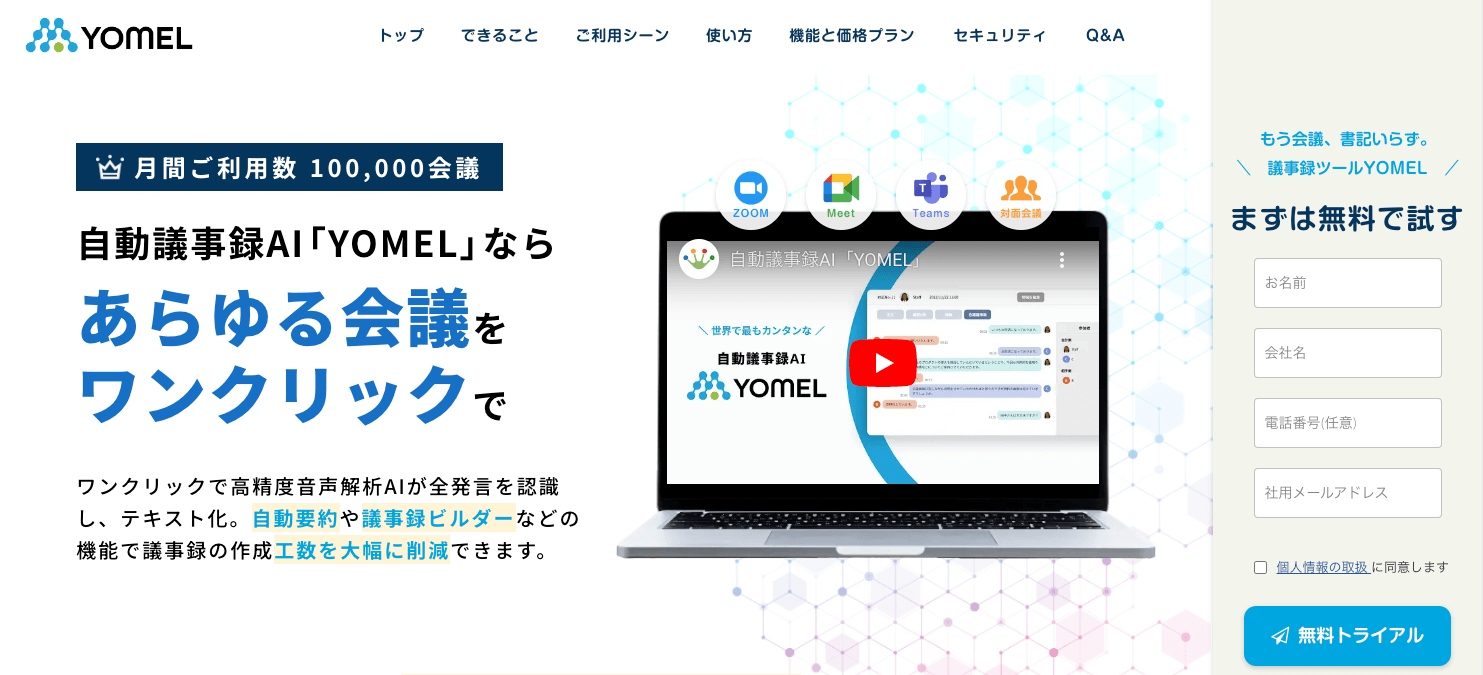
YOMEL is an automatic meeting minutes tool that can be used in any situation, enabling visualization of not only meetings but also customer negotiations and executive meetings.
The “automatic speaker identification feature” that automatically recognizes speakers makes it easy to check later who made what statements. Furthermore, YOMEL is characterized by consideration for meeting minutes readability—it not only records spoken content but automatically cuts unnecessary utterances like “um” and “uh,” enabling high-precision meeting minutes creation.
The feature to bookmark important statements or decisions during meetings with a single click is perfect for reviewing meeting content later.
YouWire: Integration with Other Tools
*Source: YouWire*
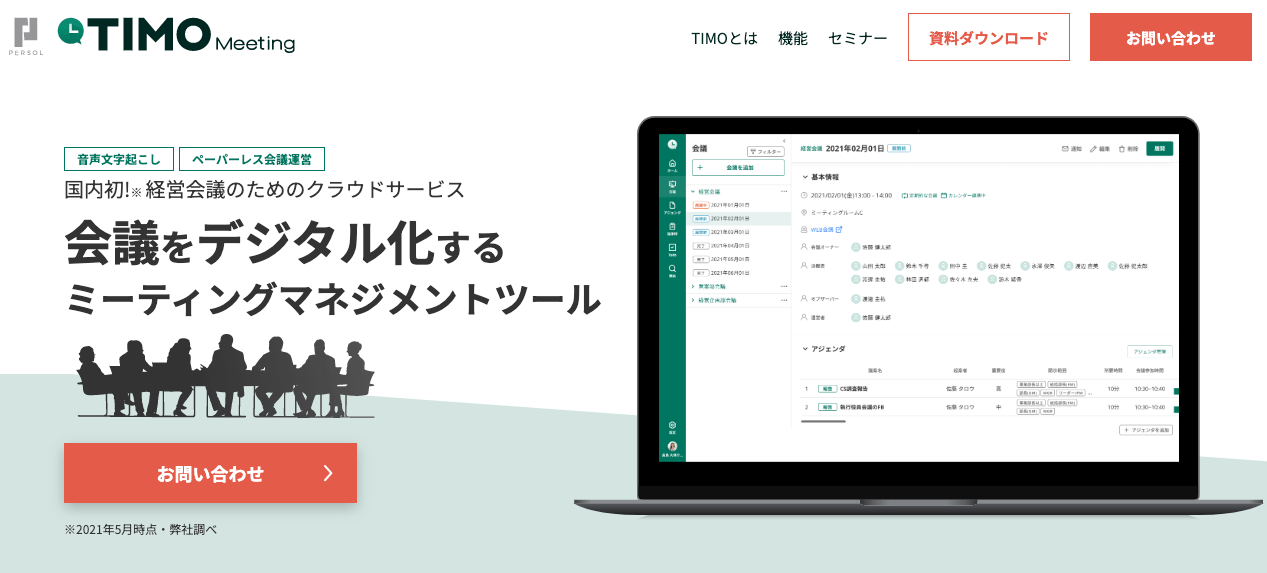
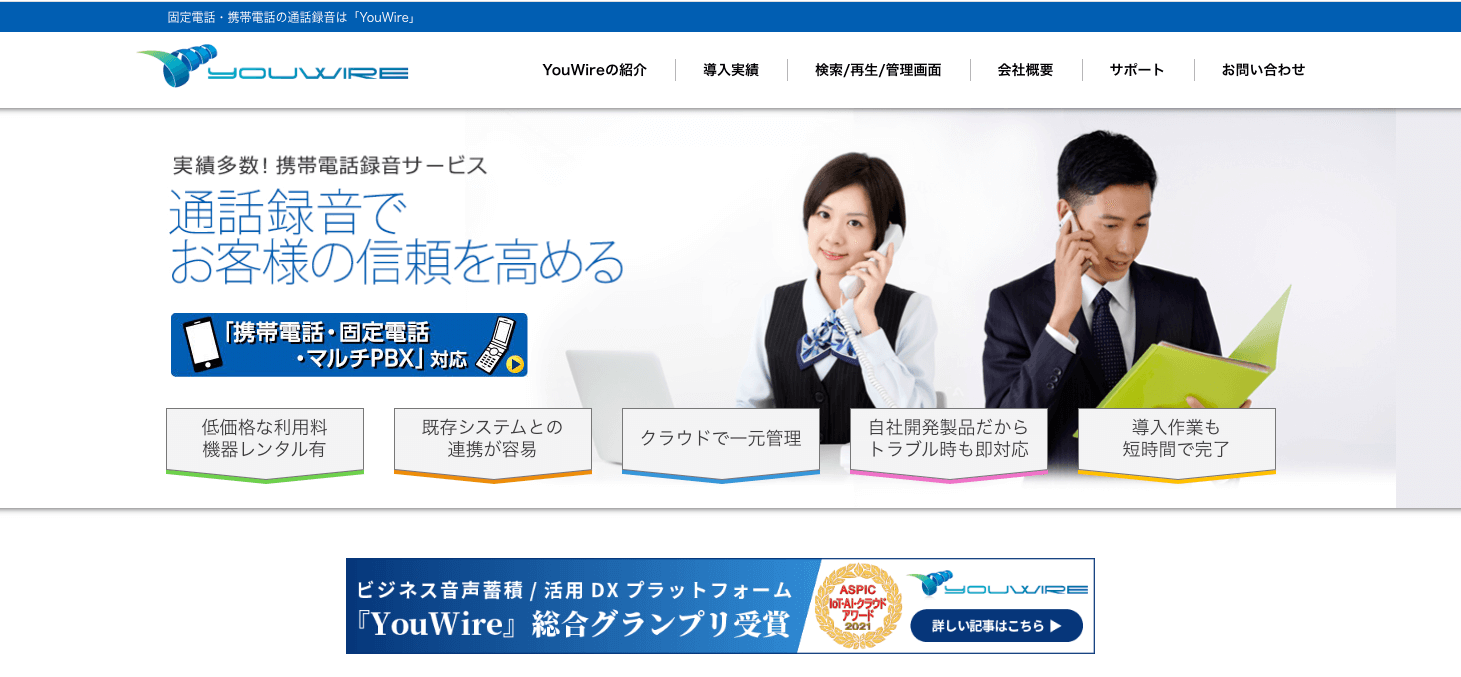
YouWire is a highly convenient tool available at low prices that easily integrates with existing systems.
Fixed phone equipment needed for web conferencing can also be rented, and for mobile phones, you can use your company or personal mobile phone as-is, enabling meeting minutes creation tool implementation and promotion.
YouWire manages data on cloud servers, enabling real-time information updates for quick customer response and problem resolution.
Additionally, with comprehensive management features including meeting minutes search functions and flexible permission ranges, it can be utilized according to company structure and circumstances.
—
Services for Meeting and Task Progress Management
If you want to efficiently implement meeting decisions, services that can extract, create, and manage tasks are recommended.
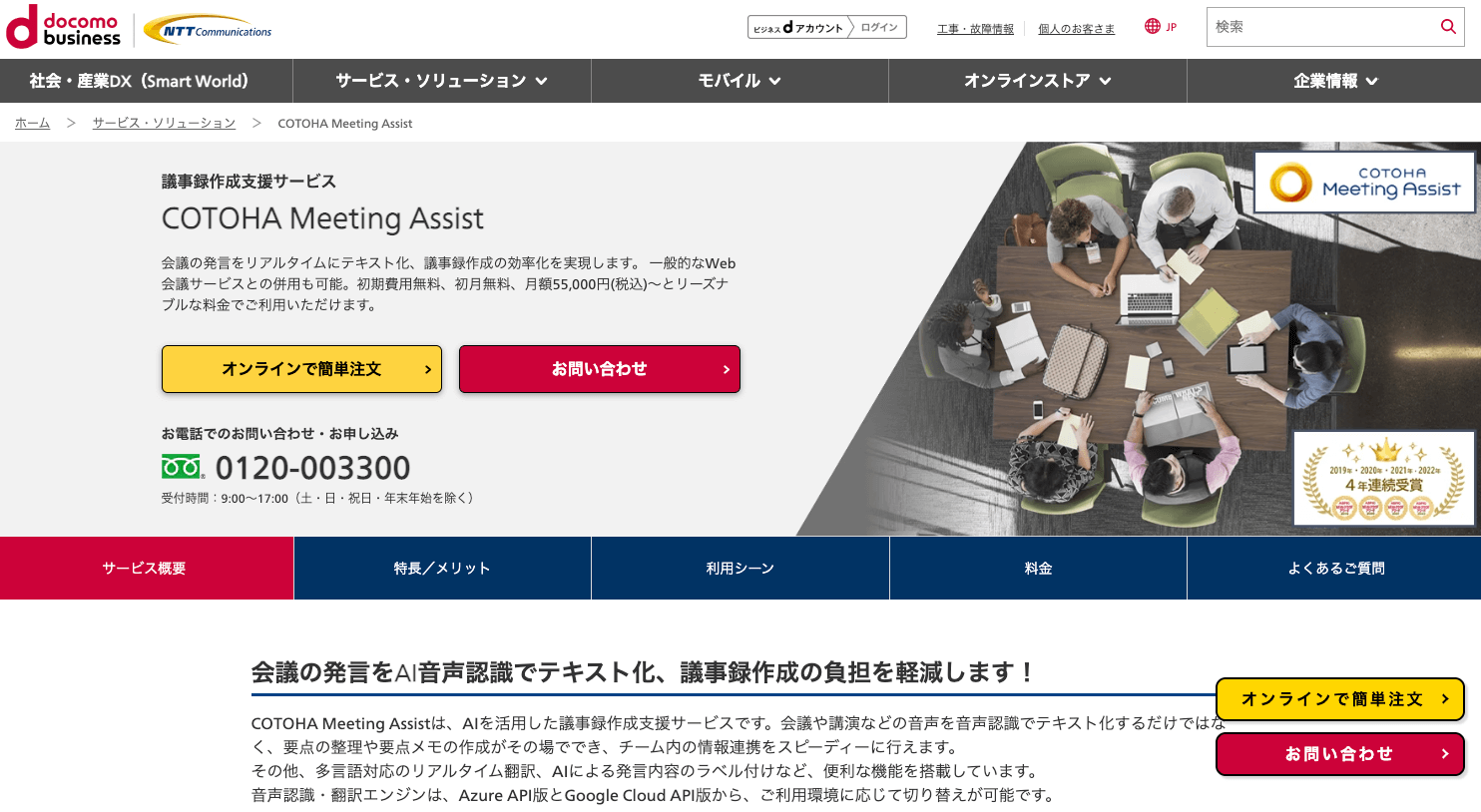
COTOHA Meeting Assist: Task Management Included
*Source: COTOHA Meeting Assist*
COTOHA Meeting Assist excels at business management with AI extracting important matters from meeting content for task extraction and labeling.
Files are strictly managed at NTT Communications’ domestic data centers, providing a high-security system.
Supporting simultaneous translation in 10 languages including Japanese, English, and Chinese, you can easily create automatic meeting minutes by simply launching COTOHA Meeting Assist alongside your regular Zoom, Microsoft Teams, or Google Meet web conferencing services.
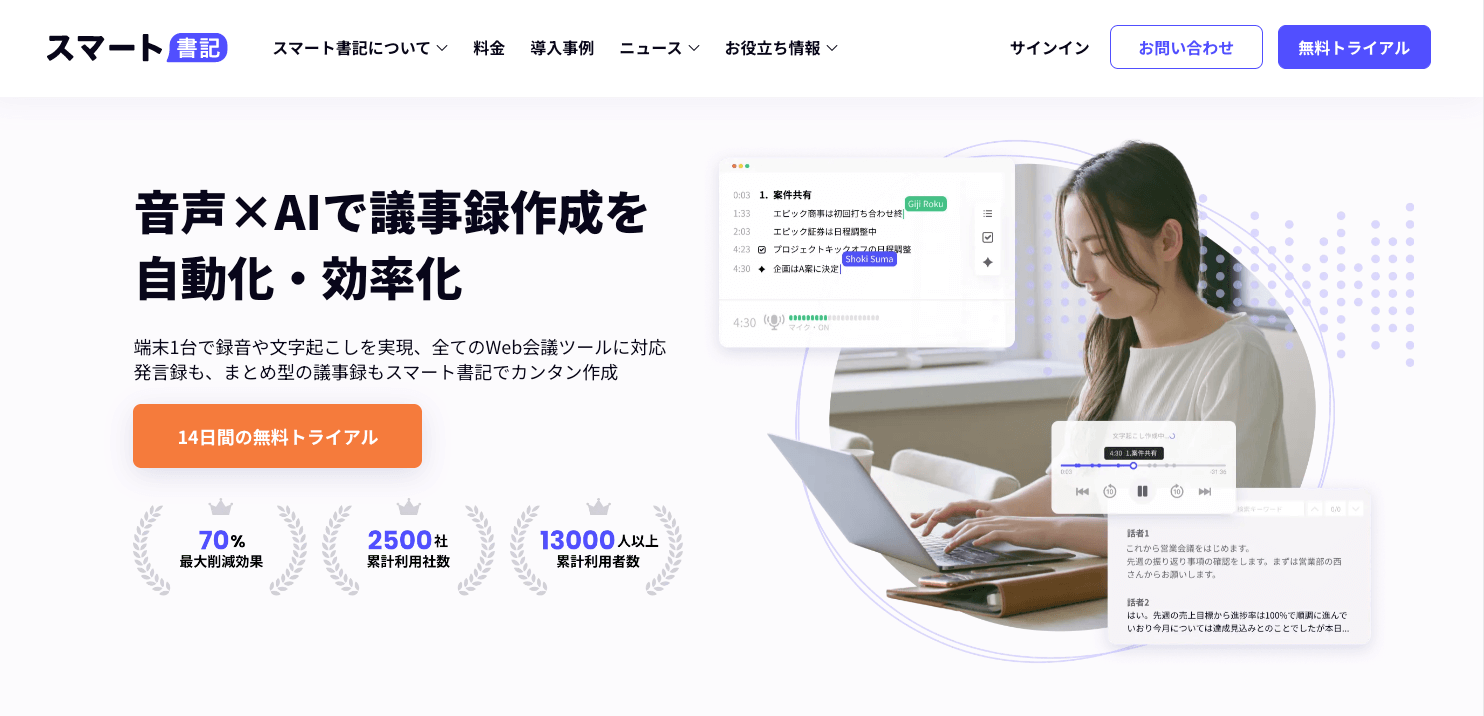
Smart Shoki: Available as Smartphone App
*Source: Smart Shoki*
Smart Shoki can create automatic meeting minutes without integrating with web conferencing systems like Zoom, Microsoft Teams, Google Meet, or Cisco Webex. Additionally, with apps for smartphones and tablets, you can work from any device.
Recording, notes, listening to recordings, and clean-up can all be completed within one tool, effectively promoting work efficiency.
Meeting decisions and ToDo lists can be easily summarized in summaries for easy task management, with list displays enabling smooth information pickup and sharing.
Security measures include various features such as IP address restrictions, multi-factor authentication, and audit logs, which are also effective against unauthorized access.
—
Free Automatic Meeting Minutes Services
Free AI automatic meeting minutes services have feature limitations compared to paid versions, but they’re suitable for first-time voice transcription tool users who want to test usability or small-scale companies.
Google Docs: Anyone Can Transcribe
*Source: Google Docs*
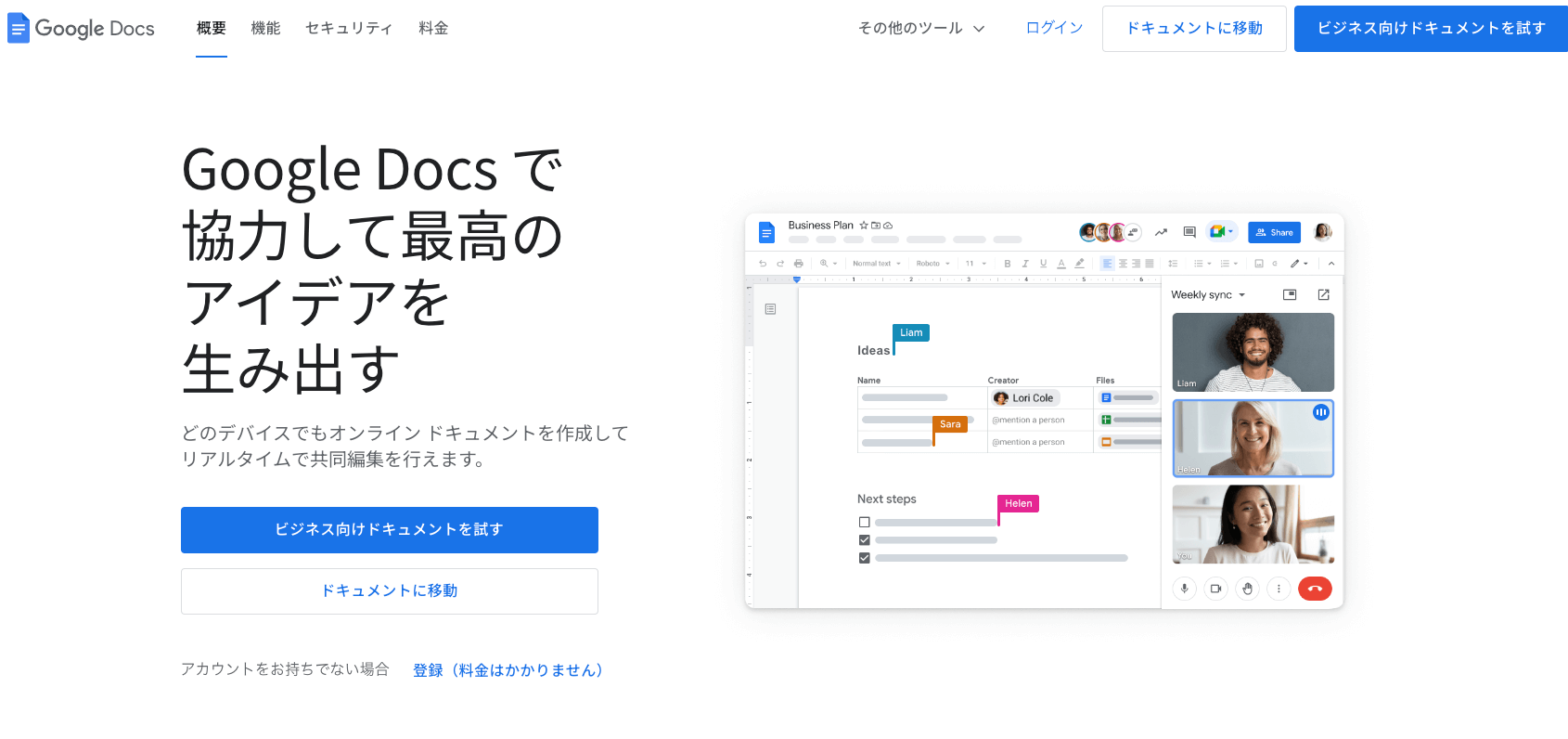
Google Docs is a video conferencing service provided by Google, available free to anyone with a Google account.
Using Google Docs’ voice input feature enables voice transcription, but since it’s not a specialized automatic meeting minutes tool, it cannot judge content breaks or distinguish speakers. Extended silence or long audio data may cause it to stop midway.
However, Google Docs has apps available for smartphones and tablets, making it convenient to work regardless of time or place.
User Local Voice Meeting Minutes System: Statement Analysis
*Source: User Local Voice Meeting Minutes System*
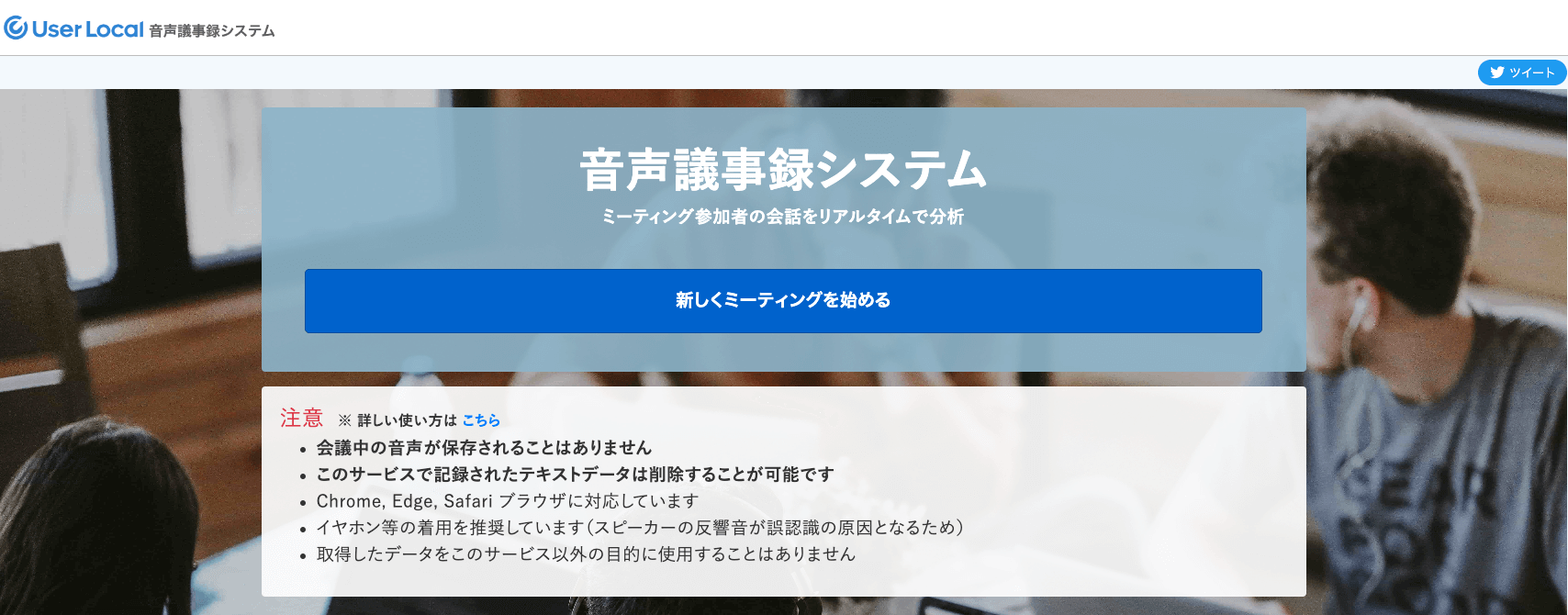
User Local Voice Meeting Minutes System is a free tool that excels at statement analysis.
You can understand not only what words are spoken in meetings but also whether conversations are positive or negative, and visualize conversation content across five emotions (joy, like, sadness, fear, anger), making it useful for meeting analysis.
Transcribed text can be downloaded in CSV format, enabling easy information sharing internally or with business partners.
—
2 Ways to Maximize Automatic Meeting Minutes Tools
Here are ways to maximize automatic meeting minutes tools. Improving meeting minutes precision leads to productivity improvements, so check these out.
Conduct in Noise-Free Environment
When holding web meetings, an environment free from surrounding voices, work sounds, and air conditioning noise is essential. Background noise prevents the voice recognition function from correctly recognizing spoken content, reducing accuracy. Besides securing the environment, using microphones that don’t pick up surrounding sounds is another method, enabling recording of only meeting conversations.
Utilize AI Learning and Dictionary Functions
Effectively using tool AI learning and dictionary functions enables high-precision transcription, but pre-registering specialized terminology is key. AI improves recognition accuracy with repeated learning, so accumulated data improves recognition. While tasks like noting unrecognized content and registering it in dictionaries immediately after tool implementation are time-consuming, as learning data accumulates, tools become more effective, so work on improving recognition accuracy.
—
Boost Work Efficiency with Automatic Meeting Minutes Tools
Using automatic meeting minutes tools not only reduces time and effort for meeting minutes but also makes it easier to concentrate on conversations, enabling meaningful meetings.
Furthermore, simply checking and correcting transcribed meeting minutes leads to easy high-precision document creation, which can be expected to promote execution of meeting decisions.
To maximize tool benefits, it’s important to select services that match your company. Please consider the recommended services and selection methods introduced in this article.
—
Tags: Automatic Meeting Minutes, AI Transcription, Meeting Productivity, VoicePing, Business Efficiency