Are you wondering how to translate English voice audio? There are various methods for translating English speech, so you may not know which one to choose.
For English voice translation, it’s important to select a solution that matches your purpose and use case. If you choose the wrong tool, you may waste money or not achieve the results you expected.
In this article, we’ll explain the background of why English voice translation is needed, methods for translating English speech, how to choose English voice translation apps and tools, and our recommended English voice translation sites, devices, apps, and services.
Background: Why English Voice Translation is Needed
English is the most widely used language in the world, making it essential for communicating with people from other countries. English voice translation is needed not only for direct conversations in daily life and business settings, but also for understanding content in web meetings and videos.
The World’s English-Speaking Population is About 1.5 Billion
Including those who use English as a second language, approximately 1.5 billion people speak English. About 21% of the world’s population uses English, and it is an official or semi-official language in 54 countries.
The native English-speaking population is about 370 million, ranking third after Mandarin Chinese and Spanish. However, the number of people who use English as a non-native language is extremely large, with English being used in 146 countries.
People who are not native English speakers may make grammatical errors or have difficult-to-understand pronunciation, which can make communication challenging for those who are not proficient in English.
Reference: World English Population of 1.5 Billion
Increase in Tourists
While the number of tourists decreased significantly in 2020 and 2021 due to COVID-19 measures, border controls were greatly relaxed in October 2022, and the continuing weak yen trend has boosted foreign tourist numbers. There are many situations where English is needed to serve tourists from various countries.
Web Meetings
Of the world’s total internet population of 4.16 billion, approximately 26% use English, the highest percentage. In international web meetings, there’s a possibility of participants speaking English, so English voice translation is often needed.
How to Choose English Voice Translation Apps and Tools
English voice translation apps have different features, so you need to confirm whether an app can achieve your goals.
Here are the key points for choosing English voice translation apps and tools.
Choose Based on Your Purpose and Use Case
There are two types of English translation apps: smartphone apps and desktop apps for computers.
If you’ll be having conversations outdoors or while traveling, a smartphone translation app is recommended. On the other hand, if you’ll be translating while using a computer or integrating with web meeting systems, you should use a desktop app.
Check Translation Accuracy
How accurately the app can translate is an important factor in choosing an English translation app.
If your goal is just daily conversation or understanding word meanings, you may not need highly accurate translation. However, for business purposes, accurate translation is required.
AI technology is what enhances the speech recognition and translation accuracy in English translation apps. Translation accuracy varies by app, so check before implementing.
Check if It Supports Languages Other Than English
If you’re only conversing with English speakers, you don’t need translation for other languages. However, if you need to communicate with multinational members in overseas web meetings, the tool must support multiple languages.
Bidirectional translation is also important.
For example, if a Japanese person, Korean person, and American are conversing, even if Korean-to-Japanese and Korean-to-English translation work, it’s meaningless if Japanese-to-English and English-to-Korean translation don’t work.
Most translation apps and tools support multiple languages, with some supporting over 100 languages. Check which languages are supported.
Check if It Supports Transcription
In some web meetings, you may want to save meeting minutes as text data.
Transcribing when multiple languages are mixed makes it difficult to use. Using a translation app with a transcription feature allows you to save translated minutes as text data.
Top 3 Desktop Apps for Web Meeting & Video English Voice Translation
By using desktop apps, you can translate English conversations and text in real-time in conjunction with web meeting systems. You can also save translated content as data.
Since these apps support multiple languages beyond English, they’re recommended for web meetings and conferences with multiple foreign participants.
Here are the top 3 desktop apps for web meeting and video English voice translation:
- VoicePing
- ObotAI Minutes
- AIGIJIROKU
Let’s introduce the features of each.
VoicePing
Official Site: VoicePing
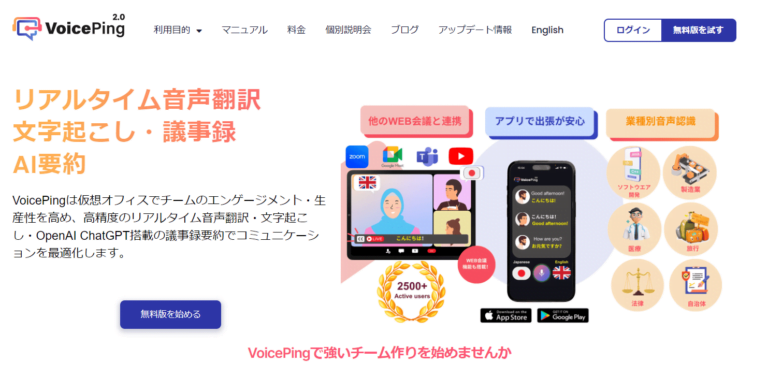
VoicePing is a virtual office tool that can translate and transcribe web meeting audio in real-time. It supports 45 languages including English.
A virtual office tool is a desktop app that allows each employee’s avatar to work together in a virtual office.
VoicePing Features:
- High-accuracy transcription using speech recognition AI
- Real-time translation in 41 languages
- Save translated content as text data in Word, PowerPoint, etc.
- Voice communication in web meetings and text communication in chat boxes
The video above shows VoicePing’s voice translation feature translating English. English is translated in real-time and displayed as text on the screen.
| Plan | Floors | Concurrent Users | Monthly Price |
|---|---|---|---|
| Free Plan | 1 floor | Up to 10 people | Free |
| Small Plan | 1 floor | Up to 30 people | ¥8,250/month |
| Premium Plan | 5 floors | Up to 100 people | ¥22,000/month |
| Enterprise Plan | Unlimited | Unlimited | ¥550/person/month |
ObotAI Minutes

Official Site: ObotAI Minutes
“Minutes” is a desktop app that automatically translates and transcribes web meeting audio in real-time. The service is provided by ObotAI Inc.
Using ObotAI’s proprietary translation engine, which adds unique text processing and cache processing to Google’s translation engine, you can translate, record, and review meeting content in real-time with high accuracy. It supports over 100 languages including English.
It works on Google Chrome, Microsoft Edge, and smartphone standard browsers, so there’s no need to download an app.
| Plan | Usage Time | Monthly Price | Initial Cost |
|---|---|---|---|
| Light | 10 hours | ¥18,000/month | ¥10,000 |
| Business | Unlimited | ¥50,000/month | ¥50,000 |
| Enterprise | Unlimited | Contact us | Contact us |
AIGIJIROKU

Official Site: AIGIJIROKU
“AIGIJIROKU” is a desktop app (compatible with macOS, Windows, Linux) that automatically translates and transcribes web meeting audio in real-time.
It supports translation in 30 languages including English. It works on Chrome, Safari, and Edge browsers, so there’s no need to download an app. Dedicated smartphone apps for iPhone and Android are also available.
Features:
- 99.8% speech recognition accuracy
- Compatible with ZOOM, Skype, Teams, Hangouts, and Webex
- Recognizes specialized terminology in finance, law, medicine, and other industries
- 24/7 email support
| Plan | Speech Recognition | Recording Time | Monthly Price |
|---|---|---|---|
| Personal | 100 minutes | 10 hours/month | ¥1,500/month |
| Team | 1,000 minutes | 100 hours/month | ¥29,800/month |
| Business | 10,000 minutes | 1,000 hours/month | ¥200,000/month |
Web-Based English Voice Translation Site
“Google Translate” is a site that can translate over 100 languages including English. Google provides this service for free.
You can also listen to the translated text as audio. In addition to voice translation, it can translate up to 5,000 characters of text, documents in .docx, .pdf, .pptx, .xlsx formats, and websites.
Official Site: Google Translate
Top 3 English Voice Translation Devices
Portable translation devices can perform English voice translation. They support multiple languages beyond English, and offline devices can be used even in areas without internet access.
Since AI enables high-accuracy translation, these devices are also recommended for English learning, such as checking if your pronunciation is correct.
Here are the top 3 portable devices for English voice translation:
- WorldSpeak
- Pocketalk
- Langogo Genesis
Let’s introduce the features of each.
Portable Translator “WorldSpeak”
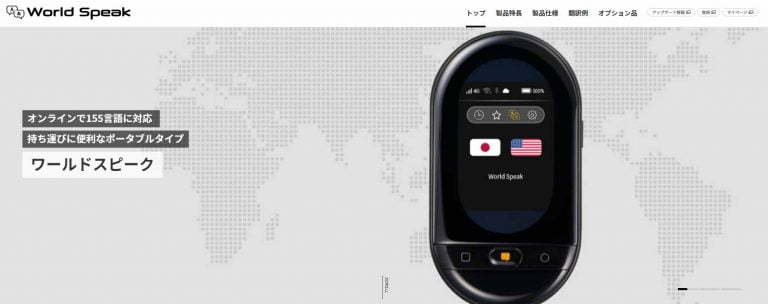
The “WorldSpeak” portable translator is a voice translation device that’s portable and can be used offline. It’s manufactured by King Jim Co., Ltd., a major stationery company.
It can translate 155 languages including English. A countertop model is also available for reception and business negotiation use.
Features:
- Communication via SIM card or Wi-Fi
- Equipped with noise-canceling microphone
- Supports offline translation in 17 languages
- Can save conversation history to storage
- Up to about 30 hours of continuous operation
Official Site: Portable Translator “WorldSpeak”
Pocketalk

Pocketalk is a voice translation device that provides accurate translation using the latest cloud-based translation engine. It is developed and sold by Pocketalk Inc., a wholly-owned subsidiary of Sourcenext Corporation.
It supports 70 languages including English, and translates language in real-time just by pressing a button and speaking. Translation results can also be displayed as text.
Features:
- Supports voice translation in 70 languages
- Includes pronunciation practice function
- Camera translation feature (Pocketalk S series)
- Built-in eSIM usable in over 130 countries and regions
Prices:
- Pocketalk W: ¥9,800
- Pocketalk S: ¥32,780
- Pocketalk S Plus: ¥34,980
Official Site: Pocketalk
Langogo Genesis
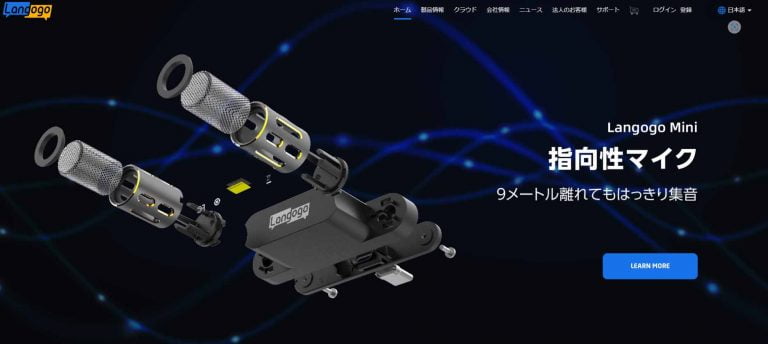
Langogo Genesis is a portable voice translation device that provides bidirectional translation with one button. It supports 104 languages including English.
Features:
- 3.1-inch touch display
- 10 hours of continuous use
- Built-in eSIM usable in 60 countries
- 2 years of free communication costs
- Can sync translated text
Regular Price: ¥30,800
Official Site: Langogo Genesis
Top 15 Smartphone Apps for English Voice Translation
With smartphone apps, you can communicate with English-speaking people.
You can display the content of what the other person says translated into English as text on the screen, or convert what you say into English and output it as audio. Some apps can even take photos of English text with your smartphone camera and translate it into your language.
Many apps are free and support multiple languages beyond English. Note that most apps require internet connection, and some features may be limited or unavailable offline.
Since you can translate on your easy-to-carry smartphone, this is a recommended method for traveling abroad or conversing with English speakers in your country.
1. Voice & Translate – Translator

“Voice & Translate – Translator” is a smartphone app that can translate 54 languages including English. It’s free to use on iPhone but not available for Android devices. It also supports text translation in 117 languages.
App Store: Voice & Translate – Translator
2. VoiceTra
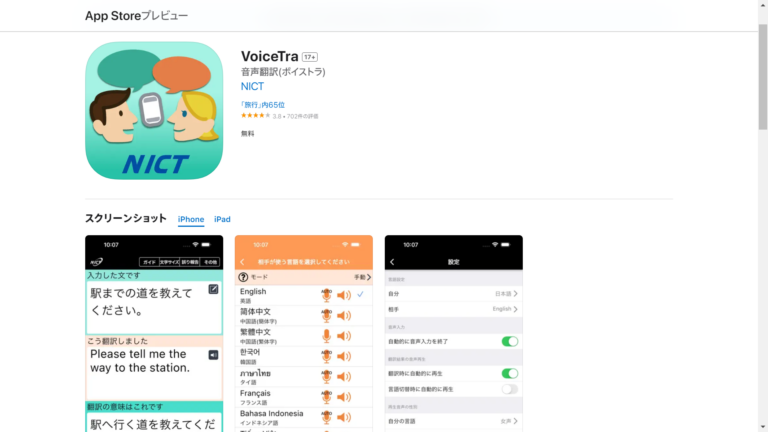
“VoiceTra” is a smartphone app that can translate 31 languages including English. It’s free to use on Android devices but not available for iOS. It also supports text translation. Since you can instantly switch translation directions, two people can have a conversation using just the app.
Google Play: VoiceTra – Voice Translation
3. SayHi Translate
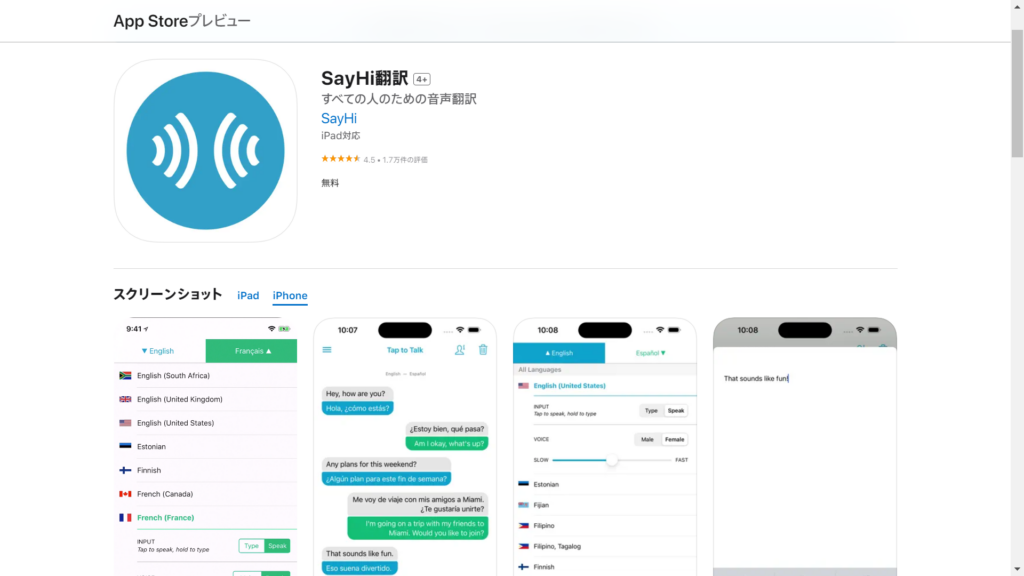
“SayHi Translate” is a smartphone app that can translate over 30 languages including English. Apps are available for both Android and iOS devices. It’s completely free with no premium features or ads.
Google Play: SayHi Translate
App Store: SayHi Translate
4. Papago – AI Interpreter & Translator
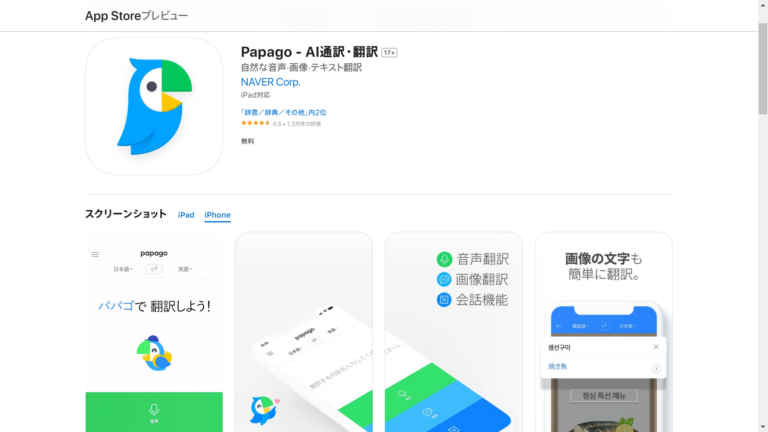
“Papago” supports translation in 13 languages from Korean to English, Japanese, Chinese, Spanish, and French. Incidentally, Papago is Esperanto for a parrot skilled in languages. In addition to text, image, and voice translation, it also supports offline translation and handwriting translation. You can also automatically translate websites by entering a URL.
Google Play: Papago
App Store: Papago
5. Voice Translator & Interpreter
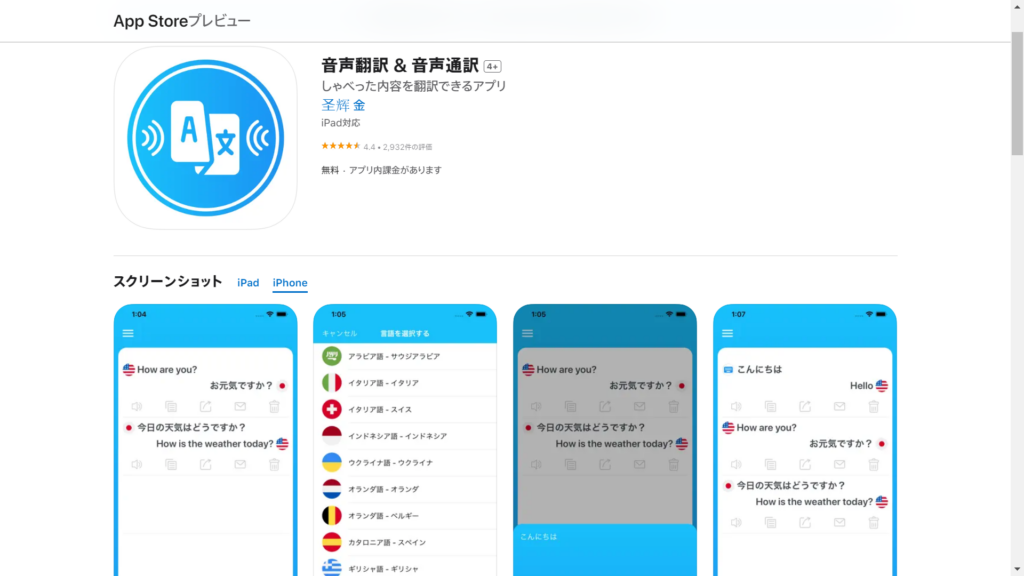
“Voice Translator & Interpreter” is an app that can easily translate over 90 languages just by speaking. It’s reliable for traveling and business around the world. With its easy-to-use interface and fast language switching, it supports smooth communication at airports, hotels, and supermarkets.
App Store: Voice Translator & Interpreter
6. Voice Interpreter App: AI Translate
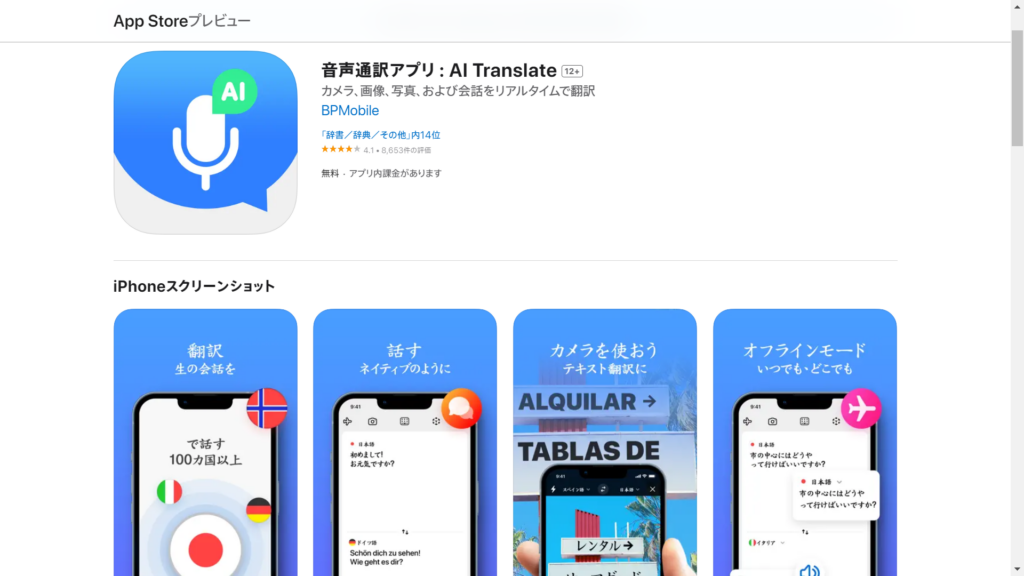
“Voice Interpreter App: AI Translate” is a voice and text translation app utilizing the ChatGPT API. It can also instantly decode text using instant camera translation. Available anytime, anywhere, it’s an ideal communication tool for travelers and businesspeople. You can customize voice speed and voice types. With extensive language support, it’s perfect for learning new phrases and correct pronunciation.
App Store: Voice Interpreter App: AI Translate
7. Talking Translator
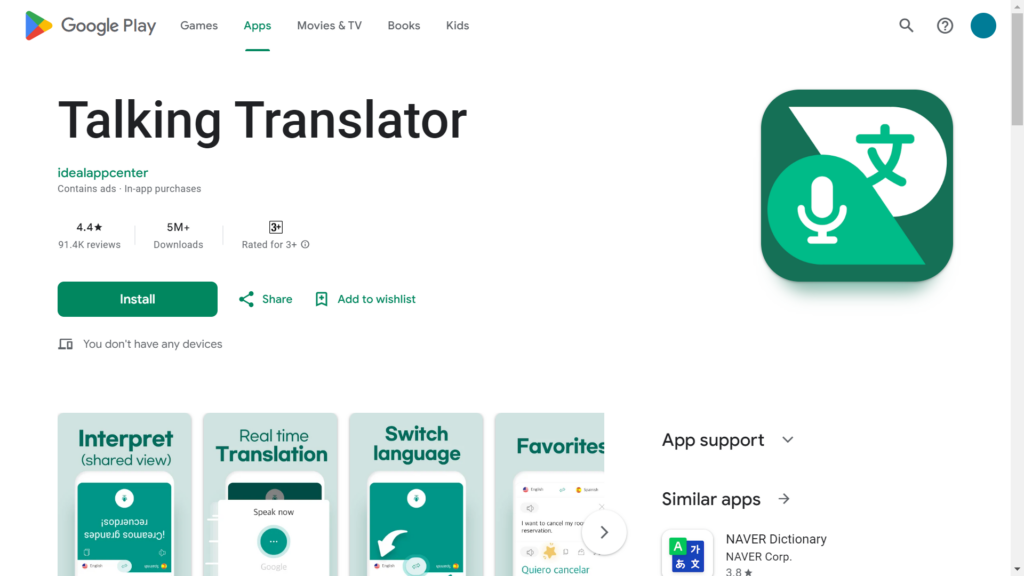
“Talking Translator” is an app that supports communication with instant translation in any multilingual environment, whether traveling, doing business, or having conversations. The innovative “Share View” feature enables real-time communication while showing translations to others. Features include 1-second real-time speech recognition, support for over 100 languages, and handwritten text translation. With diverse features, it makes it easy to interact with anyone.
Google Play: Talking Translator
8. Translator Master – English Korean Chinese
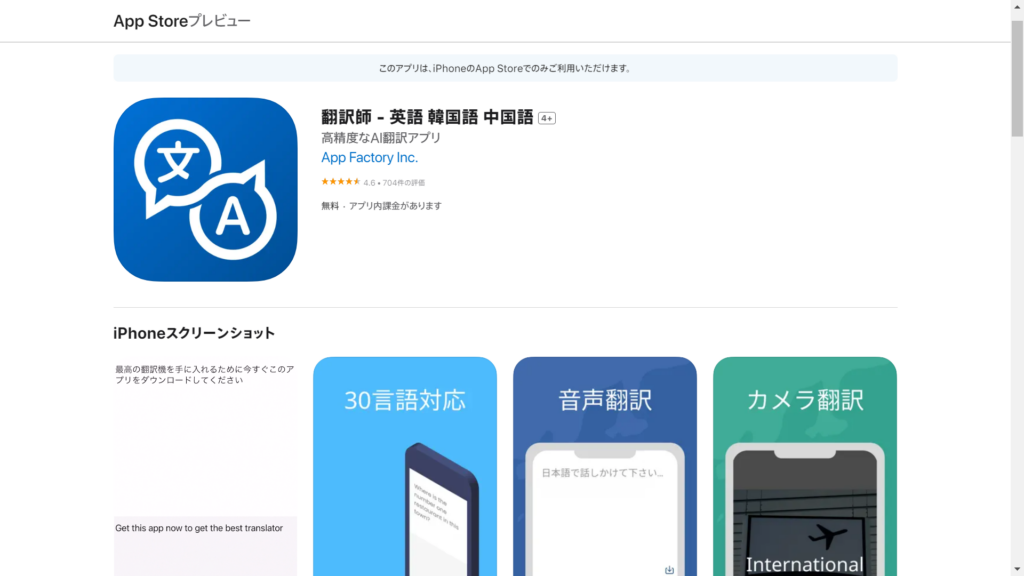
“Translator Master” is an app that enables free high-accuracy translation. Utilizing ChatGPT, it features voice, camera, and image translation and can be operated easily with one hand. It’s suitable for customer service, travel, learning, and various other situations. It supports multiple languages including English, Japanese, Korean, and Chinese. Ad-free use is available with in-app purchase.
App Store: Translator Master
9. Instant Translate: Talk & Scan
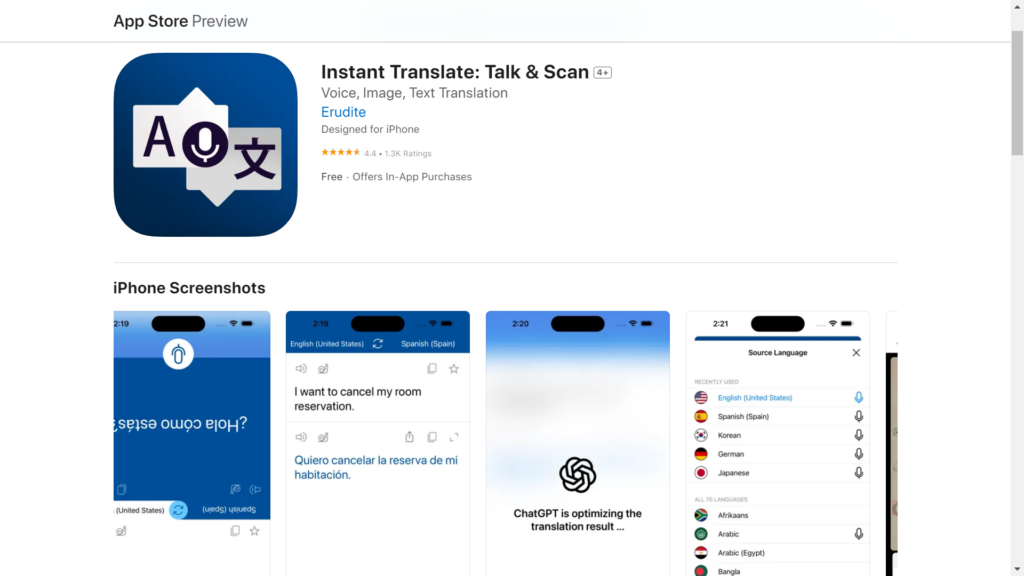
“Instant Translate: Talk & Scan” is a free and easy-to-use voice translation app equipped with cutting-edge ChatGPT technology. With various features like real-time translation and image translation to help overcome language barriers, it’s ideal for overseas travel and communicating with people who speak different languages. You can choose from over 70 languages.
Google Play: Instant Translate: Talk & Scan
App Store: Instant Translate: Talk & Scan
10. Translator – Voice & Text
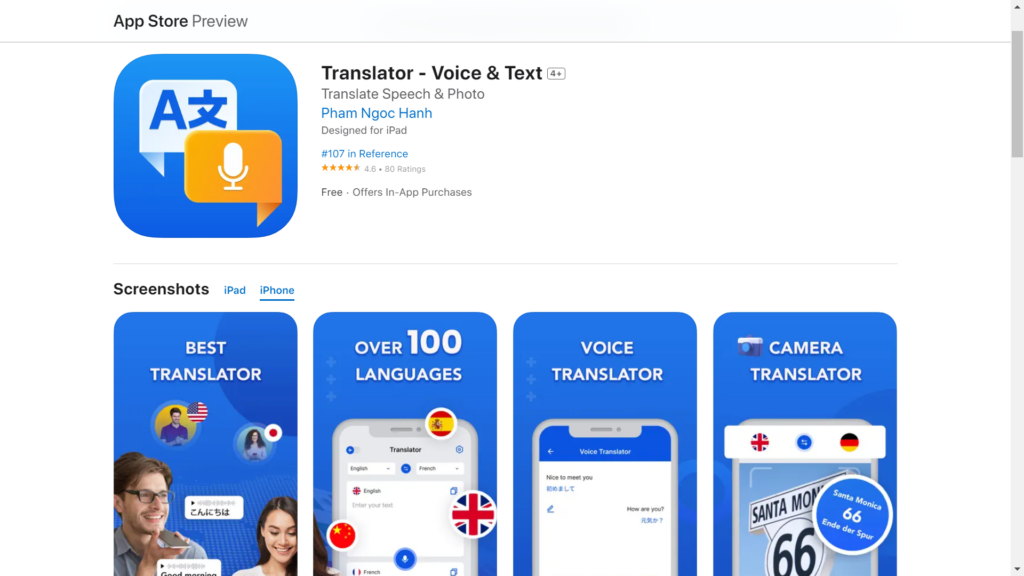
“Translator” is the perfect translation app for traveling to new places or learning new languages. It also features read-aloud of voice translation results. It excels at image translation, using the latest OCR technology to recognize and translate text in any language. You can translate without specifying a language – just take a photo for instant translation.
App Store: Translator
11. Lingvanex Language Translator
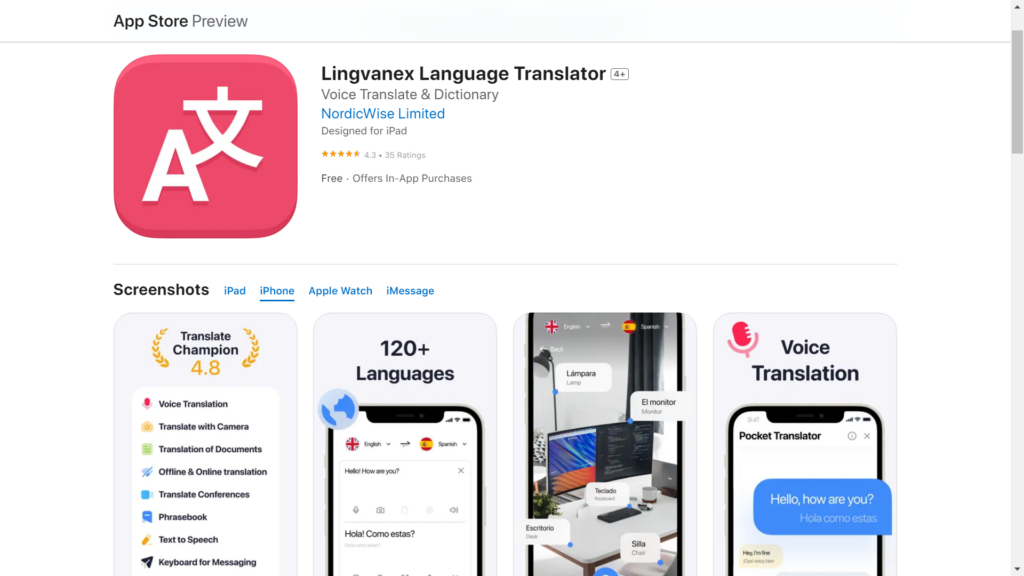
“Lingvanex Translator” is a powerful voice translation app. Its attractive features include voice translation, text translation, and image translation. As a language learning app, it also has features like conversations, phrasebooks, and saving favorite translations. You can also sync translation history across devices using iCloud.
Google Play: Lingvanex Translator
App Store: Lingvanex Translator
12. Translator+ Free My Voice Now
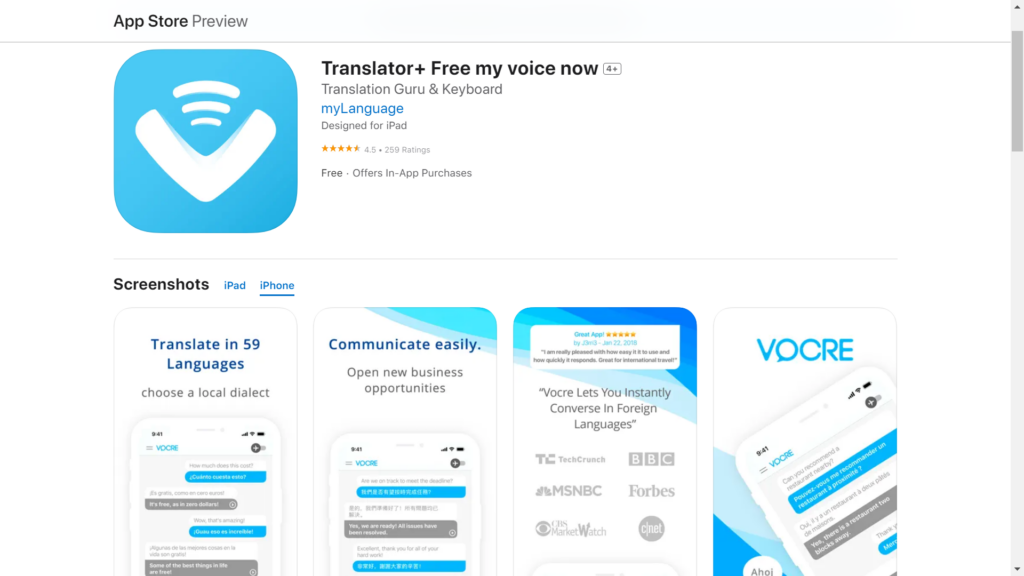
“Translator+” makes communication across languages easy. Just speak to instantly translate various languages and learn new words. It’s an app that combines fun and efficiency for traveling or conversing with people who speak different languages. It supports 36 languages including English, French, and Chinese.
App Store: Translator+
13. Voice Translate: Translator
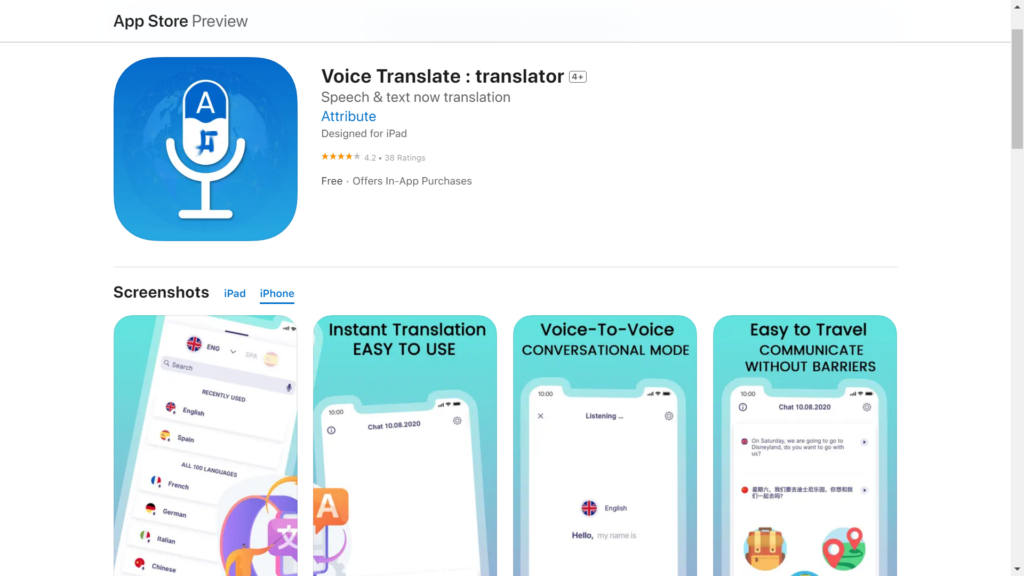
“Voice Translate: Translator” is a multilingual voice translation app. It supports over 30 languages and dialects. It’s a reliable app for learning new languages, traveling abroad, or communicating with people who speak different languages. Editing and sharing via keyboard is also easy.
App Store: Voice Translate
14. iTranslate Voice
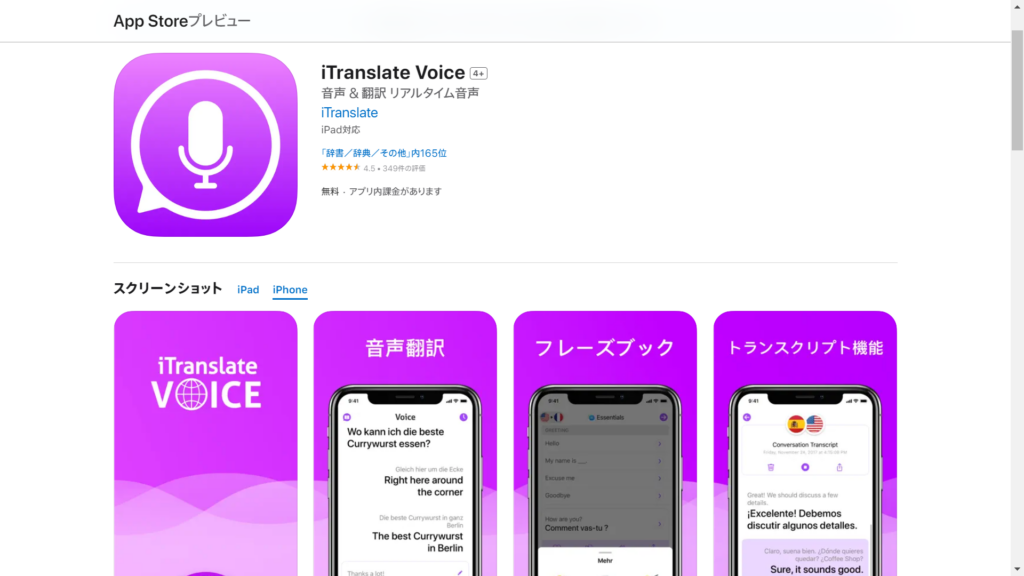
“iTranslate Voice” is a voice translation app supporting over 40 languages. It can instantly read and translate voice, enabling smooth communication. The new phrasebook with over 250 phrases helps in any situation. Additionally, the transcription feature lets you export and share conversations in seconds.
App Store: iTranslate Voice
15. Microsoft Translator
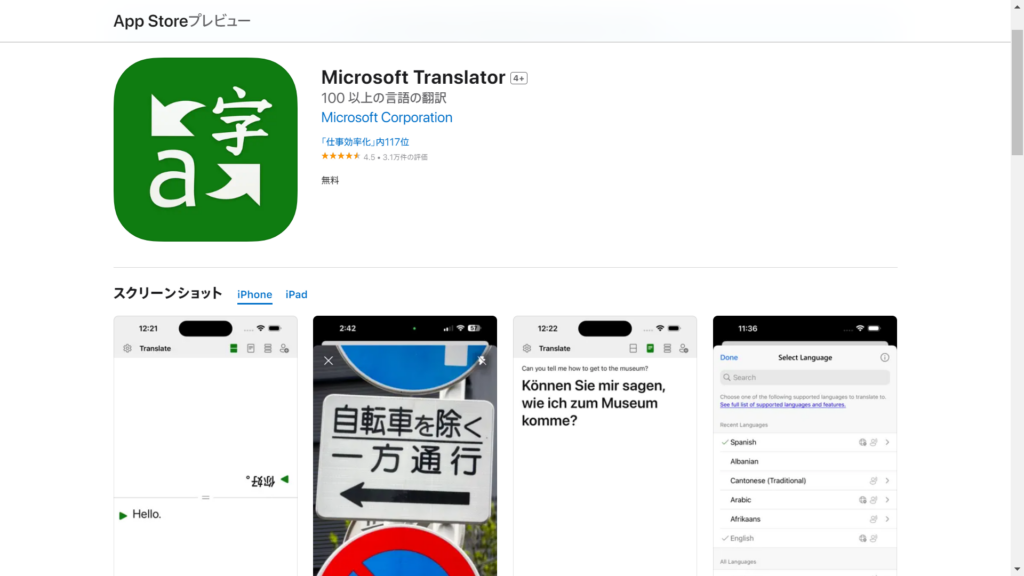
“Microsoft Translator” is a voice translation app provided by Microsoft. It supports text, voice, image, and group conversations in over 100 languages. With an intuitive interface and real-time accurate translation, it’s a reliable tool for overcoming language barriers. It enables easy connection with people from different backgrounds and cultures, making communication possible worldwide.
Google Play: Microsoft Translator
App Store: Microsoft Translator
Top 3 English Voice Translation Services & Companies
Translation company services provide high-accuracy translation by experienced staff with translation certifications. However, note that it takes time to receive translation results.
This method is recommended for translating video audio or creating video subtitles.
Here are the top 3 companies and services for English voice translation:
- Translation Company FUKUDAI
- Rozetta Inc.
- Mirai Translate Inc.
Let’s introduce the features of each.
Translation Company FUKUDAI

Translation Company FUKUDAI provides cost-effective voice translation services. They offer video and audio translation services in English, Japanese, Chinese, and Korean.
With experienced staff specialized in various fields and cross-checking by Japanese and native proofreaders, you can expect high-quality translation.
Video/Audio Translation Pricing (per 100 characters of source text):
- Japanese → English: ¥1,200 – ¥1,600
- English → Japanese: ¥1,200 – ¥1,800
Services:
- Video/Audio Translation
- Subtitle Translation
- Dubbing Translation
- Voice-over (Narration)
- Spotting & Subtitle Editing
Official Site: Translation Company FUKUDAI
Rozetta Inc.
Rozetta Inc. is a company where you can request voice translation, text translation, and Office file/PDF translation using business-oriented AI automatic translation.
They provide the following services tailored to your goals and challenges:
- AI Automatic Translation “T-4OO”: Text translation for over 2,000 specialized fields including legal, pharmaceutical, and finance
- Meeting Minutes & Translation AI Tool “Onyaku”: Real-time voice translation and transcription for web meeting systems, offline meetings, and videos
- Rozetta Phrase: Document translation for manuals and user guides
Their services are used by over 5,000 organizations, from listed companies to foreign-affiliated companies, startups, government agencies, universities, hospitals, and research institutions.
Official Site: Rozetta Inc.
Mirai Translate Inc.
Mirai Translate Inc. is a company that provides AI automatic translation services using cutting-edge language processing technology.
They offer “Mirai Translate Platform Voice Translation API Service” for voice translation in 13 languages including English, and “Mirai Translator,” an enterprise cloud AI automatic translation service for text and file translation available on a group basis.
Official Site: Mirai Translate Inc.
Conclusion: VoicePing is Recommended for Web Meeting English Voice Translation
The demand for English voice translation is increasing not only for overseas travel and daily conversation but also in business settings.
There are various methods for English voice translation, but it’s important to choose one that provides the features you need based on your purpose and use case.
If you’re looking for a translation app with transcription capabilities for web meetings, we recommend VoicePing, a virtual office tool that maximizes remote work productivity.
VoicePing is a virtual communication tool packed with all the features for real-time communication. It includes features that boost team productivity, such as automatic transcription, document sharing, shared whiteboard, and call functions.
To learn about VoicePing, designed to maximize the productivity of fully remote and hybrid teams, download our materials here.
If you’d like a personalized explanation of how to use it for your team, we offer free individual sessions.